Answered

Resize multiple images to be the same size?

  • Jun 17, 2021 4:24 PM UTC
  • 57 replies
  • 15830 views

Show first post

57 replies

@Max Harper Hello here again.
First I just want to say we very much enjoyed using the unofficial app you provided some while ago so much, it became an integral part of our workflow.

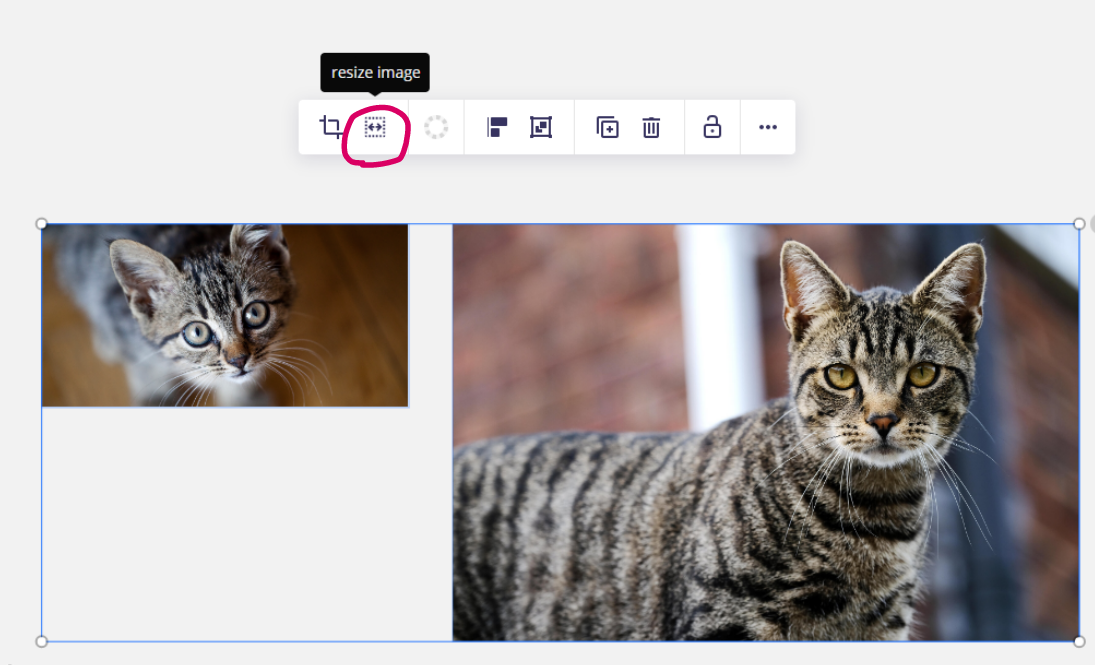
I am glad some way of making the images the same size was added into the Miro proper, but since all it can do is make an average of the whole bulk, instead of matching the specific height or width, it is kinda useless to us as is.

We would very much like to continue using the image resizer unofficial app, but today we started getting warning about it being created with Miro WebSDK v1 and that Miro is moving into the v2 at the end of October.

I am not quite sure what that means for this app. Does it mean it will not be possible to be updated further unles it is moved to v2, or does it mean it will cease to function altogether?


Well, the image resizer app vanished today, so I guess it was the second option. Any help with that?
We would quite prefer not to have to change our workfow yet again because of that.


Eca
Mironeer
Forum|alt.badge.img+5
  • Mironeer
  • Nov 8, 2024 4:07 PM UTC

Hi @Martin Haustein,


Thanks for following up!


To get this issue on Miro’s radar, I’d suggest submitting a support ticket so the team can look into the recent changes affecting the image resizer app.


Thanks for sharing your feedback!


Sadly seems this tool is gone. I was using it several years but it did disappear.
I know that Miro has a tool also for resize, but it has a huge problem. It does only the average size when the tool from Max has the ability to match a specific size, which is very handy. Sometimes I drop 20 screenshots and I want to match the older ones I have before. I can select all of them and then manually resize until it matches the other one. But it's a work that before was unnecessary with the tool from Max.


If you need to resize multiple images to the same dimensions, batch tools are the easiest option. I’ve used imageresizer for this before since it lets you quickly apply one size setting across several photos at once without complicated editing steps.


Hi everyone — jumping in as someone who works with fashion and style boards too. We build boards with lots of reference photos (moodboards, palette swatches, hair and outfit references), so this resizing problem is very familiar.


For the prep side, before images even hit the board, we've had good results using a few small browser tools from our own project, Style Look Lab: https://stylelooklab.com/ . It started as a set of free style quizzes and photo tools — a 12-season color season quiz (no sign-up: https://stylelooklab.com/quiz/what-season-am-i ), photo color analysis, a face shape detector and a hairstyle preview tool — and we often use the outputs as consistently-sized references for boards. Results are meant as a starting reference, not a verdict.


For the Miro side, the steps shared above still hold: select all images with shift-click, use the context menu to scale them to original size (works best when sources share the same pixel dimensions/aspect ratio), then Auto layout to distribute them evenly. If your sources vary, normalizing their dimensions in an image editor before uploading saves a lot of manual resizing.


Hope that helps anyone building visual-heavy boards!


One more workflow that's worked well for us: we run a small fan site for a browser racing game (https://thepolytrack.com/), and our track directory shows 30 courses with 3D preview images that all need the same dimensions to line up in a grid. Before uploading to Miro, we normalize the previews to one fixed size in a batch step — that way Miro's "same size" action has identical aspect ratios to work with and we avoid the averaging problem people hit above.


For the style/photo side of things, our sister project Style Look Lab (https://stylelooklab.com/) has a few free browser tools (color season quiz, photo color analysis, face shape and hairstyle previews) that we use to generate consistently framed reference images; we drop those onto boards as uniform-sized references. Hope that helps anyone juggling lots of visual assets.