

Problem in presentation mode

  • July 2, 2026
  • 3 replies
  • 38 views

Forum|alt.badge.img

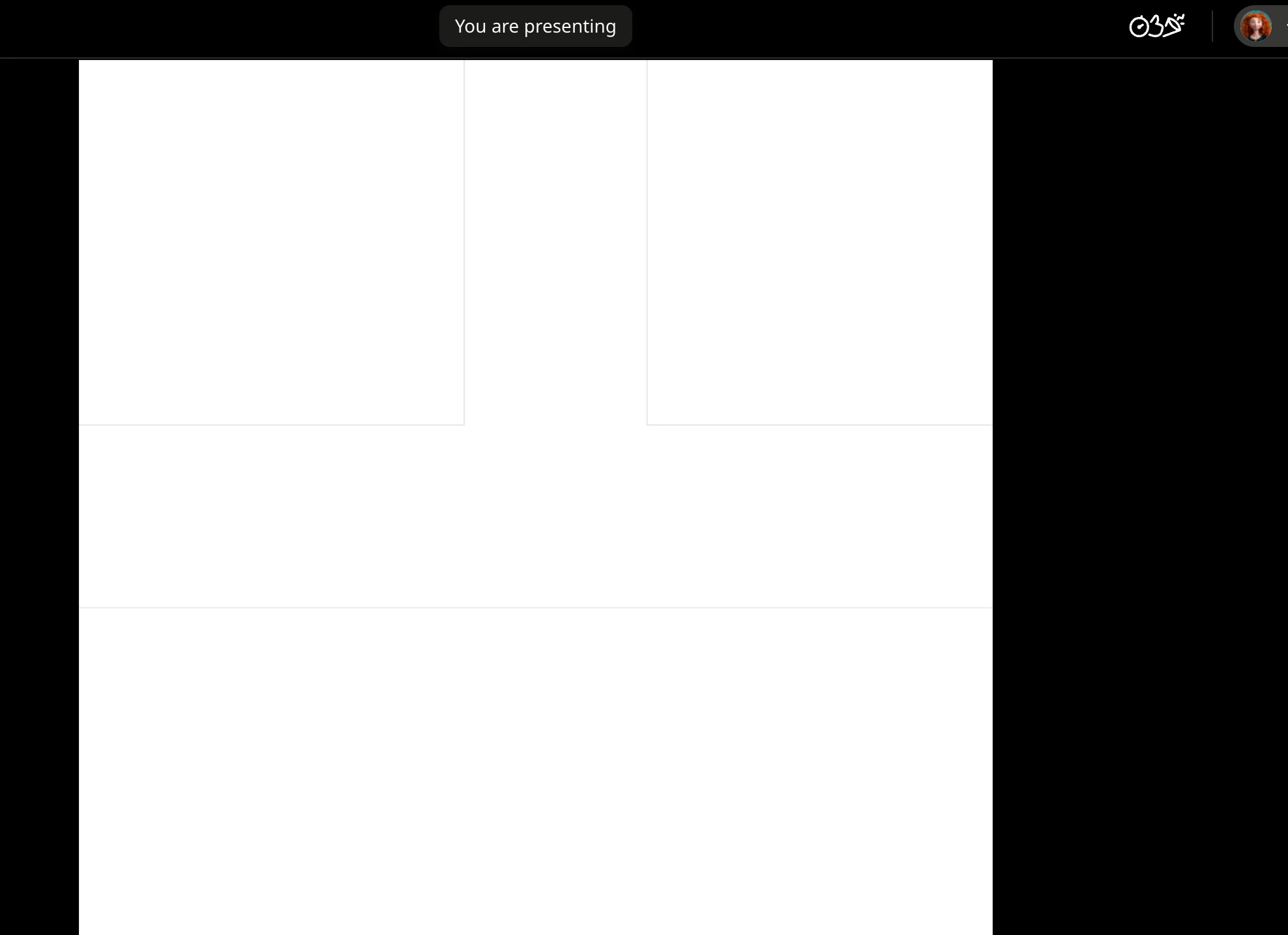
During presentation mode, the words “You are Presenting” remain permanently visible on the screen. It would be better if they could disappear automatically after a few seconds or stay hidden, as they distract from the presentation.

3 replies

Eca
Mironeer
Forum|alt.badge.img+5
  • Mironeer
  • July 5, 2026

Hi ​@mohit singh Thanks for reaching out!

As per my replication, the "You are Presenting" banner appeared briefly when Presentation mode started, then automatically disappeared after a few seconds. It reappeared only when I moved my cursor to the top or bottom of the screen, where the presentation controls are located.


Could you help us understand what you're seeing a bit better?

  • Does the message stay visible the entire time, even if you don't move your mouse?
  • Does this happen on every board or only a specific one?
  • Which browser and operating system are you using?
  • If possible, could you share a short screen recording showing the behavior?

That information will help determine whether this is an unexpected behavior or something else. Looking forward to your update!


Forum|alt.badge.img
  • Author
  • New Here
  • July 5, 2026


The message stays visible the entire time, regardless of whether I am using the stylus or not.


It happens on every board.


I am currently using a Poco 5G Android tablet.


Here the link of my youtube lecture.  https://youtu.be/n-ZSrqfgoYw?si=aWz5jk-JHvKarR6d

You can find in the middle at the top "You are Presenting" is still visible. 


Eca
Mironeer
Forum|alt.badge.img+5
  • Mironeer
  • July 6, 2026

Hi ​@mohit singh 

thanks for reaching out! I have your case converted to a support ticket for further investigation. You should receive a response shortly.