Do you know why, when I copy and paste a link from a Miro template or an existing board into a new board, no preview is shown and the link appears only as plain text?
It works for webpages though. Only links to Miro boards or templates aren’t displayed as objects.
Thanks for your help, Michael
Best answer by Eca
Hi @Michael Lindermann, here’s a result of my replication:
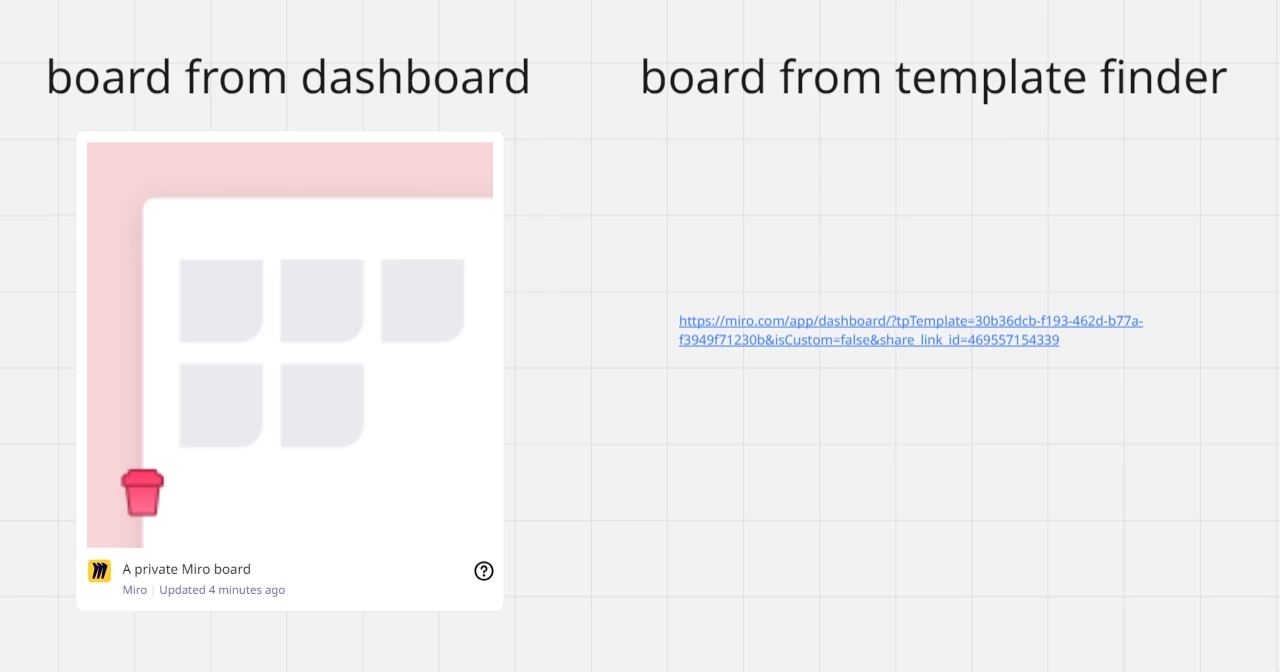
When pasting a link to a board from the Miro dashboard, it embeds as a board card (with preview image, board name, etc.).
When pasting a link from the template finder (even after the template has been instantiated into a board), it only appears as a plain text link — no embed. This behavior is observed even after using the iframe.
This behavior suggests that Miro's embed preview function is tied to a specific type of board, likely tied to whether the board exists fully within your team and is recognized as such.
Boards via /?tpTemplate= links might not fully initialize (until fully opened and possibly owned).
Miro’s embed engine might be ignoring query-string parameters in those links (like tpTemplate=...) and treating them as non-embed-worthy.
Try these steps to force embed recognition:
Open the board from the template link > click use template
Make any edit (e.g. add a shape or text).
Return to the dashboard.
Copy the board link from the dashboard (rather than the URL bar with the tpTemplate query).
Hi @Michael Lindermann, here’s a result of my replication:
When pasting a link to a board from the Miro dashboard, it embeds as a board card (with preview image, board name, etc.).
When pasting a link from the template finder (even after the template has been instantiated into a board), it only appears as a plain text link — no embed. This behavior is observed even after using the iframe.
This behavior suggests that Miro's embed preview function is tied to a specific type of board, likely tied to whether the board exists fully within your team and is recognized as such.
Boards via /?tpTemplate= links might not fully initialize (until fully opened and possibly owned).
Miro’s embed engine might be ignoring query-string parameters in those links (like tpTemplate=...) and treating them as non-embed-worthy.
Try these steps to force embed recognition:
Open the board from the template link > click use template
Make any edit (e.g. add a shape or text).
Return to the dashboard.
Copy the board link from the dashboard (rather than the URL bar with the tpTemplate query).
thanks so much for looking into it. Your support is highly appreciated.
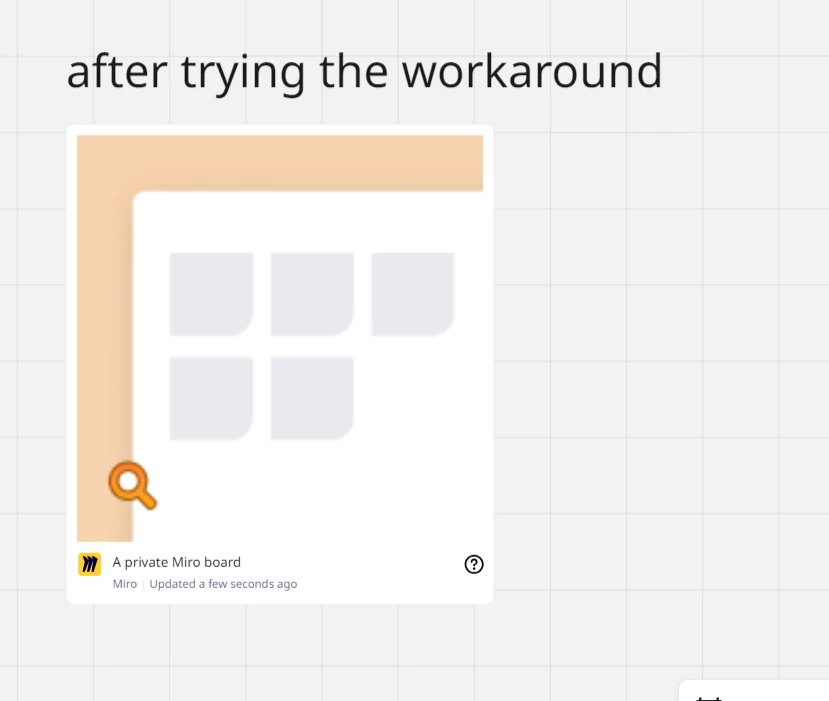
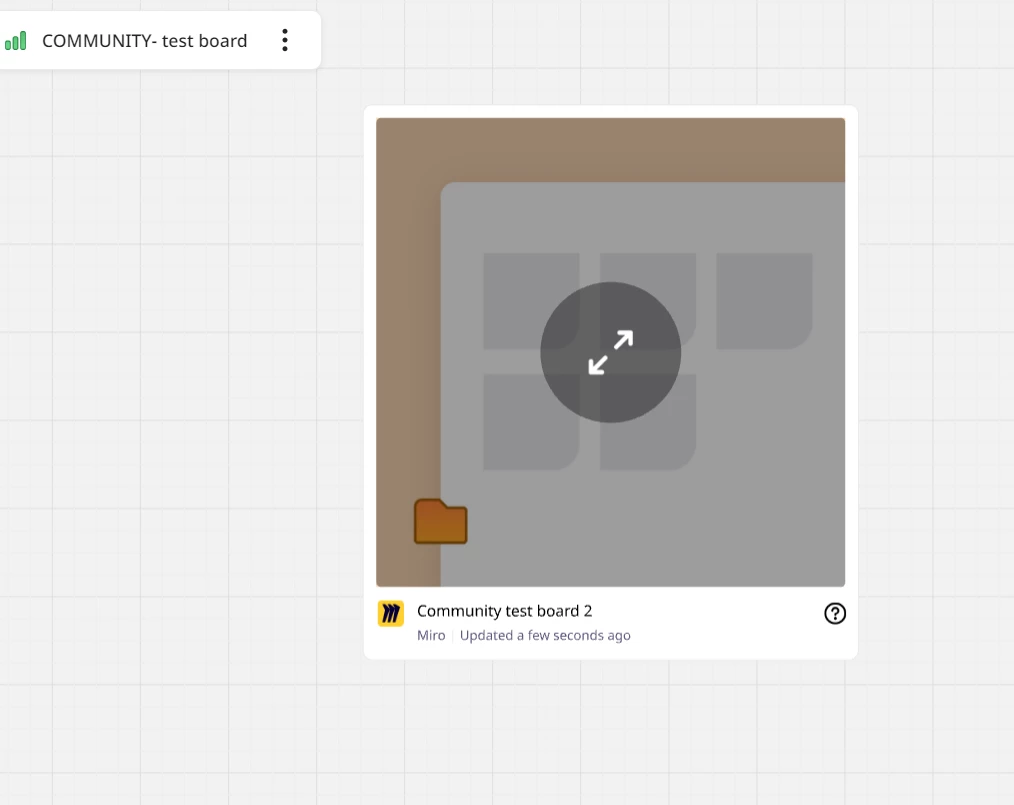
I tried you workaround and indeed this is working. So I guess this is an intended behavior.
The problem is, it doesn’t match my usecase where I wanna provide people with a link to a dashboard on my board instance, so that they can easily instantiate a new version of it. Of course I can provide the textual link as such, but the look & feel is a bit odd and I would be awesome if a preview would be given instead.
The only workaround for this I can think about is to make a screenshot of that template view and add a manual link.
Thanks so much for sharing that, @Michael Lindermann— I understand how a cleaner, more visual experience would be ideal, especially when you're trying to guide users toward templates more smoothly.
I’ll check internally to confirm whether this is the intended behavior when sharing template links, just to be sure. I’ll keep you posted as soon as I hear back!
Thanks again for your patience while I looked into this further!
I checked internally, and it turns out that this is indeed expected behavior — links with ?tpTemplate= (typically used to preview or share templates) don’t currently generate embedded board previews when pasted into another board. This is because they aren’t recognized as full board links within the Miro embed system.
Your workaround idea, adding a screenshot and hyperlinking it — is a solid approach!
Let me know if you have any other questions. happy to help further!