[POSSIBLY FIXED] Frames fit to screen

  • February 19, 2026
  • 8 replies
  • 0 views

Hey there
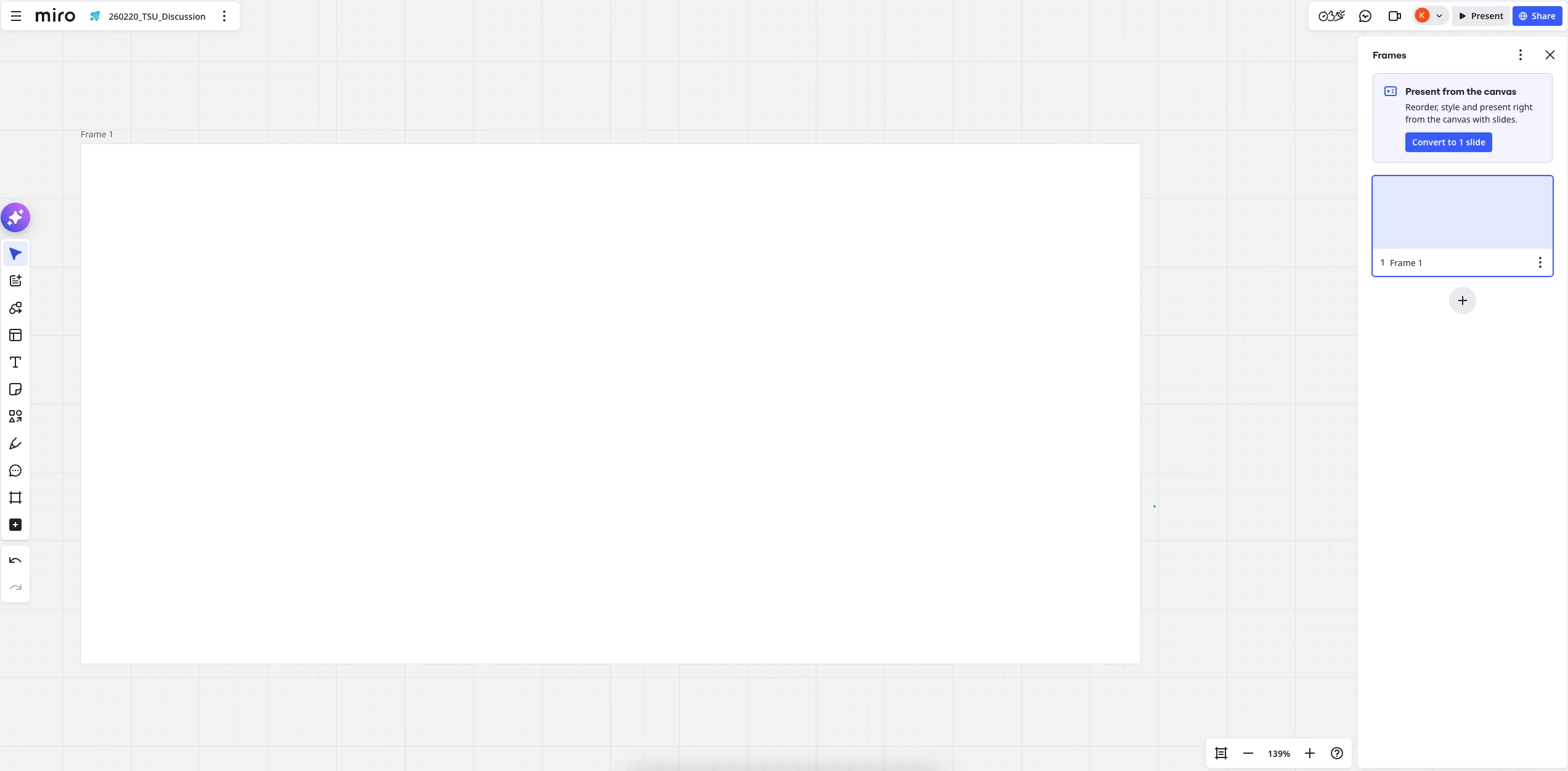
it seems that since the last update after klicking frames in the frame list on the right, the frames don´t fit to screen anymore? This is a desaster for my workshop workflow! Are there any possibilities to get back the function that a single frame fits to screen after klicking on the name in the frame list on the right? Thank you very much for an answer!

February 20, 2026

@Anne S / ​@klb75 This looks to have been fixed. Can you try again?

8 replies

Kenneth Ritley
Forum|alt.badge.img+2
  • Active Contributor
  • February 20, 2026

HI ​@Anne S  Sorry, I don’t have a solution. But I do sympathize. Miro is using Slides more and more, but their UX people seem to have forgotten many (most?) of us jump around when we present. It’s standard stuff in PowerPoint because you can show a HUGE frame in the display with the navigation on the left.

I hope they address this.

Cheers, Ken


Robert Johnson
Forum|alt.badge.img+13
  • Volunteer Community Moderator
  • February 20, 2026

@Anne S Yes, this is unexpected. I have opened a support ticket and will update this post as I learn more.


  • Author
  • Beginner
  • February 20, 2026

HI ​@Anne S  Sorry, I don’t have a solution. But I do sympathize. Miro is using Slides more and more, but their UX people seem to have forgotten many (most?) of us jump around when we present. It’s standard stuff in PowerPoint because you can show a HUGE frame in the display with the navigation on the left.

I hope they address this.

Cheers, Ken

Thank you Ken! I really can´t believe that this happened! I hope too. Yesterday it took me 8 hours to change the whole three day presentation… but im still happy that i accidantaly got it early enough and found a solution by customizable formats! 

I also can´t work with the presentation modus. If i could i could also use Power point Acrobat or something like this. 

I narrowly escaped not only extreme financial damage. My trust in Miro has been shaken for the second time. How is this possible! That Miro changes one of the most important functions without a choice and without even a notiice?


  • Beginner
  • February 20, 2026

Double-clicking a frame in the right-hand frames tab used to center the frame and resize it to fill the available screen space.  The resizing part no longer works, leaving tons of wasted space around the borders.


Robert Johnson
Forum|alt.badge.img+13
  • Volunteer Community Moderator
  • February 20, 2026

@klb75 I merged your post with this existing one. A few people have opened support tickets about this, including myself. I will update this post as I learn more.


Contacting Miro Support

As a reminder to all readers, if you are using a paid Miro subscription, you can open a Miro support ticket by following these instructions:

https://help.miro.com/hc/en-us/articles/360020185799-How-to-contact-Miro-Support#h_01F010RXA0E1S9C0WFQYX75R6C


Robert Johnson
Forum|alt.badge.img+13
  • Volunteer Community Moderator
  • February 20, 2026

@Anne S / ​@klb75 This looks to have been fixed. Can you try again?


  • Author
  • Beginner
  • February 20, 2026

@Anne S / ​@klb75 This looks to have been fixed. Can you try again?

Yes i tried. Thank you, no, its not fixed.


  • Author
  • Beginner
  • February 20, 2026

Double-clicking a frame in the right-hand frames tab used to center the frame and resize it to fill the available screen space.  The resizing part no longer works, leaving tons of wasted space around the borders.


Yes, thats it, thank you!