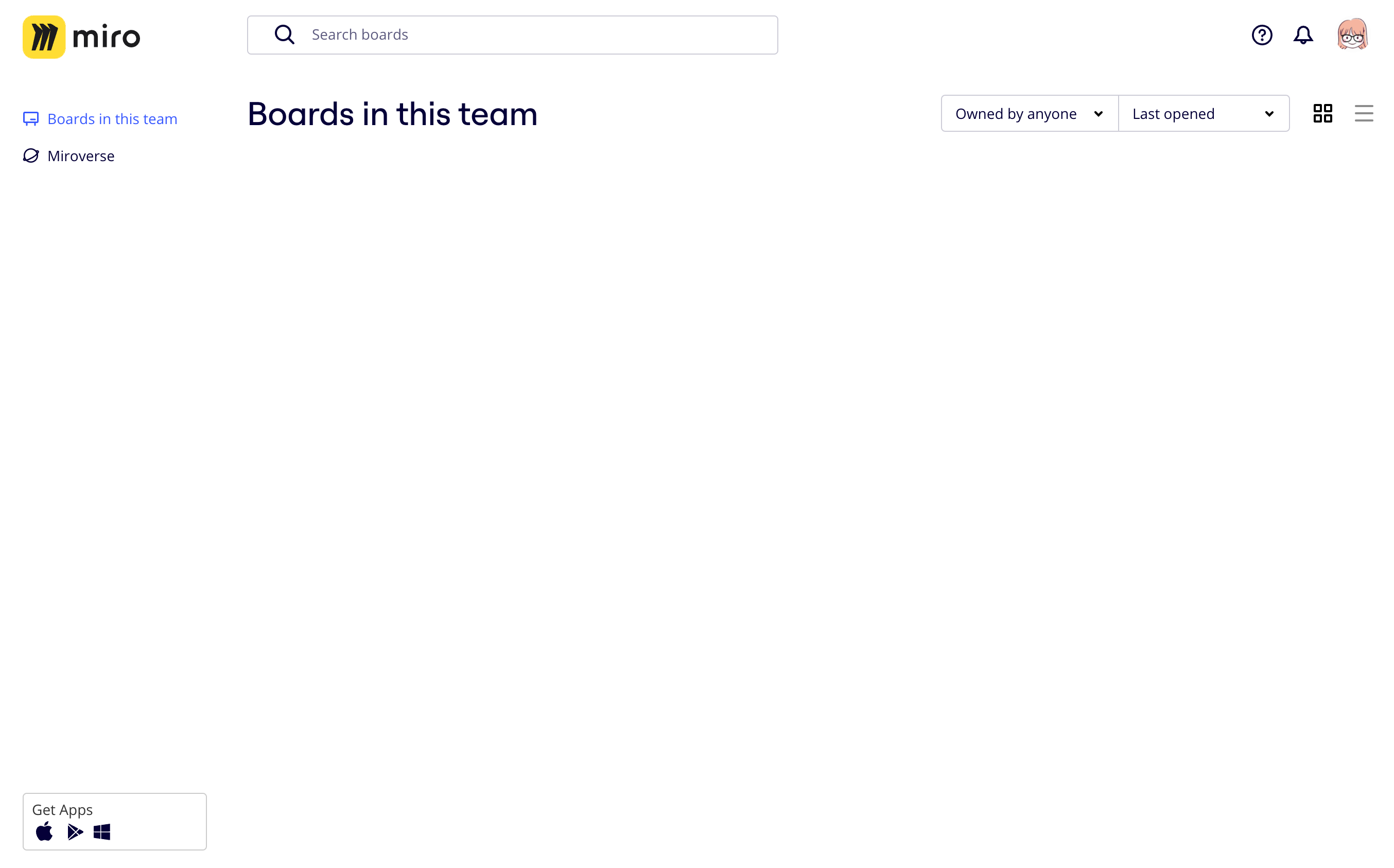
Page is empty - blank screen

  • November 22, 2023
  • 5 replies
  • 2600 views

The page doesn’t load. I can create any boards at all. Clicking into settings are all empty.



5 replies

  • Beginner
  • February 16, 2024

I have the same problem.


Yong-Chong Long
Forum|alt.badge.img+2

Miro status page seems to show that it’s up and I’m not experiencing this issue but I would suggest try force / hard refreshing the page (Ctrl + Shift + F5 on Windows or Cmd + Shift + R on macOS) if you haven’t tried that, or simply try opening Miro in Private Browsing / Incognito.


  • New Here
  • March 28, 2025

My desktop Miro app was also showing a blank white screen. Even after uninstalling and reinstalling Miro the problem was the same. As Yong-Chong Long suggested, force refresh (Ctrl+Shift+F5 on Windows) solved the problem for me. Thank you!


Eca
Mironeer
Forum|alt.badge.img+2
  • Mironeer
  • March 29, 2025

Hi ​@DanielleSL,

Thanks for sharing your experience! I’m glad that a force refresh (Ctrl + Shift + F5) solved the issue for you. That’s a great troubleshooting step to keep in mind for similar cases.


If you run into any other issues with the desktop app, feel free to ask—we’re happy to help!


  • Beginner
  • January 9, 2026

I did everything and it didn’t work to restore my content, EXCEPT for this. 


What I tried that didn’t work

  1. Hard refresh
  2. Clear cache and cookies and disable all plugins
  3. Incognito mode
  4. Try another browser
  5. Try Incognito mode in another browser
  6. etc

What did work

  1. Click-drag to select the elements in the frame
    (you should see empty blue items being selected)
  2. Release mouse button
  3. With the empty items selected, click-drag the items to nudge them around the board
  4. Release mouse button → the empty items should now be displayed