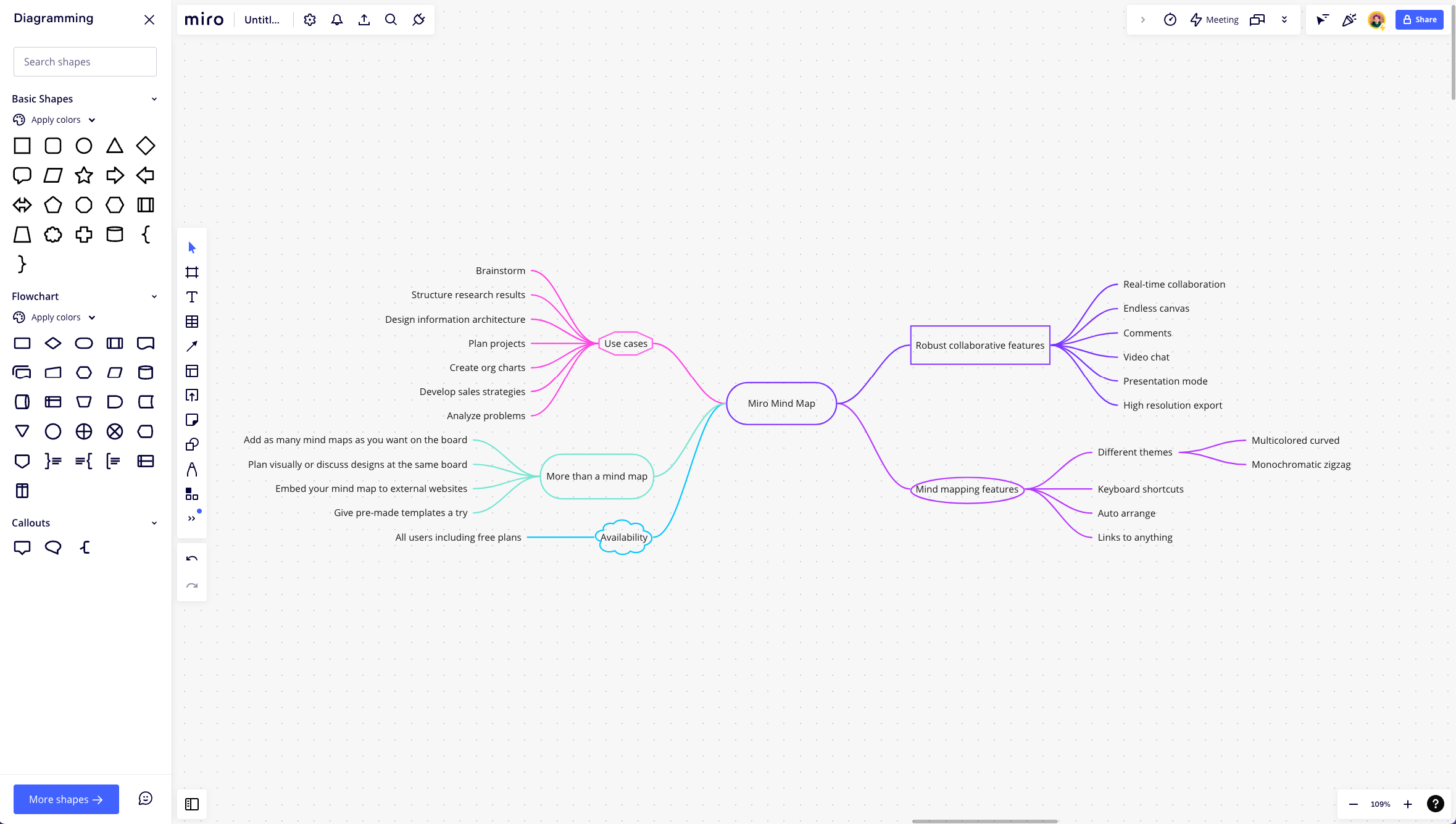
I would like to select a source shape then select multiple destination shapes. Then have Miro draw either a line with multiple heads to each of the destinations or simply draw multiple lines for me to each of the destinations. Creating one to many lines is time consuming and tedious.

One to many - Is there a way to draw a single line that goes to multiple destinations?





Miro Potluck 🥧 Share a tip, and be entered to win $400!

Enter your E-mail address. We'll send you an e-mail with instructions to reset your password.