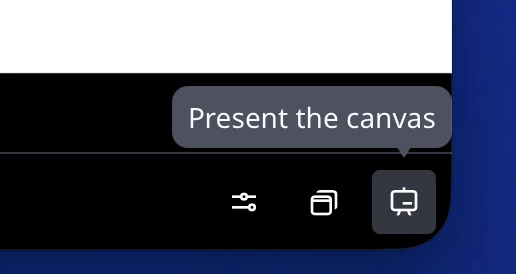
No dark background mode toggle

  • April 9, 2026
  • 2 replies
  • 36 views

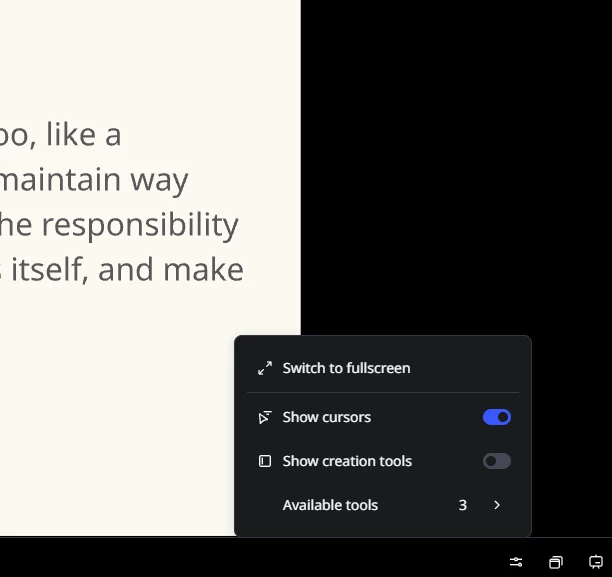
I no longer am able to turn off Dark background for presentation mode. I need this as dark background disables all motion slide transitions (I’ve turned off reduce motion too). I’ve tried incognito mode and the desktop app and it seems like Dark background mode is now forced. Anyone know if this is a bug or a feature degradation?

The chatbot was worse than useless about this, so hopefully someone else knows something! Thanks.



2 replies

Eca
Mironeer
Forum|alt.badge.img+5
  • Mironeer
  • April 10, 2026

Hi ​@Joshua Grant Just checking in on this—are you still experiencing the issue with being unable to turn off the Dark background in presentation mode in Miro?

If yes, let us know if anything has changed since April 9 (e.g., browser/app version), and we’ll continue helping you troubleshoot.


  • Contributor
  • April 10, 2026

Hi ​@Eca, I’m facing the same issue. The feature that allows for a smooth transition between frames has been removed. Previously, this option was available in the presentation mode when the dark background toggle was turned off. However, this option is no longer available. This problem is consistent across Safari, Chrome, and the desktop version. Now, I can only enter the presentation mode and click “present the canvas,” which doesn’t help much because it doesn’t work with remote control movement between frames. It’s quite disappointing.