Question

Miro Timeline Unable to scroll


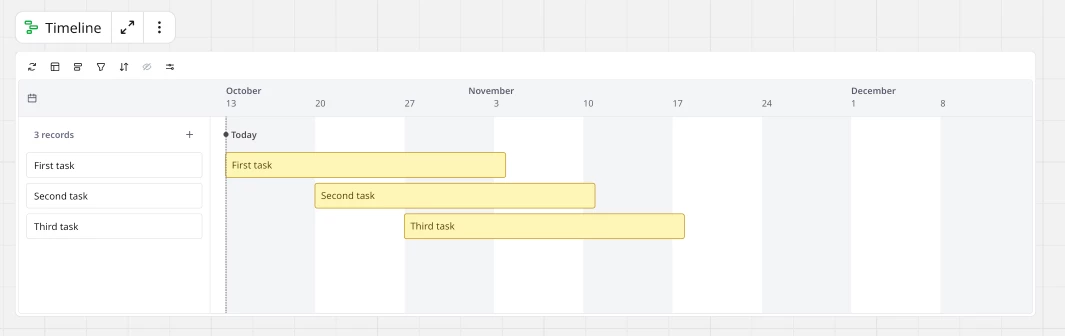
When in or out of focus mode for a timeline. There is no ability to scroll left/right, up/down. 

So I am unable to view anything more than the default view. 

6 replies

Eca
Mironeer
Forum|alt.badge.img+5
  • Mironeer
  • October 12, 2025

HI ​@Carl Walker Thanks for reporting this! Could you please share a short screen recording showing what happens when you try to scroll in or out of focus mode? That will help me confirm whether it’s a display or interaction issue and find a possible workaround for you.


Hello, 

I’m unable to add videos to a reply. 

There is also nothing to show because nothing happens. 

  • Add a timeline to a board. 
  • Try to scroll left or right = The board moves
  • Try to enlarge the timeline viewing window = The current view gets larger and you cannot see more dates
  • Try to drag a task past viewable dates = Doesn’t scroll or anything
  • Change the dates of the task manually = Disappears off screen. Unable to scroll to see the task in the timeline.
  • Expand the timeline by entering focus mode = No difference 
  • Try clicking on the screen and dragging to see more dates = Nothing happens


Browser is currently the latest version of Chrome on Mac. 

Browser cookies and cache cleared

Logged in logged out

Tried incognito mode also.


  • Author
  • Beginner
  • October 28, 2025

Any update this?


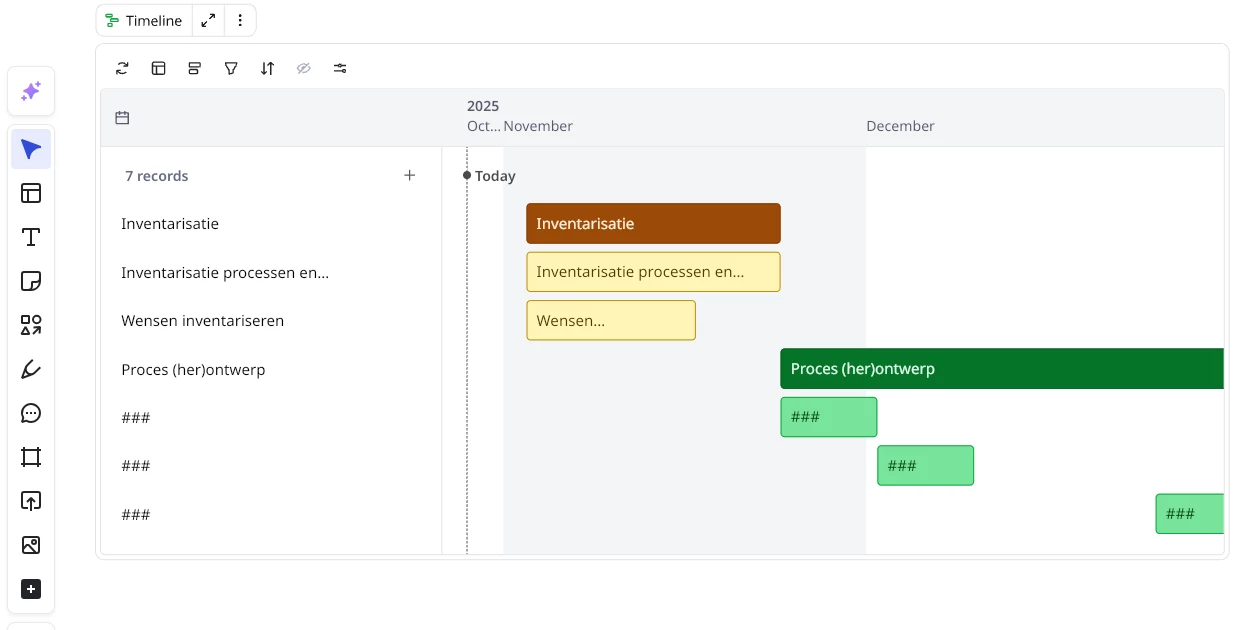
​@Eca Same issue here, cannot scroll trough the timeline:


Having same issue.


  • New Here
  • October 20, 2026

This is happening again, my timeline will load but be stuck on the first viewport as the horizontal scrollbar has gone missing. My entire project tracker is now stuck in the past. Any ideas how to solve this? ​@Eca will there be a fix for this soon? It has happened intermittently over the last week, but now reloading etc will not bring it back. I can’t collapse the sidebar for spaces either, that used to help previously.