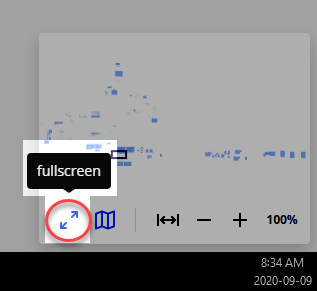
Is there a way to close or minimize the video box that pops up in presentation (share screen) mode and covers about 1/5 of the screen. This is a big limitation to this feature.

Is there a way to close or minimize the video box that pops up in presentation (share screen) mode and covers about 1/5 of the screen. This is a big limitation to this feature.
Best answer by Robert Johnson
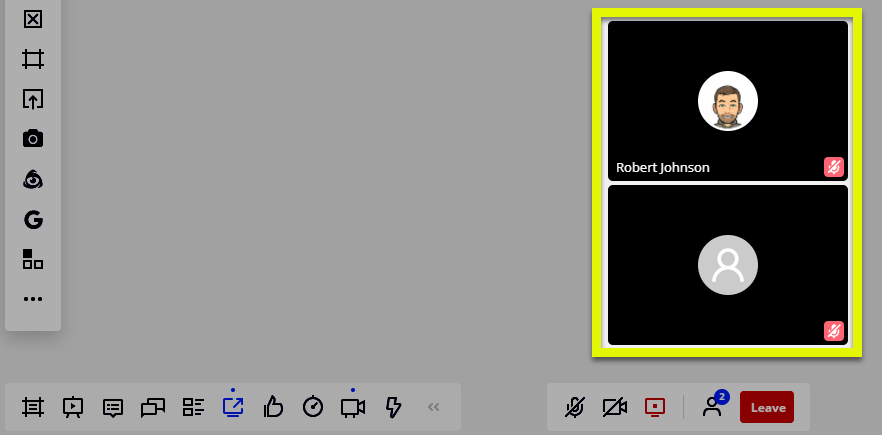
Now that I think about this, I am 99% sure that these video boxes don’t always pop up for me.
I don’t see any mention in the Screen Sharing help article about how to hide these boxes, but I did find this community post where someone was annoyed that these boxes just pop up when they are trying to share their screen.
I couldn’t find any existing Wish List Idea’s posted requesting an option to hide these, so if that is an option that you’d like to have, I would recommend adding this as an Idea in the Wish List category by following the guidelines here: Wish List: Everything You Need to Know. If you’re not interested in posting this as a Wish List Idea, please let me know and I will gladly do so 
Enter your E-mail address. We'll send you an e-mail with instructions to reset your password.