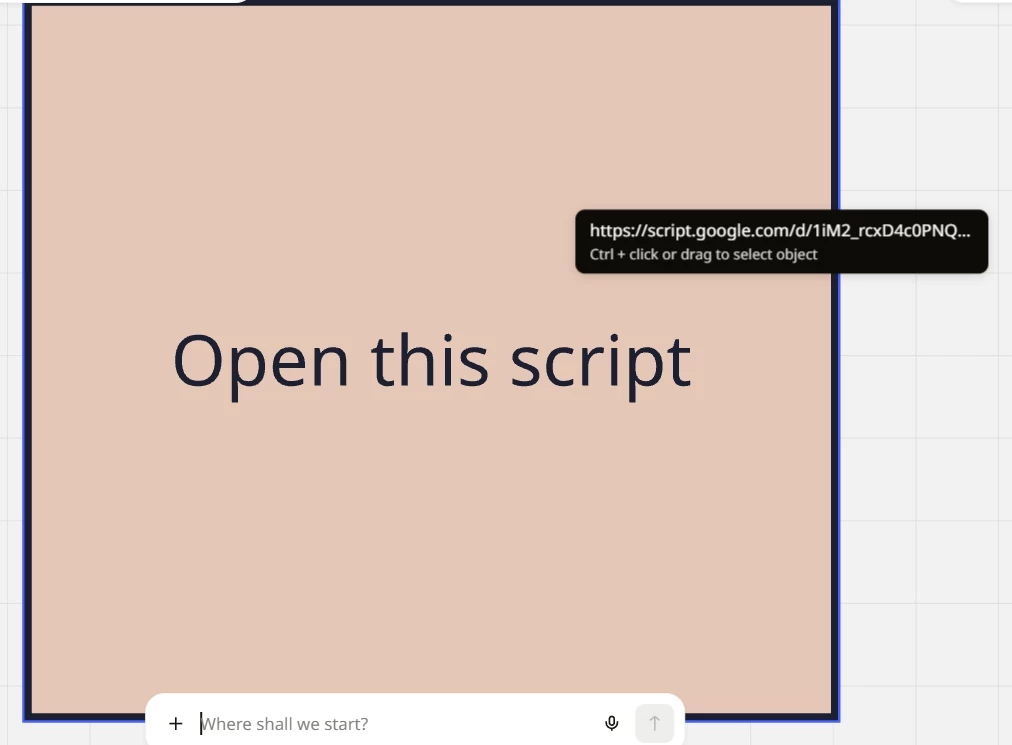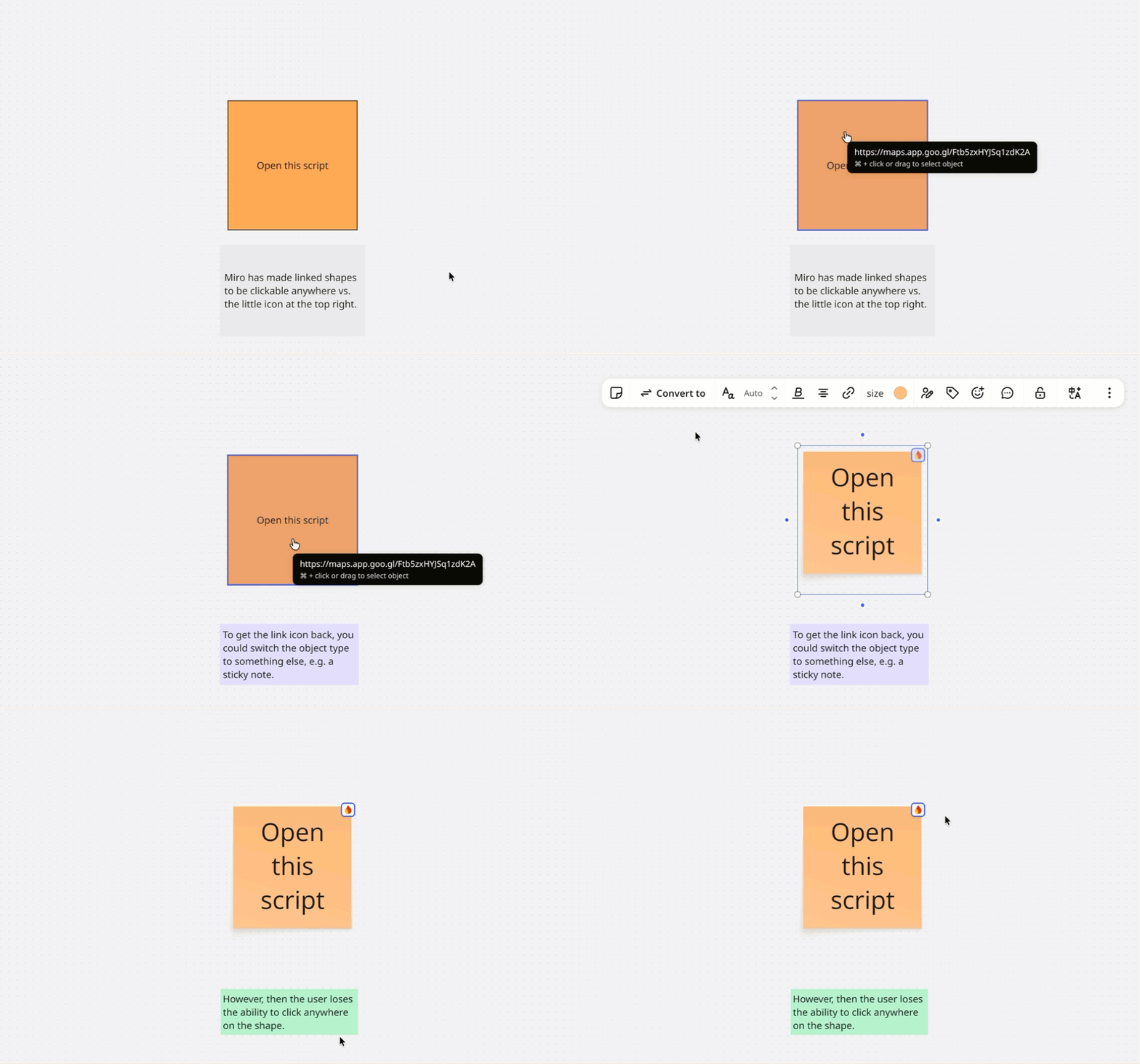
I can’t ask the support because I’m free plan so I’m asking here...
I'm having an issue with Miro where the small website logos/icons (like Google Drive, Notion, etc.) that used to appear on my linked shapes have completely disappeared.
-
I have multiple shapes (rectangular boxes) with external hyperlinks attached.
-
Previously, Miro displayed a small icon/logo on each linked shape, making it obvious that the shape was clickable.
-
Now, none of the linked shapes show those icons anymore.
-
When I hover over a shape, Miro displays a tooltip with the URL and the message "Ctrl + click or drag to select object" (see attached screenshot).
-
When I click the shape, the external link opens immediately, so the hyperlinks themselves still work.
-
When I click on an empty area of the board, Miro briefly highlights the linked shapes.
-
I’ve tried multiple boards - none work.
-
I've already refreshed the board, but the icons are still missing.
Has Miro recently changed how hyperlink icons/favicons are displayed on shapes, or is this a bug?
Is there a setting or workaround to restore the small website logos on linked shapes without manually adding icons or recreating all my links?