[KNOWN BUG] Spinner cannot be edited

  • July 29, 2026
  • 6 replies
  • 31 views

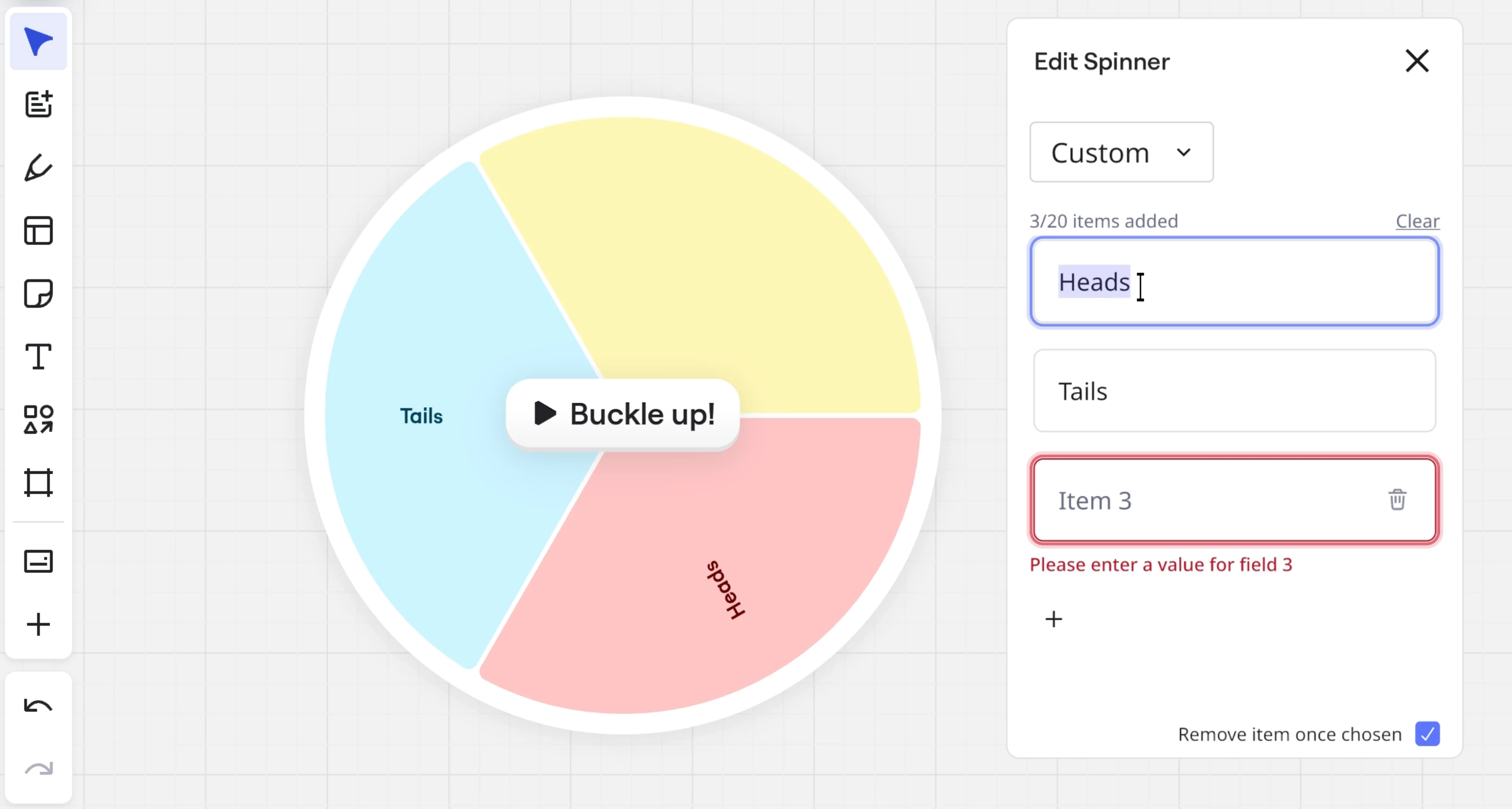
Hello! I can add Spinner to the board and I can spin but it doesn’t allow me to edit and add my own option. What can I do? Thank you in advance

July 29, 2026

Update #1:

Our support team has confirmed that there is an ongoing issue related to this widget, and that they're aware of it. We will make sure to update you as soon as we can confirm that the issue has been fixed.

6 replies

Dina Sapongay
Mironeer
Forum|alt.badge.img+1

Hi ​@Tatyana Stek 

Thanks for reaching out!

If you're unable to edit the Spinner options, it may be because the Spinner is currently set to use the list of people on the board instead of custom text, or you may not have edit access to the board.

You can try the following:

  1. Select the Spinner widget on your board.
  2. Click the Edit (pencil) icon from the context menu.
  3. In the edit panel, use the drop-down menu at the top to switch from People to Custom options.
  4. Add, edit, or remove your own options as needed (the Spinner supports up to 20 custom options).
  5. Close the panel and spin the wheel.

You can find more information in the Miro Help Center here:Spinner Wheel Widget

If you don't see the Edit option or can't switch to Custom options, could you let us know:

  • Are you using Miro in a browser, desktop app, or mobile app?
  • Do you have Editor access to the board, or are you a Viewer/Commenter?

We'll be happy to help troubleshoot further!


  • Author
  • Beginner
  • July 29, 2026

Thank you for the solution you provided. The problem is different. I can switch the modes but I simply can’t remove these “heads/tails” and also I can’t add my own options. I suppose that the widget could be broken. I tried doing the same on my second account but it didn’t work as well. 


Dina Sapongay
Mironeer
Forum|alt.badge.img+1

Hi ​@Tatyana Stek Thanks for the additional details!

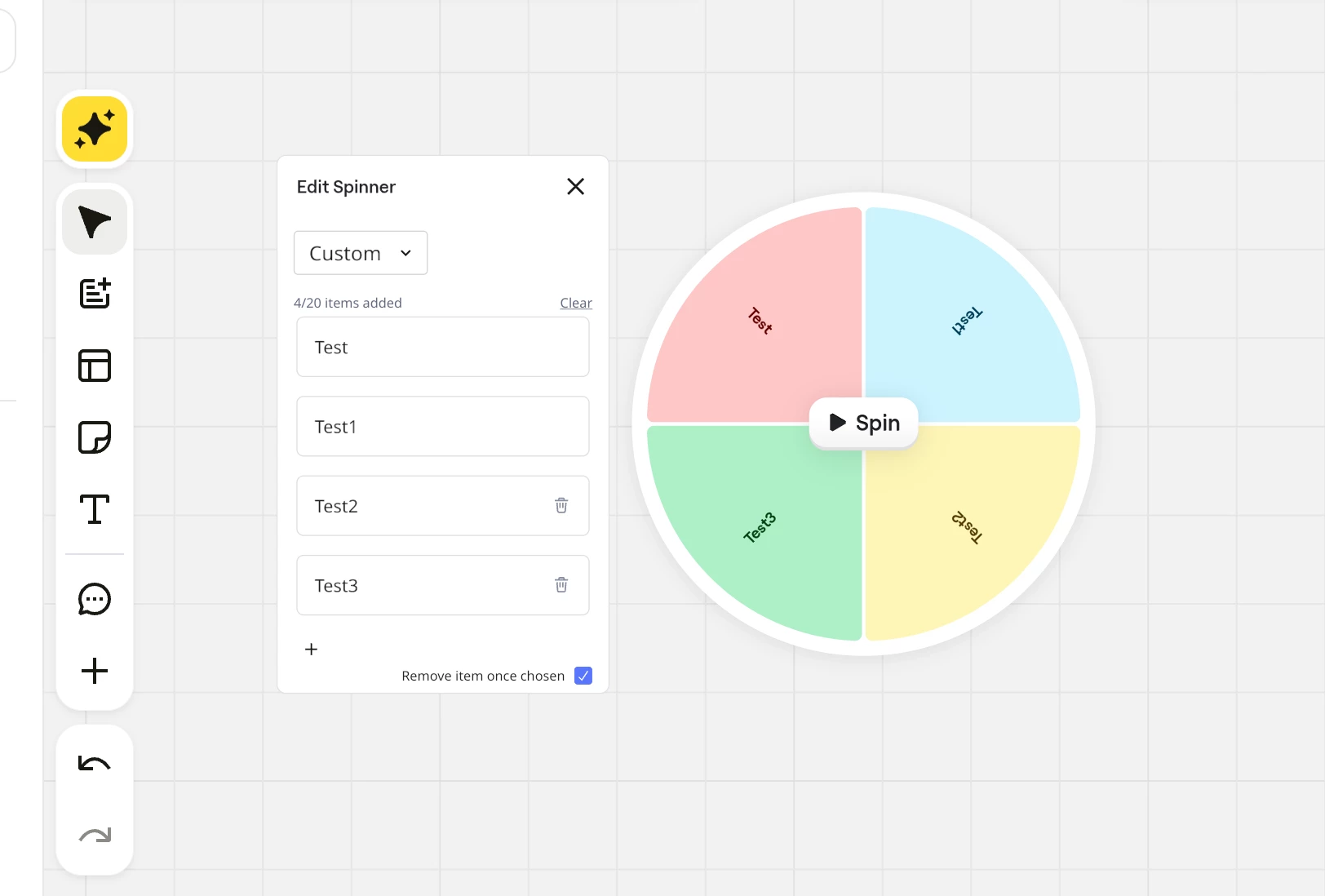
I tested the Spinner widget on my end, and it appears to be working as expected. I was able to remove the default Heads/Tails options and add custom options successfully.

Could you try creating a new Spinner widget on a different board and check if the issue persists? If it still doesn’t work, could you please share a screenshot or a short screen recording showing the steps you’re taking? This will help us investigate further.

Thanks!


Robert Johnson
Forum|alt.badge.img+13
  • Volunteer Community Moderator
  • July 29, 2026

@Dina Sapongay / ​@Tatyana Stek The widget does appear to be experiencing technical difficulties 🤔

For me, when I try to edit text in input fields, the keystrokes are registered on the canvas and not in the input field, even though the cursor focus is in the spinner widget field (e.g., pressing T activates the text tool). This is happening in Chromium and Gecko browsers on both Windows and macOS. I’ll open a ticket and update this post as I learn more.


Robert Johnson
Forum|alt.badge.img+13
  • Volunteer Community Moderator
  • July 29, 2026

Update #1:

Our support team has confirmed that there is an ongoing issue related to this widget, and that they're aware of it. We will make sure to update you as soon as we can confirm that the issue has been fixed.


  • Author
  • Beginner
  • July 29, 2026

Thank you so much! I really appreciate it