Hi!
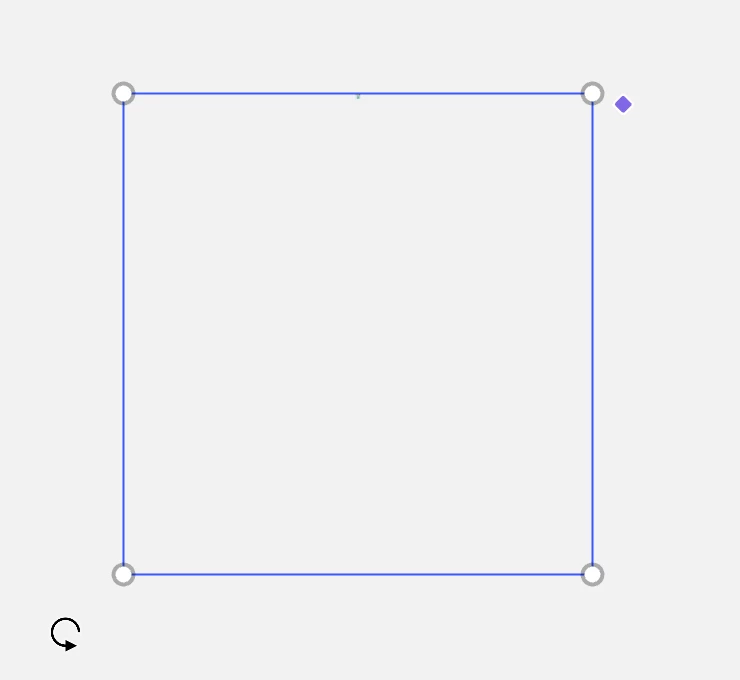
When I drag and drop an SVG file onto my Miro board, it appears extremely small, making it essentially unusable (see attached screenshot - the blue frame is the size of the graphic and the tiny dot in the top is the actual graphic). This is a project I've been working on for some time, and importing SVG files with the same dimensions and settings has always worked correctly before.
The problem started suddenly, and I haven't changed anything in my workflow or the SVG export settings. Existing SVG files that previously imported at the expected size now become tiny when added to the board.
Is this a known issue or a bug? Are there any recent changes to SVG import behavior that could be causing this?
Thank you for your help.
/Ane