[INVESTIGATING] Visitors (aka, Anyone with the link) being asked to sign in as of July 1

  • July 1, 2026
  • 18 replies
  • 153 views

Forum|alt.badge.img+1

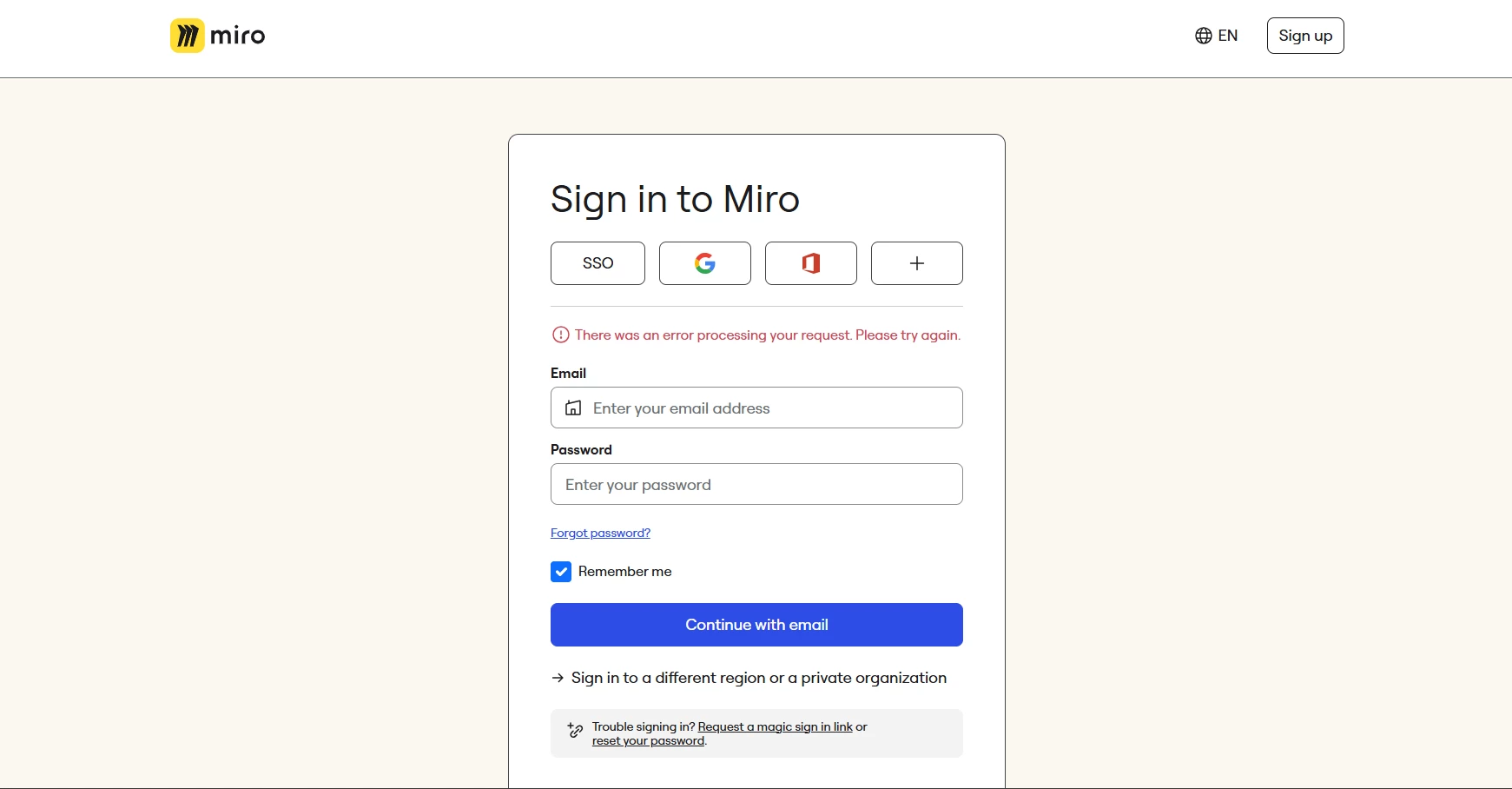
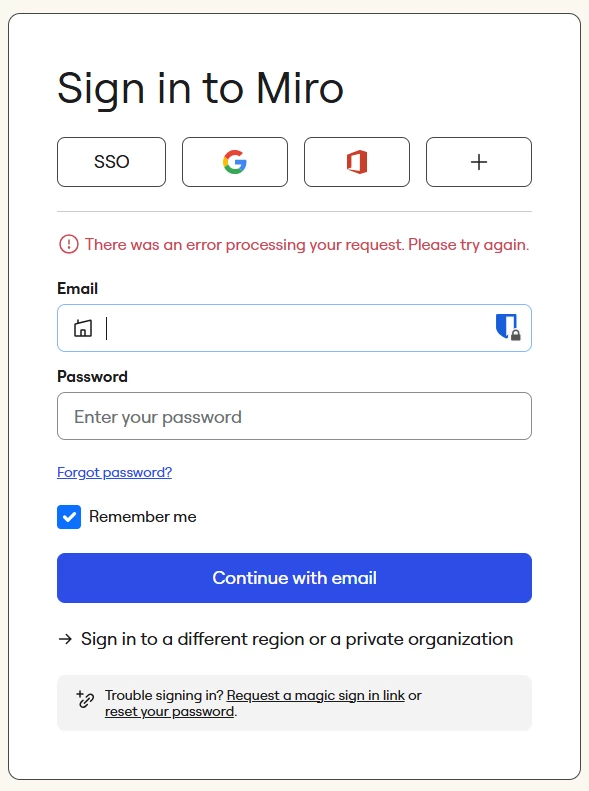
As of this morning, links to both pre-existing and newly created boards are not allowing visitors to access those boards.  The links simply redirect to the screen shown below.  Is this just me?


18 replies

Eca
Mironeer
Forum|alt.badge.img+5
  • Mironeer
  • July 1, 2026

Hi ​@barncrow thanks for reporting this! 

Just checking in since your post was from yesterday—are you still experiencing this issue?

If so, could you share a bit more about what's happening when you try to share a board via a link? For example:

  • Do you receive any error messages?
  • Does the issue affect all boards or just a specific one?
  • Are you using Miro in a web browser or the desktop app?

Any additional details will help us better understand what's going on.


Forum|alt.badge.img+1
  • Author
  • Active Contributor
  • July 1, 2026

Thanks, Eca, for checking in!  I’ve actually already got a support ticket (#996276) that I’ve been contacted about.  I gave extra trouble-shooting details there.

To answer your question though:  no change so far.  I could really use at least an ETA on this issue...I’m having to reschedule all my clients, but as it stands, I’m not sure if I should reschedule them to tomorrow, next week, or what?  It’s got me in a bit of jam.  :(


Eca
Mironeer
Forum|alt.badge.img+5
  • Mironeer
  • July 1, 2026

Hi ​@barncrow thanks for the update!

At the moment, I don't have an ETA to share but since your case is already being handled by supports, the team will keep you updated through the ticket as soon as they have more information or a resolution. I will also ask a follow-up internally so I can gather more information about your case.

Thank you for your patience while the investigation is ongoing.


Forum|alt.badge.img+1
  • Author
  • Active Contributor
  • July 1, 2026

Thank you!  In a few hours I have to decide whether to start cancelling tomorrow’s meetings as well, so any updates are appreciated.  :)


Robert Johnson
Forum|alt.badge.img+13
  • Volunteer Community Moderator
  • July 1, 2026

@barncrow / ​@Eca Yikes! Visitor access is broken for me too!


Forum|alt.badge.img

Same for me; this is a core feature for my workflows; watching with interest! ​@Eca 


Forum|alt.badge.img+1
  • Author
  • Active Contributor
  • July 2, 2026

I still haven’t received anything definitive from my open service ticket, but there does seem to be people working on the issue.  I’ll post here whenever I get an update from the service team. 


Robert Johnson
Forum|alt.badge.img+13
  • Volunteer Community Moderator
  • July 2, 2026

@barncrow / ​@Jeremy Duckworth The response to my ticket was to complete some basic troubleshooting steps, which was unexpected as I thought, surely there are several tickets open and internal notifications going out about the issue.

When I tested on my mobile device, the issue was not present and the board loaded as expected.

When I went back to my laptop, the issue was back. That’s when I noted the URL I land on when I receive the error:

https://miro.com/login/?reason=badSession&service=app

The last parameter stuck out: app

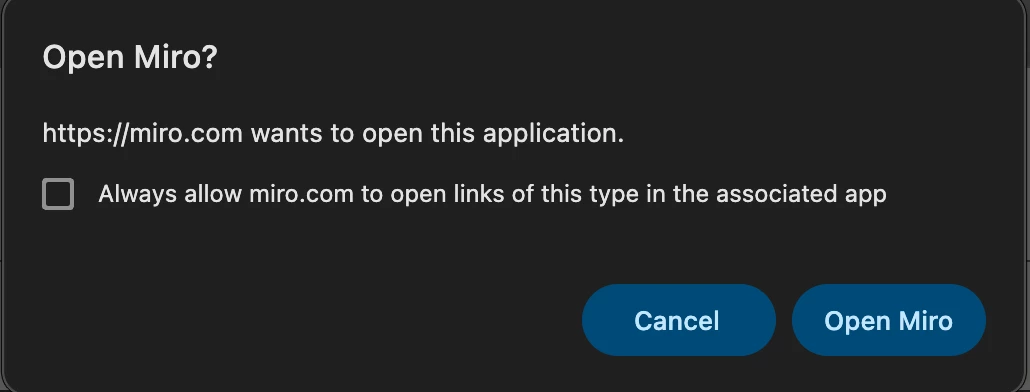
From what I can gather on my end, the issue happens when I have the Miro desktop app installed AND when I get the Open Miro? prompt AND I don’t take an action quick enough:


Does this sound similar to your experience? Could it be that everyone who is getting the error has the Miro desktop app installed, even if they never actually use it?


Eca
Mironeer
Forum|alt.badge.img+5
  • Mironeer
  • July 2, 2026

Thanks for the updates, everyone! There’s no confirmation yet if this issue is a bug. I converted ​@Jeremy Duckworth’s cases into support ticket so the team can investigate further and compare them with the information already provided in ​@barncrow and Robert's report.

We'll share any updates here as soon as we have more information. Thanks for your patience in the meantime!


Forum|alt.badge.img+1
  • Author
  • Active Contributor
  • July 2, 2026

@Robert Johnson I get same switch to a “reason=badSession” link on my end, but do not have the Miro App installed.  Very interesting!

And, just to add another data point:  this morning a client was able to access a board as a Visitor using the share-link I’d provided her weeks ago.  It was true “Visitor” access (she wasn’t logged in), and she reported no trouble at all.  However, I still see the links breaking on my end when I test them.


FWIW, the client thought she was using the Chrome browser (but wasn’t entirely sure).


Robert Johnson
Forum|alt.badge.img+13
  • Volunteer Community Moderator
  • July 2, 2026

@barncrow Thanks for the update. Yeah, my first thoughts around the desktop app were a bit a stretch considering everyone would have had to installed the desktop app (unless, of course, they were users in an org that had pushed the app out… so I thought I’d ask anyway).

Now we wait!


Forum|alt.badge.img

@Robert Johnson -- seems unrelated to me to the Miro desktop application as I don’t use it. Nice spelunking though!


@barncrow I can report consistent failure using the Chrome browser (a common factor in my usage). 


Robert Johnson
Forum|alt.badge.img+13
  • Volunteer Community Moderator
  • July 2, 2026

@Jeremy Duckworth I tested in Chrome & Edge (Chromium), Firefox (Gecko), and Safari (WebKit), all in incognito, and on the first load I get the error, but if I opened a new tab in the same incognito, it worked. Close incognito window, open new one and repeat the steps, it was reproduced five times in a row.

With some technical background, and being someone who loves to learn how things, I started looking at what was going on in my browser console. After some Googling of terms that were unfamiliar to me, I put the robots to work — right or wrong, here’s what Claude had to say about my brower’s HAR logs:

The HAR has your smoking gun, and it's a beauty — one endpoint, clear sequence, client-side bug. Here's the story it tells:

Timeline (from your incognito first-load capture):

  • 18:07:01.29GET /app/board/o9J_kjpKo9g=/200. Board page loads fine as an anonymous visitor.
  • 18:07:02.35 — Six board API calls (/api/v1/boards/... fetching fields, permissions, currentUserContext{role}) → all 200. Visitor access is working perfectly. The server is happily serving you the board.
  • 18:07:03.70GET /api/v1/profile/idle-timeout401. The only Miro endpoint that fails in the entire capture before the bounce.
  • 18:07:04.15 — Navigation to /login/?reason=badSession&service=app. Just 0.44 seconds after that 401.

Root cause hypothesis: /api/v1/profile/idle-timeout is the check for Miro's idle-session-timeout feature (the enterprise security setting that logs users out after inactivity). It's a profile endpoint — and an anonymous visitor has no profile, so the server correctly returns 401. But the web client's error handling treats a 401 from this endpoint as "your session has been invalidated" and force-redirects to login — even though every board API call two seconds earlier proved visitor access was working. The client is misclassifying "you have no authenticated profile" (expected for a visitor) as "your session went bad" (an error state). That also finally explains service=app properly: the redirect is initiated by the web app client itself, telling the login page where to send you back.

Why your retry-in-a-second-tab works: The first attempt (or the login page it lands on) almost certainly establishes an anonymous session cookie — I can't confirm directly because the HAR export is sanitized (zero cookies and zero Set-Cookie headers anywhere, which is Chrome's "sanitized HAR" behavior, not reality). On the second load, the idle-timeout check either passes or doesn't fire, and you're in.

Why it's intermittent on your logged-in laptop: Same endpoint, different trigger. If your session has genuinely idled past a timeout policy threshold — or the token state is stale in a way that fails this specific check while other endpoints still work — you get the same bounce. Fresh sessions (your mobile, your client's browser) pass the check. It's one buggy 401 handler manifesting through two doors.

The fix on Miro's side is small and satisfying: the client should distinguish "401 because anonymous visitor" from "401 because expired session" on the idle-timeout check — or simply not fire that check at all when currentUserContext.role says you're a visitor, since the board APIs already told it exactly that.

This is now a genuinely engineer-ready report: deterministic repro (fresh incognito, first load of a shared board link), exact failing endpoint, precise 0.44s cause-to-effect timing, and a root-cause hypothesis with a proposed minimal fix. Very much your signature format. Want me to draft it up for the community forum or your support channel? I'd suggest including the timeline table and noting the HAR is available on request — support will ask for it.

Back to my actual goal for the day: Finish packing for a family vacation :)


Forum|alt.badge.img+1
  • Author
  • Active Contributor
  • July 2, 2026

NICE!  That’s a fine use of the new tools there.  Thanks for taking the time to do that!


Forum|alt.badge.img

Hello,

Today I started experiencing that when a guest opens a board through a shared link (the link provides a Viewer access to guests), Miro asks for login anyway (see screenshot) and goes to the link https://miro.com/login/?reason=badSession&service=app.

What can I do with this please, so that the guests do not have to sign up?

Thank you!
Nathan


Forum|alt.badge.img
  • New Here
  • July 3, 2026

Hi,

I have a Starter plan and I’m running a workshop with anonymous participants, so I used a visitor link (“Anyone can edit”). It worked fine last week, but today it asks everyone to log in. Why? Can you help fix this?


Robert Johnson
Forum|alt.badge.img+13
  • Volunteer Community Moderator
  • July 3, 2026

@Jan Nathaniel Čamaj / ​@Rongjun Ma I merged your posts into thos existing one for the same issue.

A few of us have support tickets open. If you are using a paid subscription of Miro, you can open a support ticket by following these steps:

https://help.miro.com/hc/en-us/articles/360020185799-Contacting-Miro-Support#h_01F010RXA0E1S9C0WFQYX75R6C


I will also update this thread as I hear back from the support team (you should receive an email notification for every new reply to this post.


Forum|alt.badge.img+1
  • Author
  • Active Contributor
  • July 3, 2026

My own support team contact was beginning to ask me for those same HAR logs, but when I tried it this morning the problem seems to be fixed.

To be clear, as of this morning I am able to use the Share link to gain Visitor access to a board in all browsers that were previously giving trouble:
--Brave incognito
--Chrome and Chrome incognito
--Edge incognito

Keeping my fingers crossed.

Thanks to everyone who helped with this!  I wish you all a great 4th of July!