Hi Miro team,
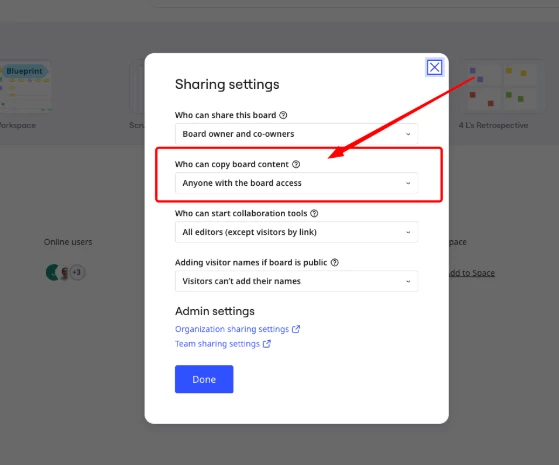
I'm having a recurring issue trying to let other people duplicate one of my boards into their own accounts.
Context:
- I'm on the Free plan and I'm the board owner.
- I share the board link with my students so they can click "Duplicate/Copy" and create their own copy (this always worked before).
Problem:
- When I (the owner) click to copy, the "Copy board to account" modal only shows a name field and a "Share with the same people" checkbox — no team field. The copy works fine.
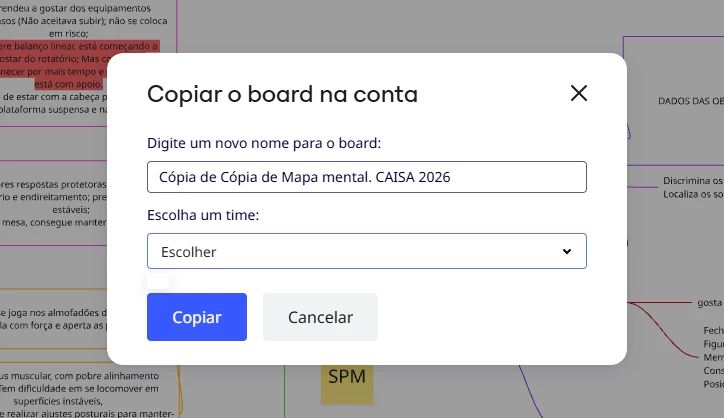
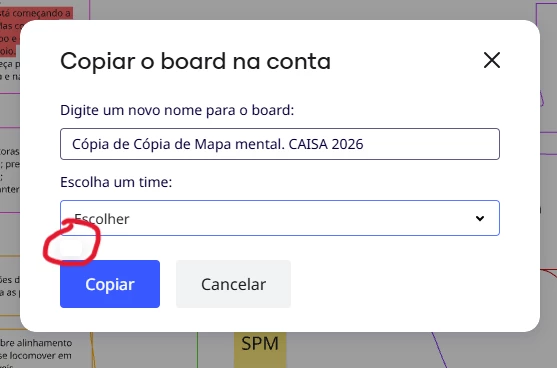
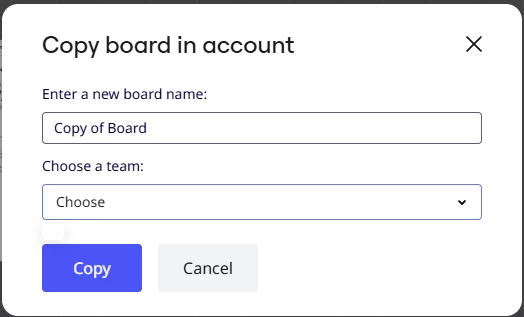
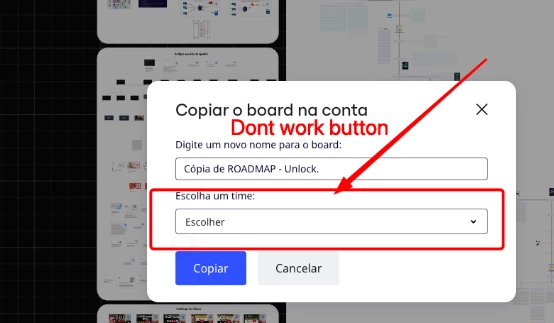
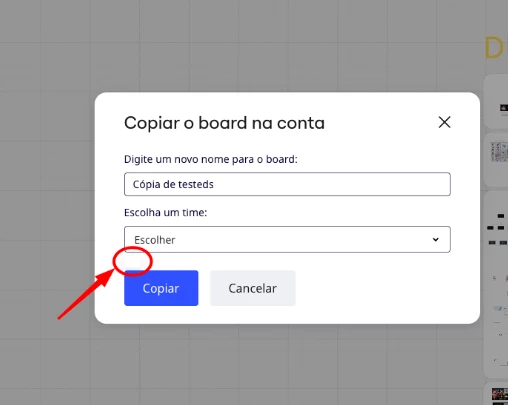
- When my students (external accounts, not part of my team) click the same link and try to copy, the modal shows an extra "Choose a team" field with a dropdown that says "Choose". This dropdown won't open / won't let them select any option, and without choosing a team the "Copy" button doesn't proceed.
- This happens with several different students, different accounts.
- Tested on more than one device/browser (tablet and desktop with Microsoft Edge) — same behavior every time.
- The students already have an account and a team created in Miro (auto-created at signup).
So the bug seems specific to the "external visitor copying a board" flow — it doesn't happen when I do it as the owner.
Example board link: [paste your board link here]
Could you check if there's a known issue with this component for Free plan accounts? Happy to send screenshots/video if useful.
Thanks,
Marcela Oliveira