Hi,
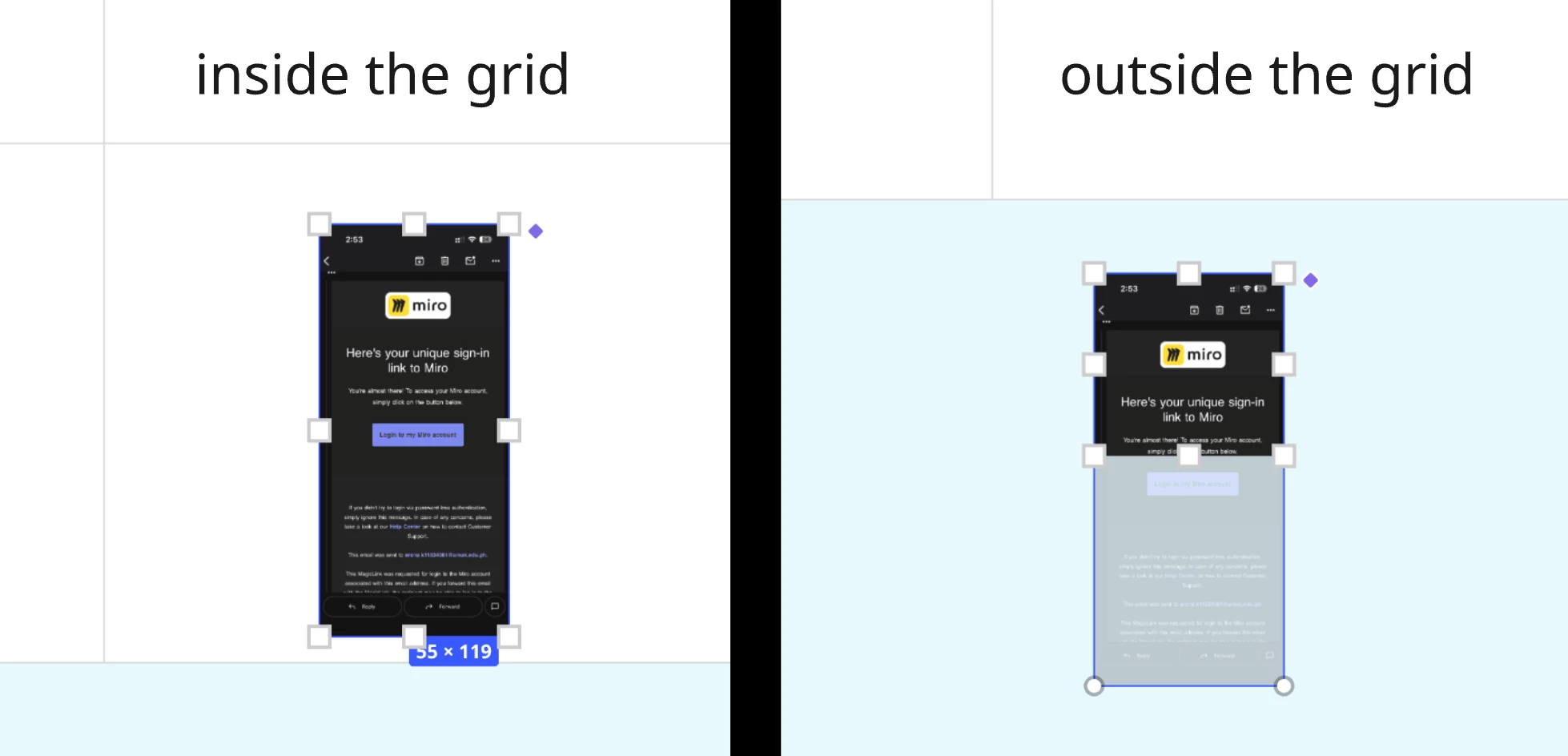
We are having issues with the cropping tool not working for images placed on a grid. Has anyone else noticed this issue? It’s like this:
If an image is placed inside or outside a simple frame, the cropping too works. However, if the image is placed in a cell of a grid, it’s not possible to crop it - the crop handles don’t work as you’d expect. If the image is moved off the grid, it’s then possible to crop it as normal.
The cropping tool isn’t entirely without function - you can select landscape or portrait for some cropping functionality but then the cropped image shows a section of a duplicated image (i.e. the ghosted image is in a different location).
I’m assuming this is not the intended functionality