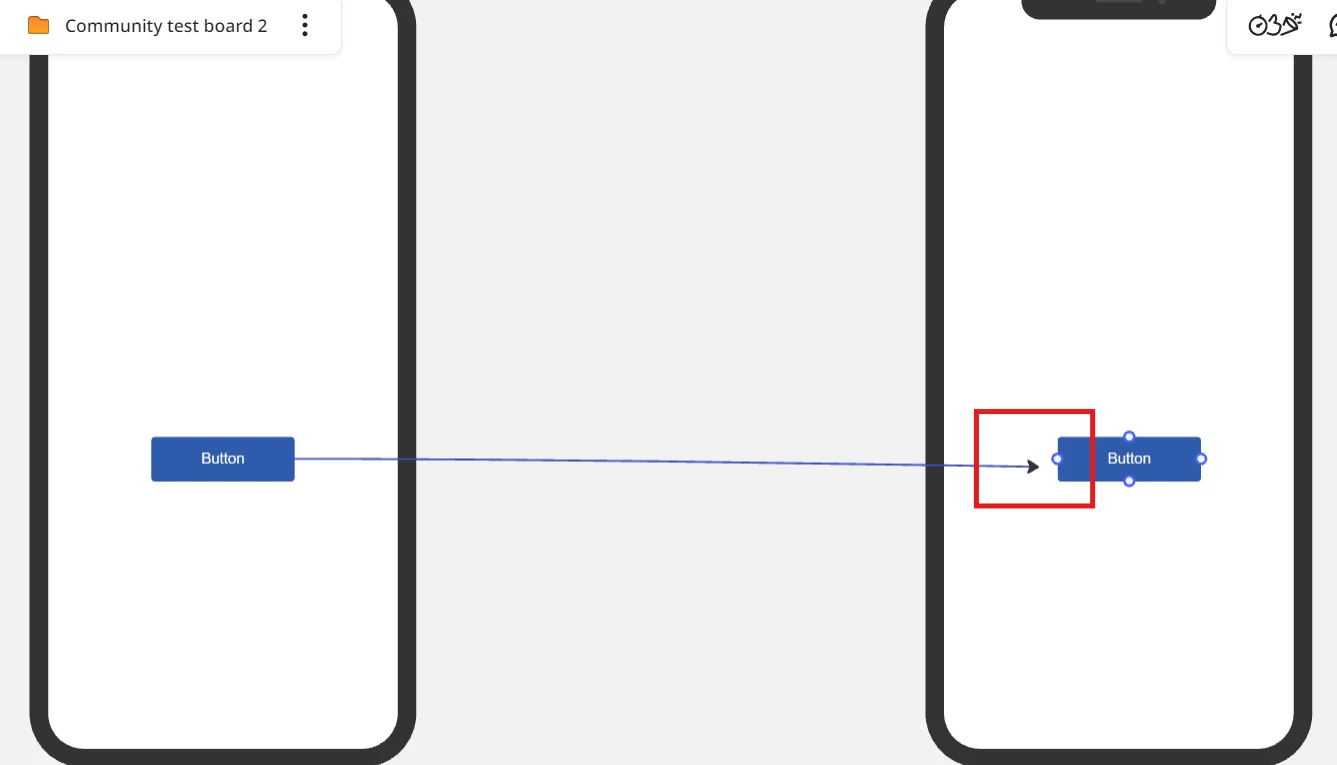
I can't to add connector lines to make a prototype interactive in prototyping (beta).

  • May 28, 2025
  • 3 replies
  • 67 views

I can't to add connector lines to make a prototype interactive in prototyping (beta).

I want to prototype a mobile phone.

I can drag out a line from the trigger button in frame a small by clicking the thunder icon, but can’t drop it on the target frame(B).

No connecting point appears
.

3 replies

Eca
Mironeer
Forum|alt.badge.img+2
  • Mironeer
  • May 28, 2025

Hi Tom,

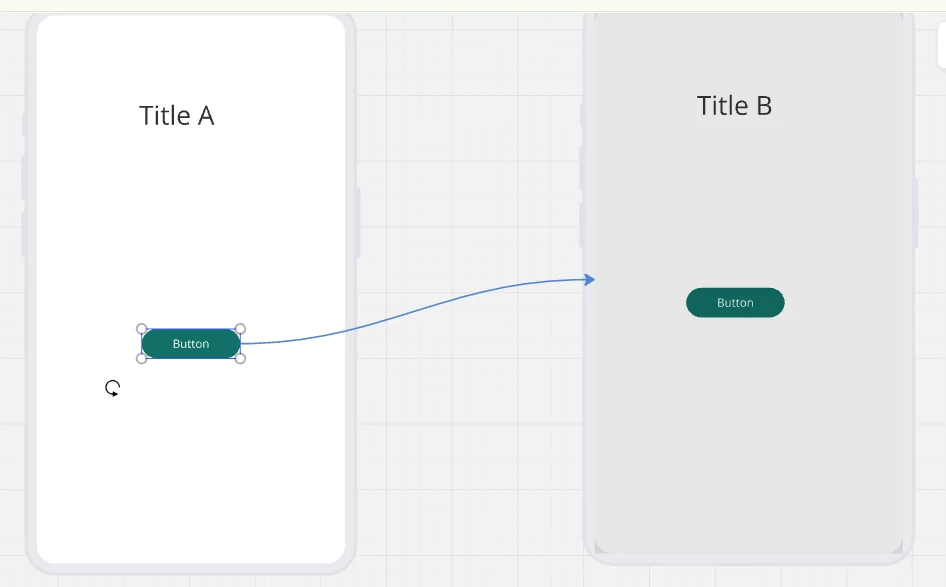
Thanks for reaching out. Based on my replication, I was able to connect both objects from A to B.

If you're unable to connect a button to another frame in Prototyping (Beta), here are a few things to check:

  1. Drag from the lightning bolt icon
    When selecting the button, click the lightning bolt icon to start the connection. Make sure you're dropping the connector on the destination frame itself, not just an element inside it.

  2. Zoom in or reposition
    If the drop zone isn't appearing, try zooming in or slightly repositioning your frames. This can help the frame register as a valid target.

If the issue continues, try refreshing the page, clearing your browser cache, or using another browser.

Let me know if the problem persists.


  • Author
  • New Here
  • June 14, 2025


Hi Eca

Thanks for your reply.

After refreshing the browser page, everything is fine.

The connection line appeared.


Eca
Mironeer
Forum|alt.badge.img+2
  • Mironeer
  • June 16, 2025

Hi ​@Tom Tom 

Glad to hear refreshing the page resolved the issue and that you're now able to connect the frames in your prototype!


Let me know if you need further assistance!