How to use Calendar Template in Miro? If there isn't any....

  • October 8, 2021
  • 4 replies
  • 1160 views

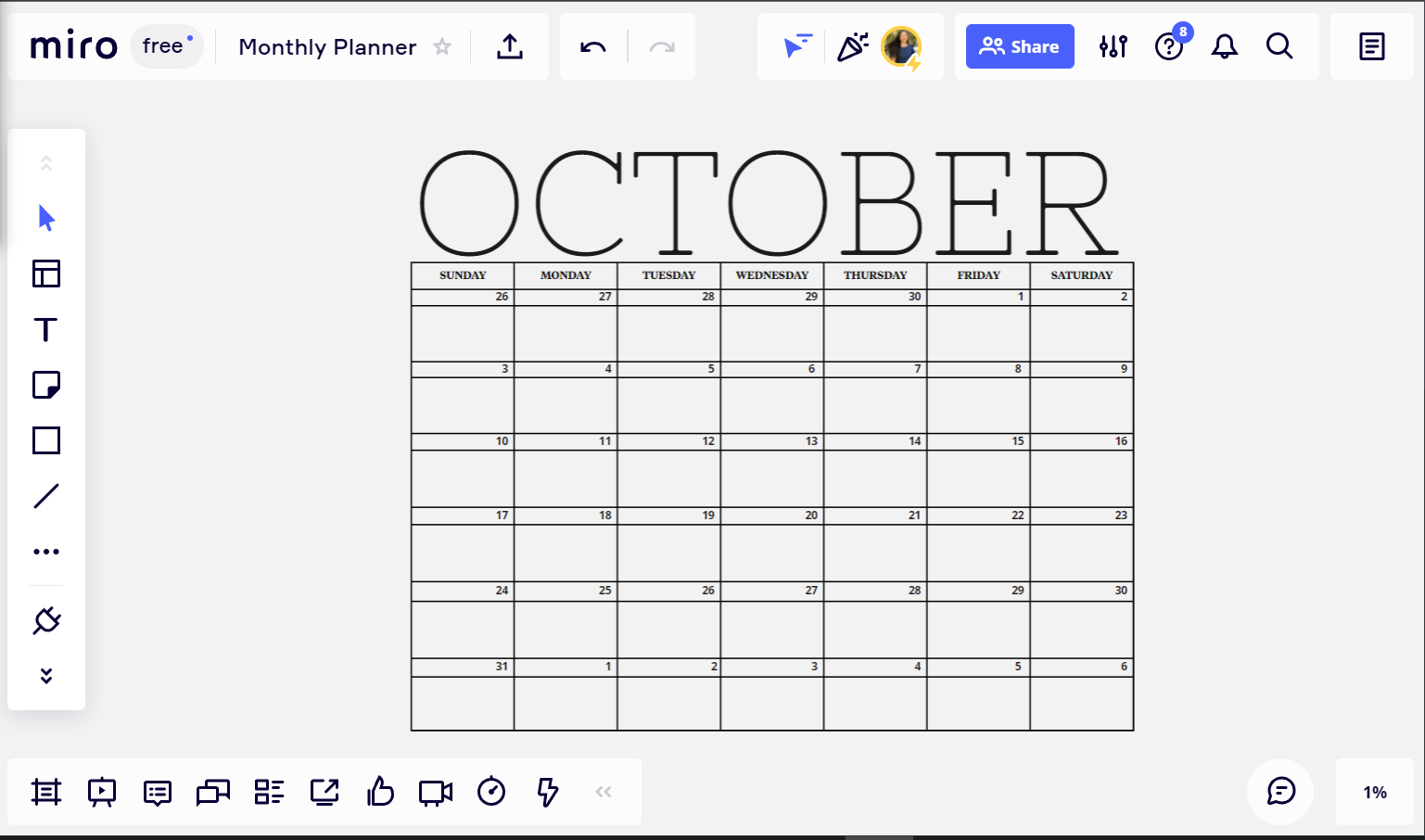
After giving up looking for a Calendar in Miro, our team had to make one as you can see in the picture below.
What’s wrong with this picture? The most ancient time tracking tool is nowhere to be found in Miro. Also , nowhere to be found DARK MODE IN MIRO. How about the ability to change the canvas texture? Nothing... Why?...
 

4 replies

Kevin Kinisky
Forum|alt.badge.img
  • Experienced Community Member
  • October 8, 2021

Great callout on dark/night mode. Calendar wise I did highlight elsewhere the preference of having a calendar plugin or function that would allow you to auto create a calendar based on type, format (q/m/yr). 


Robert Johnson
Forum|alt.badge.img+13
  • Volunteer Community Moderator
  • October 8, 2021

@Advanced Financial Tech - You can upvote this Dark/Night Mode Wish List post:

https://community.miro.com/wish-list-32/dark-mode-night-mode-874


mlanders
Forum|alt.badge.img+9
  • Experienced Community Member
  • October 8, 2021

@Advanced Financial Tech :

For work with calendar I recommend using trello - this is more flexible than miro is ever when it comes to planning and working with calendars.

The following video only shows ONE option of many many other options trello offers you:


Have fun with it!
Michael


I am also looking for a Miro calendar function.  I found only for 2022 and I need for a project that is 4 years long!  agh