
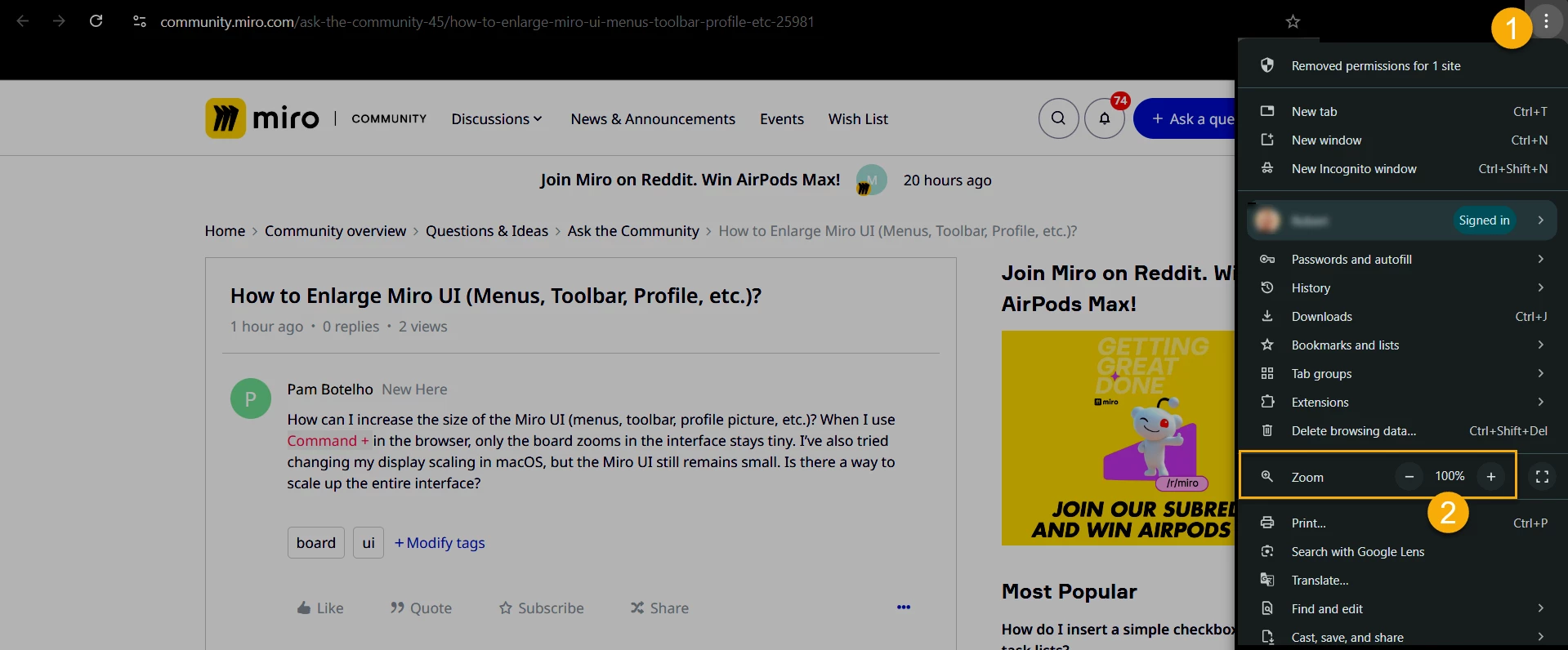
How can I increase the size of the Miro UI (menus, toolbar, profile picture, etc.)? When I use Command + in the browser, only the board zooms in the interface stays tiny. I’ve also tried changing my display scaling in macOS, but the Miro UI still remains small. Is there a way to scale up the entire interface?

How to Enlarge Miro UI (Menus, Toolbar, Profile, etc.)?


Enter your E-mail address. We'll send you an e-mail with instructions to reset your password.