Hi;
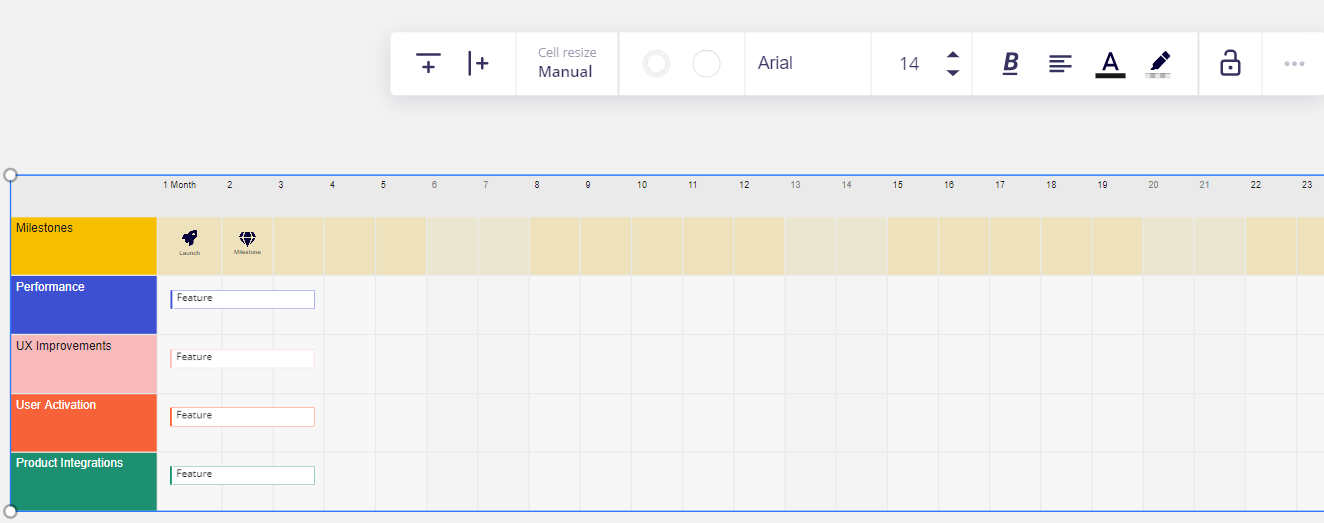
I am new to Miro, I am using the free version and I would like to delete rows and columns from the “Product Roadmap” default template.
Thanks

Hi;
I am new to Miro, I am using the free version and I would like to delete rows and columns from the “Product Roadmap” default template.
Thanks
No account yet? Create an account
Enter your E-mail address. We'll send you an e-mail with instructions to reset your password.