How to access to external boards from my company MIRO Interface

  • February 19, 2026
  • 2 replies
  • 0 views

StefanC

HI,

I have a business subscription.
From my interface, my boards are obviously displayed.


Another company gives me an access to one of its board as a guest.


My need: I would like to access to this external board from my desktop application. But I only see the boards of my company, not the ones from others where I am guest.


How to make that happen ?

Thanks

2 replies

Kenneth Ritley
Forum|alt.badge.img+2
  • Active Contributor
  • February 19, 2026

Hi ​@StefanC 

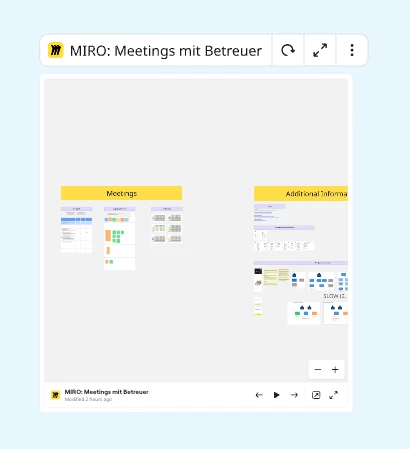
I can’t promise this will solve your problem, but if you have the hyperlink to that board, you can insert it into one of your own boards, like this:


It will be, essentially, Miro-within-Miro.  Another thing you can try, on Windows

start miroapp://app/board/YOUR_BOARD_ID

and on Mac

open miroapp://app/board/YOUR_BOARD_ID

I have a Mac - works for me.

Good luck!   Ken


Robert Johnson
Forum|alt.badge.img+13
  • Volunteer Community Moderator
  • February 19, 2026

@StefanC If you  were added as a Guest, then you will be able to switch parent org/team’s dashboard where the board resides — from there you would only see any boards that you a Guest of. Instructions on how to navigate to other team’s dashboards are here:

https://help.miro.com/hc/en-us/articles/360017571294-What-is-on-your-dashboard#h_01F8Q78MPKXM4ZJ0EJDD6C8Q0X

If you do not see the team, then you were not added as a Guest and instead are accessing the board as a Visitor (i.e., Anyone with the link/AKA, public access). If this is the case, you could try Ken’s method, or you could create a board called “Links to boards not in my org” and track/open the links from there (e.g., if you click on a board link while using the desktop app, it will open in the desktop app).

More on the differences between Guests, Visitors, and Members can be found here:

https://help.miro.com/hc/en-us/articles/7045408248594-Visitors-guests-and-members