Answered

How do I move a group of post-its together

  • October 15, 2020
  • 4 replies
  • 1470 views

Hi I’m new to Miro and totally in love. 


I’m mapping out interviews using the post it function and I would love to find an easy way to move a group of post its around the board, instead of having to move them 1 by 1.


Any tips?


Thanks

Karen

Best answer by Robert Johnson
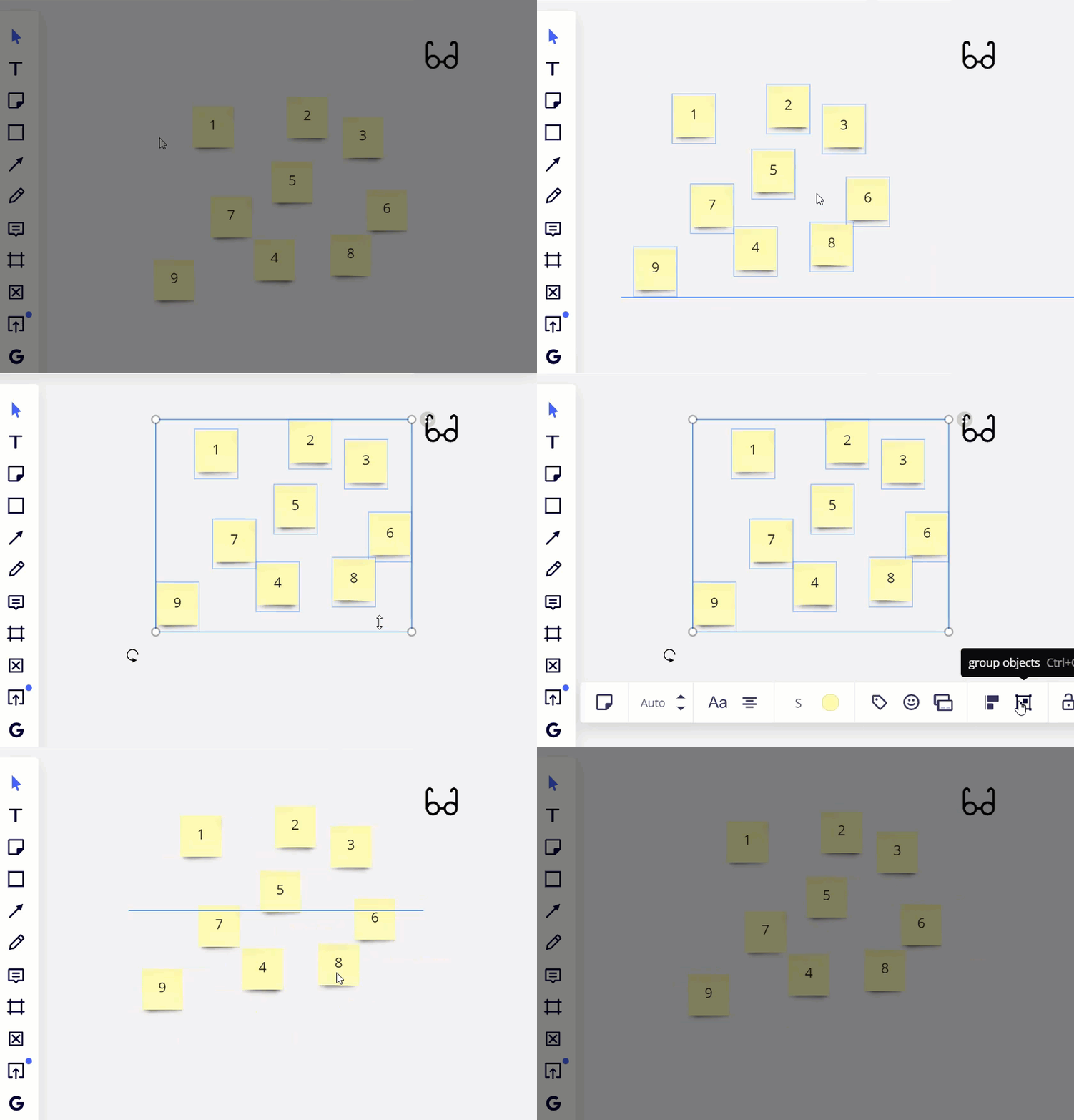
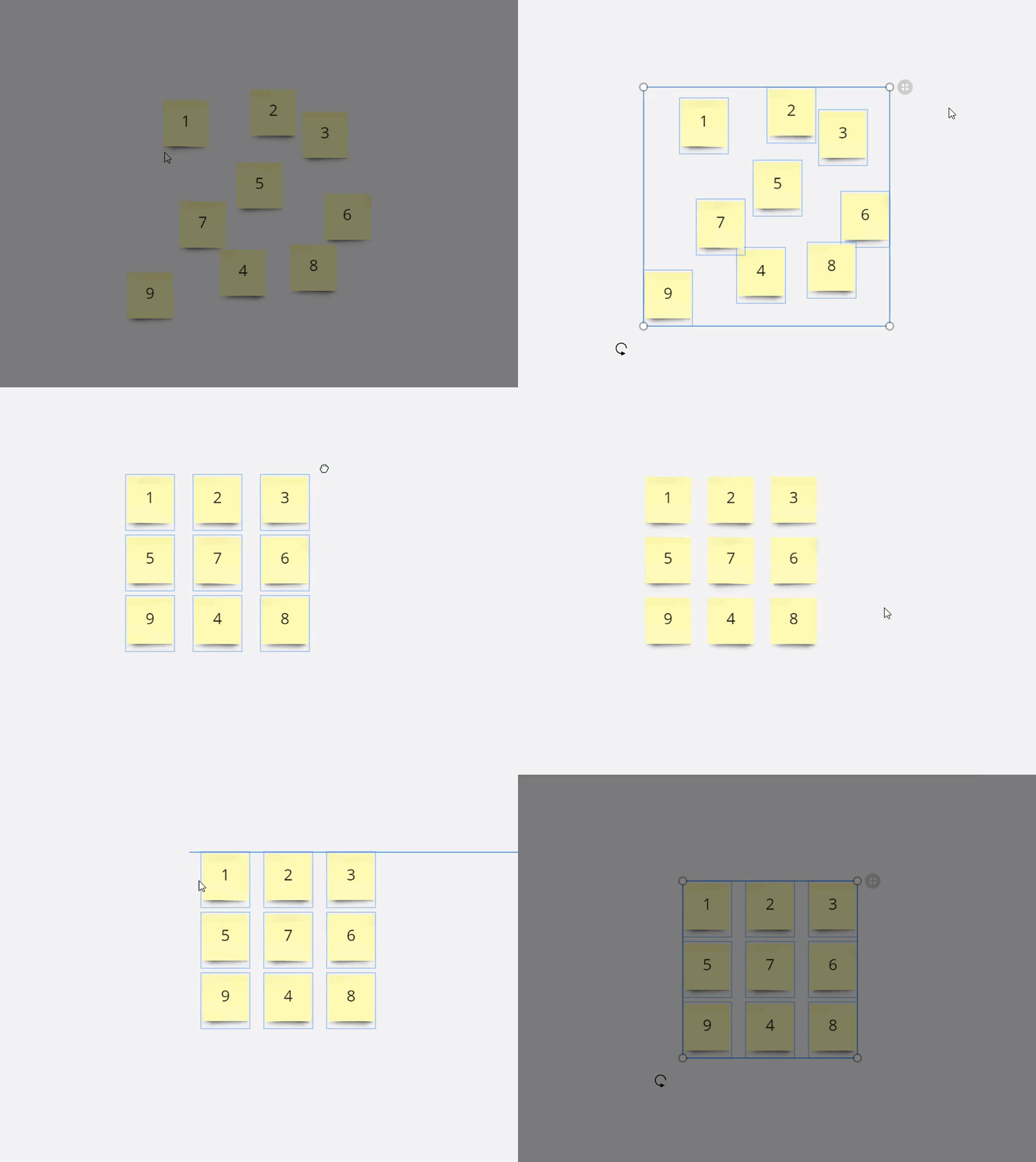
@Karen - You can use Shift + drag to select a bunch of objects at once and then click and drag to move them. If you want to keep them all together, you can Group them too (Ctrl + G shortcut):


Move on grouping here → Structuring Board Content

And another hep center article → Shortcuts and Hotkeys

4 replies

Robert Johnson
Forum|alt.badge.img+13
  • Volunteer Community Moderator
  • Answer
  • October 15, 2020

@Karen - You can use Shift + drag to select a bunch of objects at once and then click and drag to move them. If you want to keep them all together, you can Group them too (Ctrl + G shortcut):


Move on grouping here → Structuring Board Content

And another hep center article → Shortcuts and Hotkeys


Robert Johnson
Forum|alt.badge.img+13
  • Volunteer Community Moderator
  • October 15, 2020

One more for you…

If you like symmetry, use the Auto Layout feature to quickly align a group of objects:


  • New Here
  • March 8, 2021

Hello,

during the workshop, we use multiple boards full of post-its. It is were exhausting moving post-its one by one when clustering them into topics. Moving multiple post-its in once does not make any sense...is there any feature to “stick” all the postits to a side bar, move to another “working board” and place post its one by one without the need moving all the way back to the previous board?

Thanks,

Lucie


Kiron Bondale
Forum|alt.badge.img+7
  • Volunteer Community Moderator
  • March 8, 2021

@Lucie -

Not sure that I fully understand the ask, but you can easily select a bunch of sticky notes by selecting an area in which they are located, use the filtering options to only pick the sticky notes, and then Ctrl-C/Ctrl-V to copy & paste them from the original board to a separate board.

Kiron