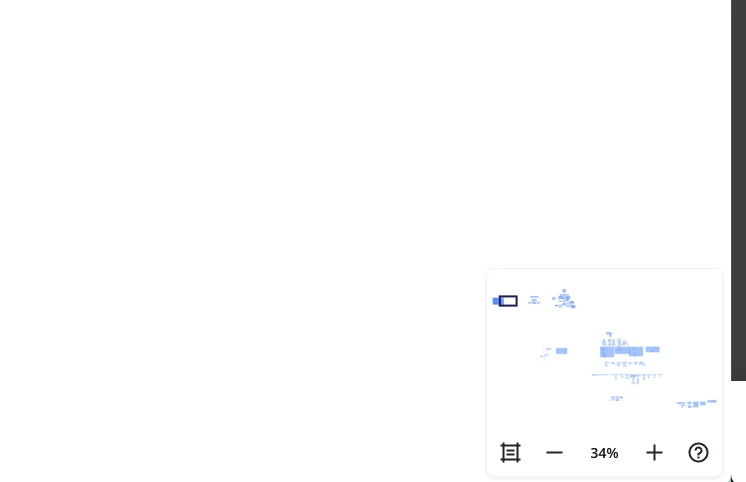
How do I get rid of this box in the bottom right hand corner of my screen?

  • February 10, 2026
  • 2 replies
  • 23 views

Forum|alt.badge.img


2 replies

Forum|alt.badge.img
  • Author
  • Contributor
  • February 10, 2026

Solved it 30 seconds after posting and couldn’t solve it the 10 minutes before. Just click on the percentage number and an option pops up. 


Robert Johnson
Forum|alt.badge.img+13
  • Volunteer Community Moderator
  • February 11, 2026

@Ancient_Luke Pressing the M key will toggle the mini map open/closed, so perhaps you are inadvertently pressing M. 

If you think this explains why the mini map has been opening up, and you don't use single key shortcuts in Miro at all, you can disable the single-key shortcuts by following these steps:


https://help.miro.com/hc/en-us/articles/11997028019858-Keyboard-navigation-while-working-on-boards#h_01KBJCAK93SKJJ5XZHT56F9PBP