I’m either completely missing something but I don’t see any way to delete a column in the gantt chart template?
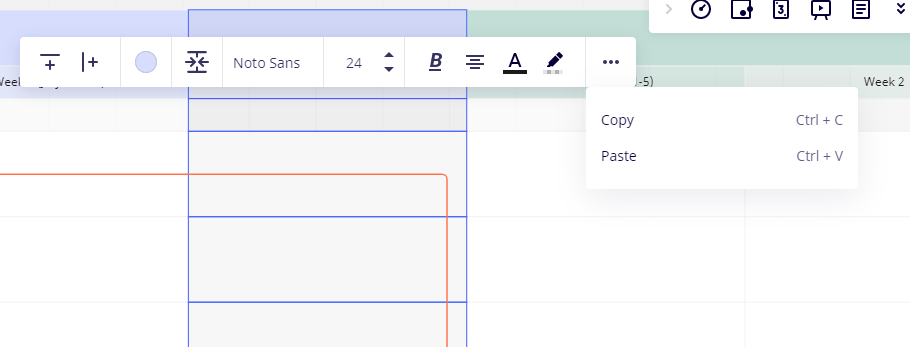
When I click on the three dots I only have the option to copy and paste

I’m either completely missing something but I don’t see any way to delete a column in the gantt chart template?
When I click on the three dots I only have the option to copy and paste

Enter your E-mail address. We'll send you an e-mail with instructions to reset your password.