Question

How do I add a line between a rectangle which is linked to the rectangle?

  • September 16, 2021
  • 4 replies
  • 76 views

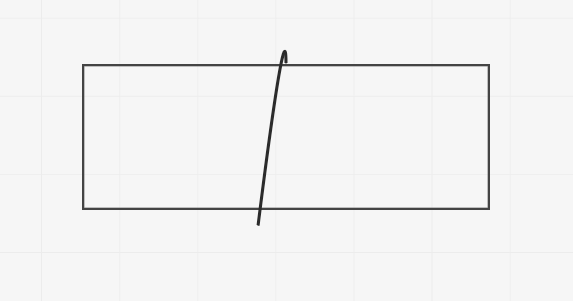
I want to create a line between the rectangle. I want the line to be a part of the rectangle so when i move the rectangle, the line also moves with it. Anyone knows how to do this? Thanks.

4 replies

Robert Johnson
Forum|alt.badge.img+13
  • Volunteer Community Moderator
  • September 16, 2021

@Sagar Biswas - You could create your two objects (shape and connection line) as you have done in your screenshot and then use the Grouping feature to "link" them together. Then they will move together. 


  • Author
  • Beginner
  • September 16, 2021

In have created a rectangle and one connection line.

Right clicked the rectangle > Link to > Then selected the arrow.

Still, the arrow head does not move with the rectangle. :frowning2:


  • Author
  • Beginner
  • September 16, 2021

Ohh okay, i figured it out. I need to press Ctrl + G to group objects. Thanks for the help.


  • Author
  • Beginner
  • September 16, 2021

A simple line object tool, that snaps with object would have been great.

Instead of grouping everytime. Just my suggestion for you guys.

