How can I move or hide the AI dialogue box? It covers the context menu

  • Sep 25, 2026 2:40 PM UTC
  • 3 replies
  • 152 views

Hi everyone,

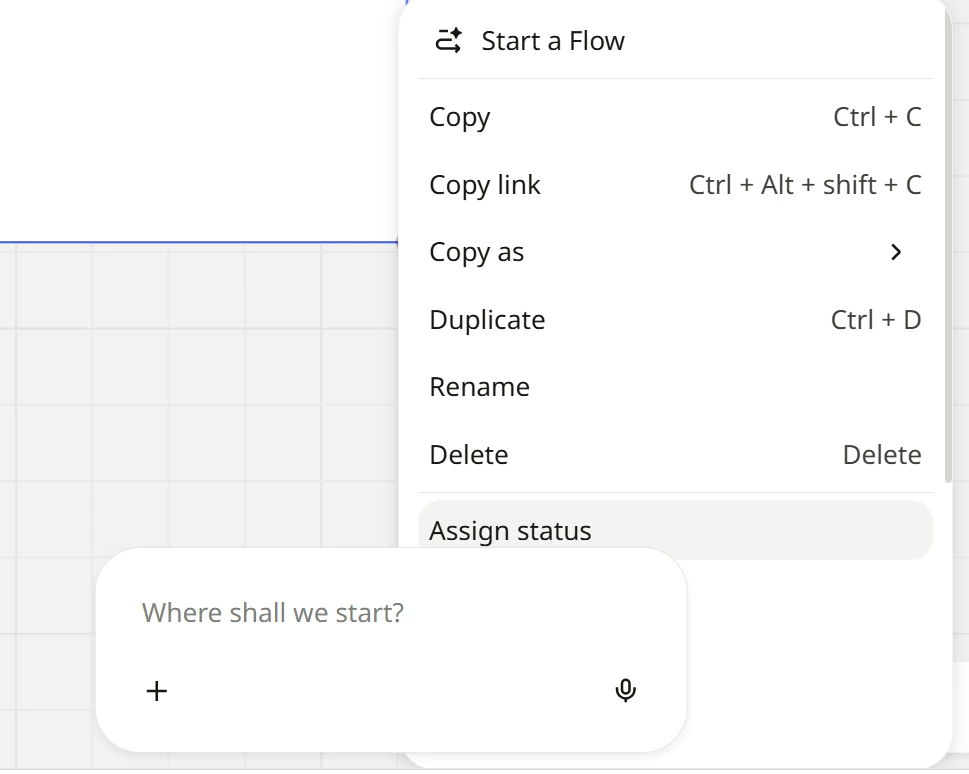
Nothing against the AI feature, but I’m experiencing a serious UI issue that may be a bug.

The AI dialogue box appears on top of the context menu and prevents me from seeing some of the menu options (see screenshot below).

At the moment, I have to click around the board to find a position where I can both select the element and access the full menu. This creates unnecessary friction.

Is there a way to move, minimise, or hide the AI dialogue box? Thanks for any help!


3 replies

Eca
Mironeer
Forum|alt.badge.img+5
  • Mironeer
  • Sep 25, 2026 3:44 PM UTC

HI ​@Mar_L,

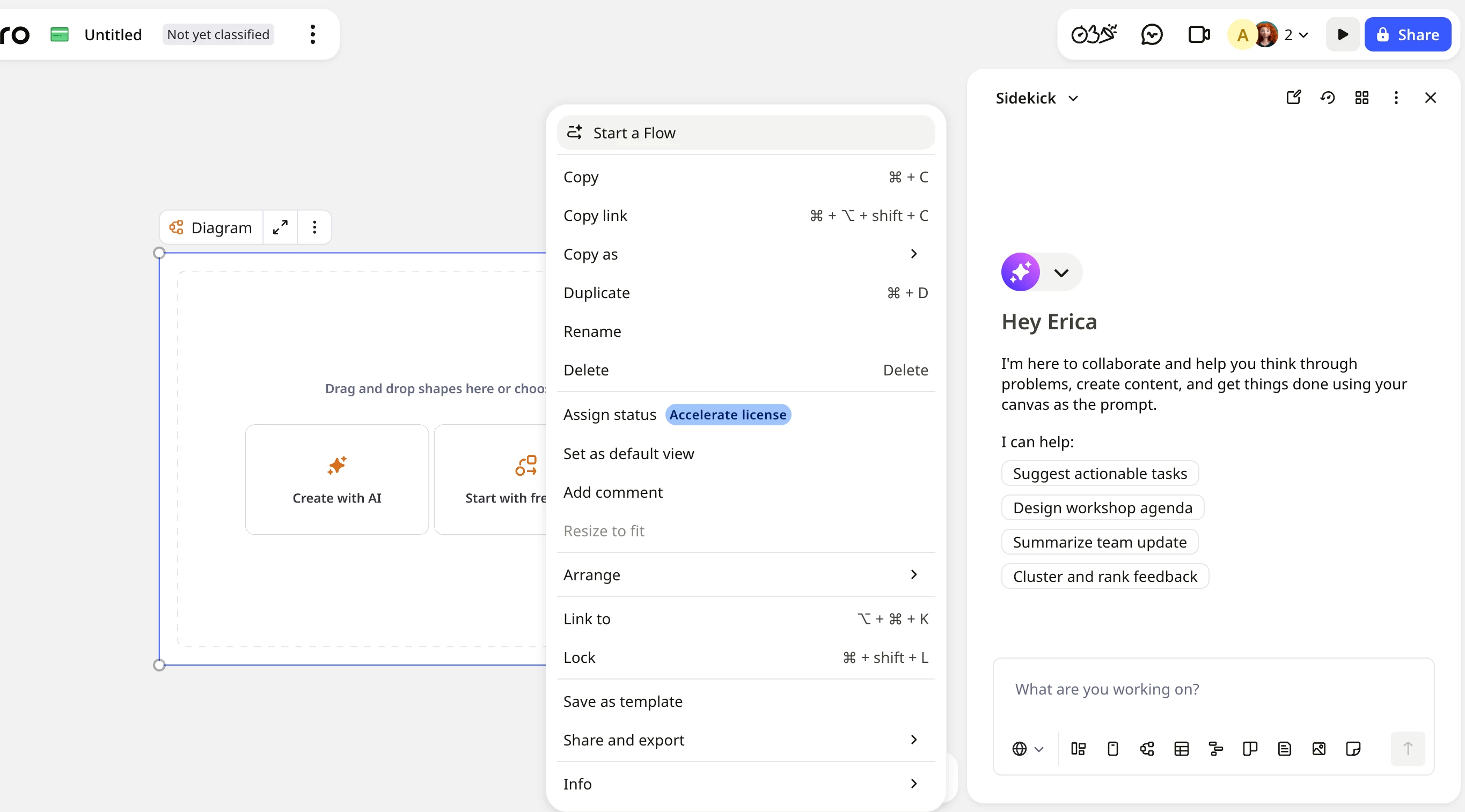
Thanks for reporting this and for sharing the screenshot. In my case the AI/Sidekick panel appears docked on the right side of the board.

Could you let me know which device and browser or Miro app you’re using? This will help us look into the behavior further.


  • Author
  • New Here
  • Oct 2, 2026 10:22 AM UTC

Hi ​@Eca, I’m using Edge on Windows 11

A while ago my AI panel was also displayed on the right, but then it moved down for some reason


Yes please give us the ability to hide this box, it’s getting in the way. I presume it’s intentionally been added to the bottom of the page as you’re trying to encourage the use of AI tools. However for me it just takes up valuable space when I’m working on a single monitor