Hi everyone,
Nothing against the AI feature, but I’m experiencing a serious UI issue that may be a bug.
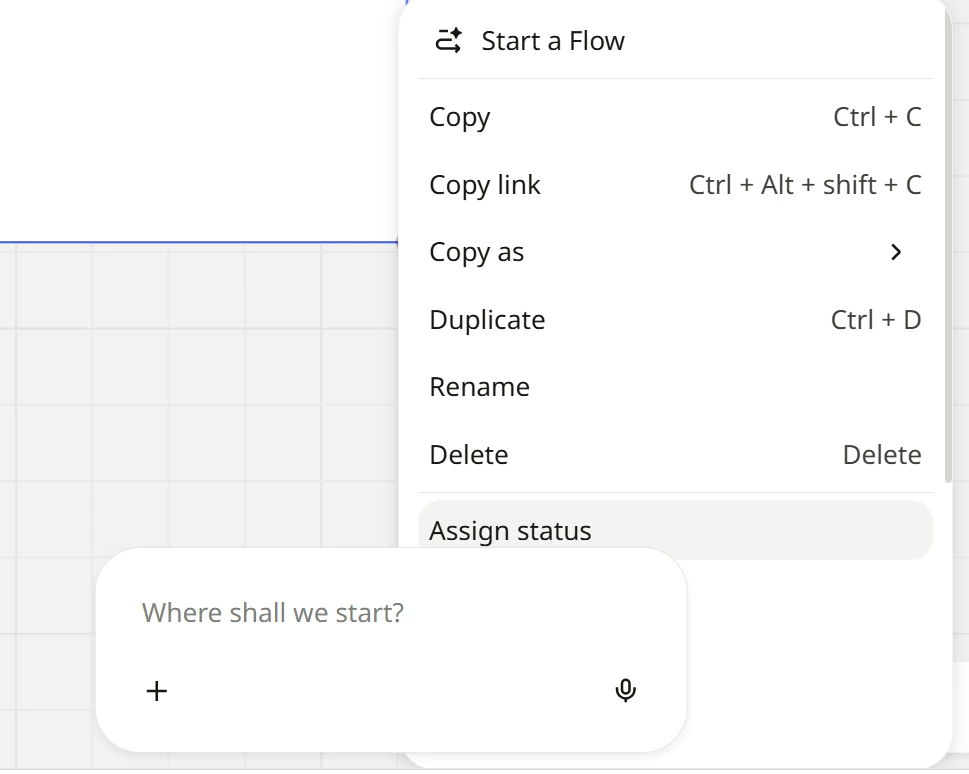
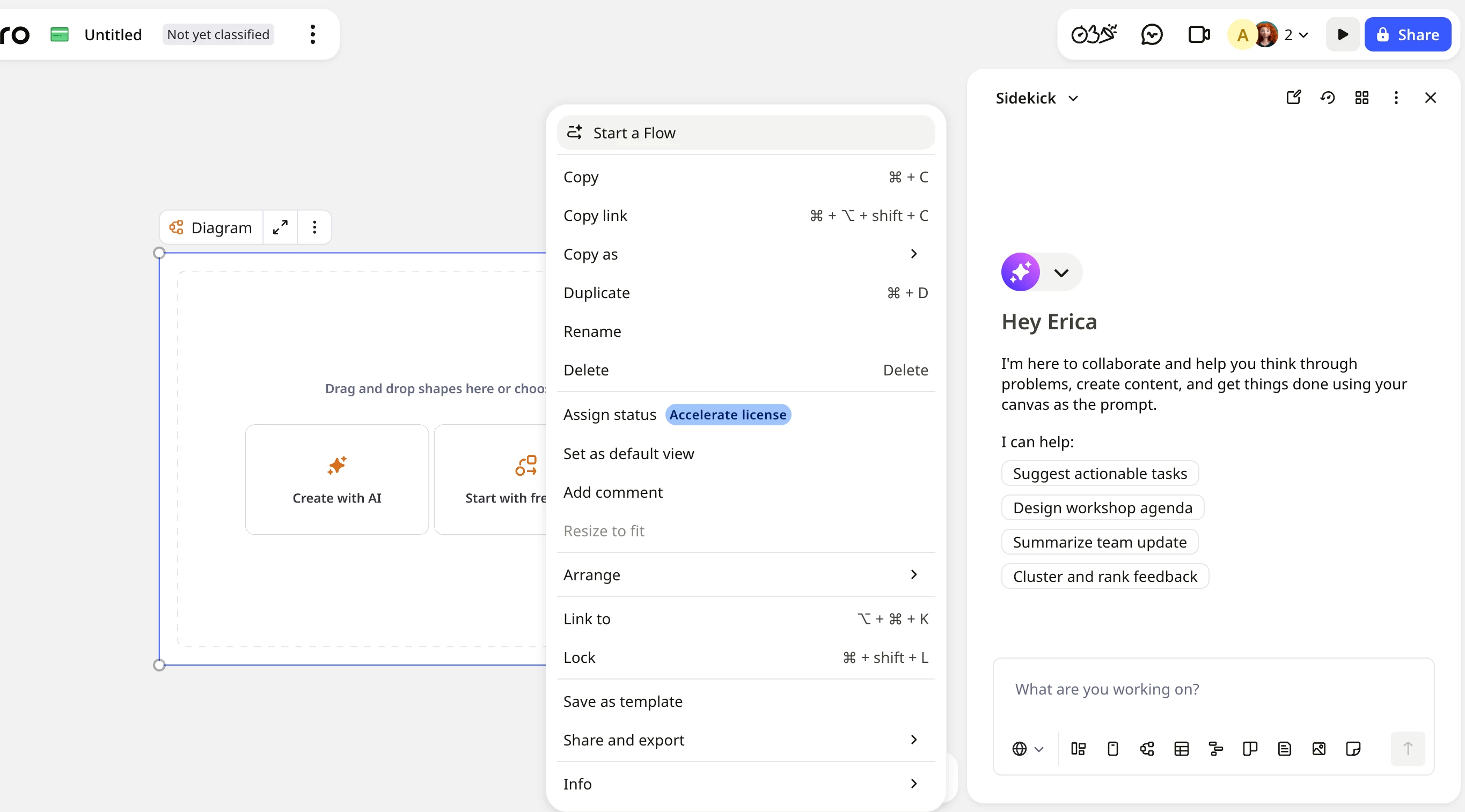
The AI dialogue box appears on top of the context menu and prevents me from seeing some of the menu options (see screenshot below).
At the moment, I have to click around the board to find a position where I can both select the element and access the full menu. This creates unnecessary friction.
Is there a way to move, minimise, or hide the AI dialogue box? Thanks for any help!