Exporting frames into PDF in the wrong order (any quality)

  • July 11, 2026
  • 1 reply
  • 41 views

Forum|alt.badge.img

I have tried selecting them in the preferred order, I tried lining the frames up in the left>right, top>bottom, layout, I tried laying them out in one line with the frame edges touching. They come up in my pdf in the order they were created only. I’ve also tried numbering the frames in the order I’d prefer. Nothing is working. I cannot choose what order my pdf will export into.

I’m not able to export the whole board because there is a mess of work around the frames. (this is for my graduate math course.)


1 reply

Eca
Mironeer
Forum|alt.badge.img+5
  • Mironeer
  • July 14, 2026

Hi ​@Janet Mitchell 

Thanks for the details.

The PDF export follows the order in which the frames were created or placed on the board, rather than their visual arrangement or numbering. Because of this, rearranging the frames on the canvas or renaming them won't affect the export order.


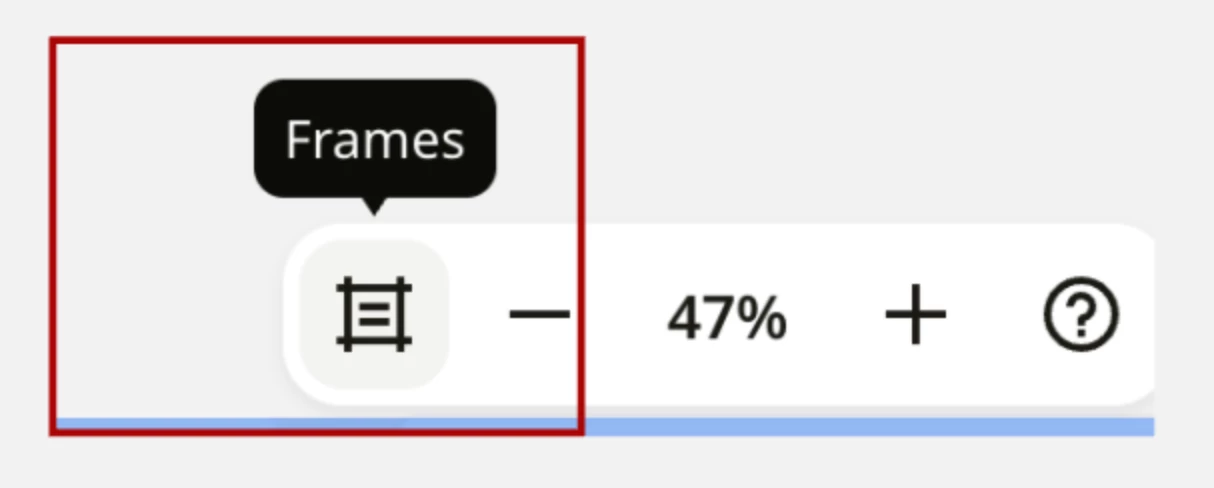
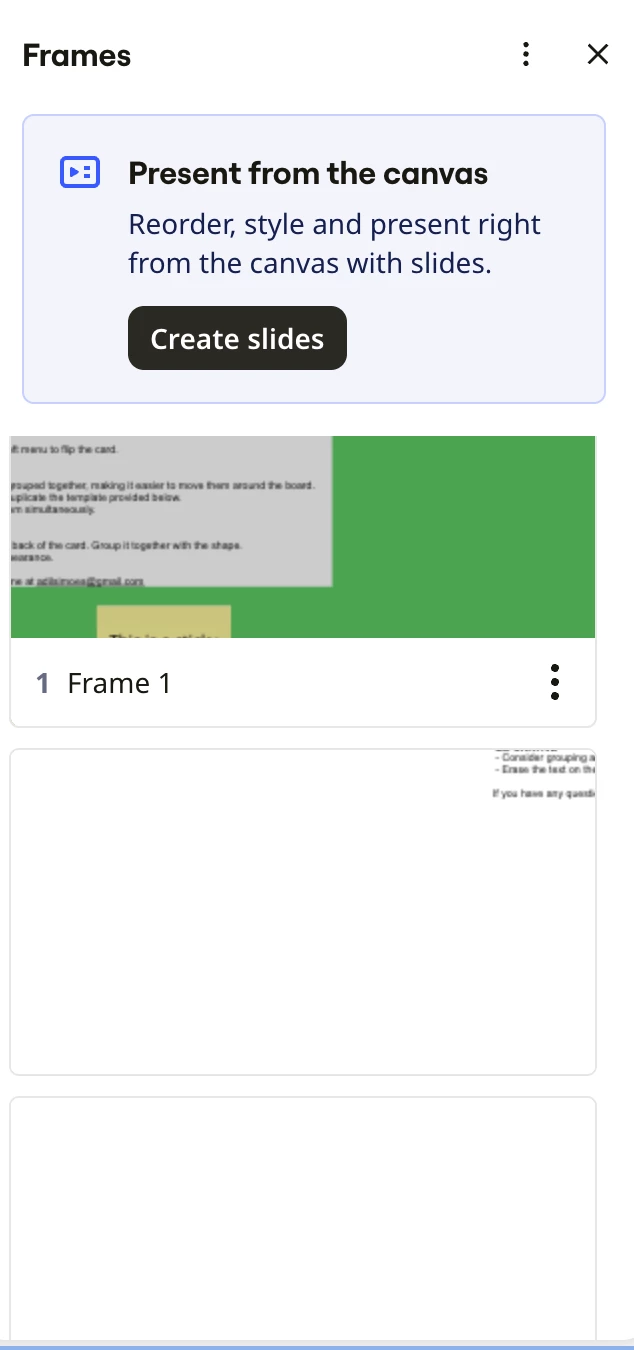
If you'd like to change the export order, you can reorder the frames in the Frame list (located in the sidebar) by dragging them into your preferred sequence. Once the frames are arranged in the desired order there, try exporting the PDF again.


Hope this helps!