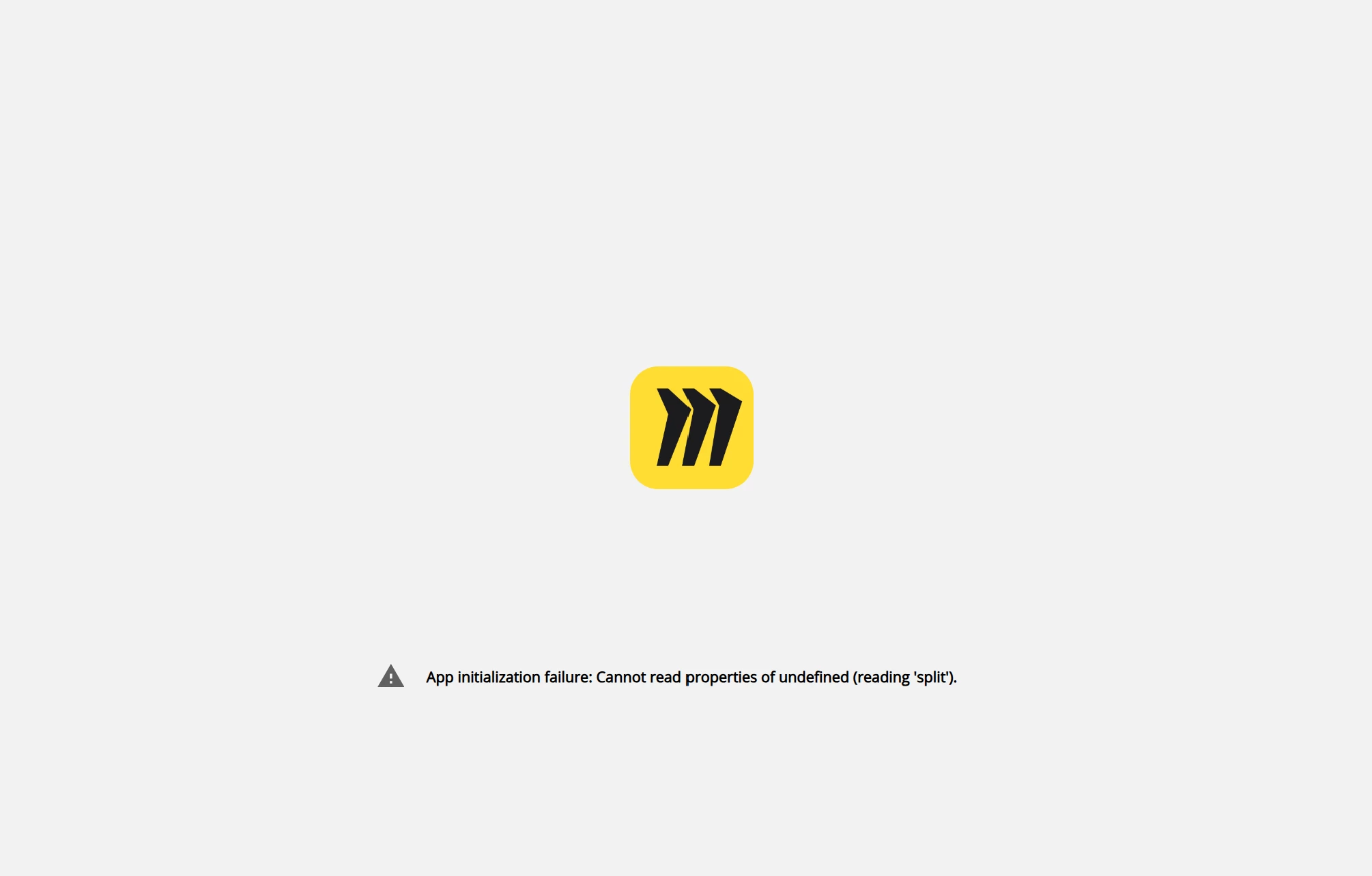
I just started experiencing this as well. Tried all the suggestions, clearing cache, different browsers etc.. Hoping for some guidance. Only new thing was I had upgraded to a paid plan for a month but then cancelled.
I’m experiencing the exact same issue with Microsoft Edge and Google Chrome on the Web (even in an InPrivate window) and the Miro app for Windows. None of the suggestions above are working.
I’ve converted your case to a Support ticket for further investigation, and the team will follow up with you there.
Please note that the team is currently handling a high volume of tickets, so the response may take a little longer than usual. Thanks for your patience!
Hello, don’t know if this helps. We had a user with this error who was also having issues with other programs. He’s in Vancouver Canada which is not observing daylight savings time so his computer put him in Arizona’s time zone. He said he updated his time zone and then everything started working.
Hi I am having the same issue. My account works fine on mobile (ios) but not desktop app or browser. Tried all troubleshooting steps I could find including 4 other browsers, private browser, resetting application data, uninstalling and reinstalling etc.
Hello, don’t know if this helps. We had a user with this error who was also having issues with other programs. He’s in Vancouver Canada which is not observing daylight savings time so his computer put him in Arizona’s time zone. He said he updated his time zone and then everything started working.
Oh, that’s quite interesting... I’m located in British Columbia and the province has indeed adopted permanent daylight saving time, remaining on UTC−7 year-round starting March 8, 2026, with no “fall back” in November.
Following your suggestion, I manually changed the time zone in Windows 11 to “(UTC-05:00) Eastern Time (US & Canada)” and, what do you know, Miro is now working properly! And it stops working as soon as I revert back to “(UTC-07:00) Pacific Time (British Columbia)”.
So, it looks like there’s a date/time bug in Miro. I’ll update the support ticket with this very useful information.
Hello, don’t know if this helps. We had a user with this error who was also having issues with other programs. He’s in Vancouver Canada which is not observing daylight savings time so his computer put him in Arizona’s time zone. He said he updated his time zone and then everything started working.
Oh, that’s quite interesting... I’m located in British Columbia and the province has indeed adopted permanent daylight saving time, remaining on UTC−7 year-round starting March 8, 2026, with no “fall back” in November.
Following your suggestion, I manually changed the time zone in Windows 11 to “(UTC-05:00) Eastern Time (US & Canada)” and, what do you know, Miro is now working properly! And it stops working as soon as I revert back to “(UTC-07:00) Pacific Time (British Columbia)”.
So, it looks like there’s a date/time bug in Miro. I’ll update the support ticket with this very useful information.
Thanks for your help, @Perry Tsuchihashi!
Can confirm - another BC resident here. I changed my timezone to Yukon (UTC-7 same as BC) and Miro worked immediately.
Miro folks, if this is an issue i hate to tell you but other provinces and territories are also ditching daylight savings (Alberta and North West Territories) so other users may be impacted.
Strangely enough, it works perfectly fine in Mozilla Firefox 157.0 (64-bit) on Windows 11, but not in Microsoft Edge 154.0.4258.53 (64 bits) or Google Chrome 155.0.8059.40 (64-bit).