Question

Documents wont stay at fixed place

  • Nov 17, 2026 5:40 PM UTC
  • 4 replies
  • 22 views

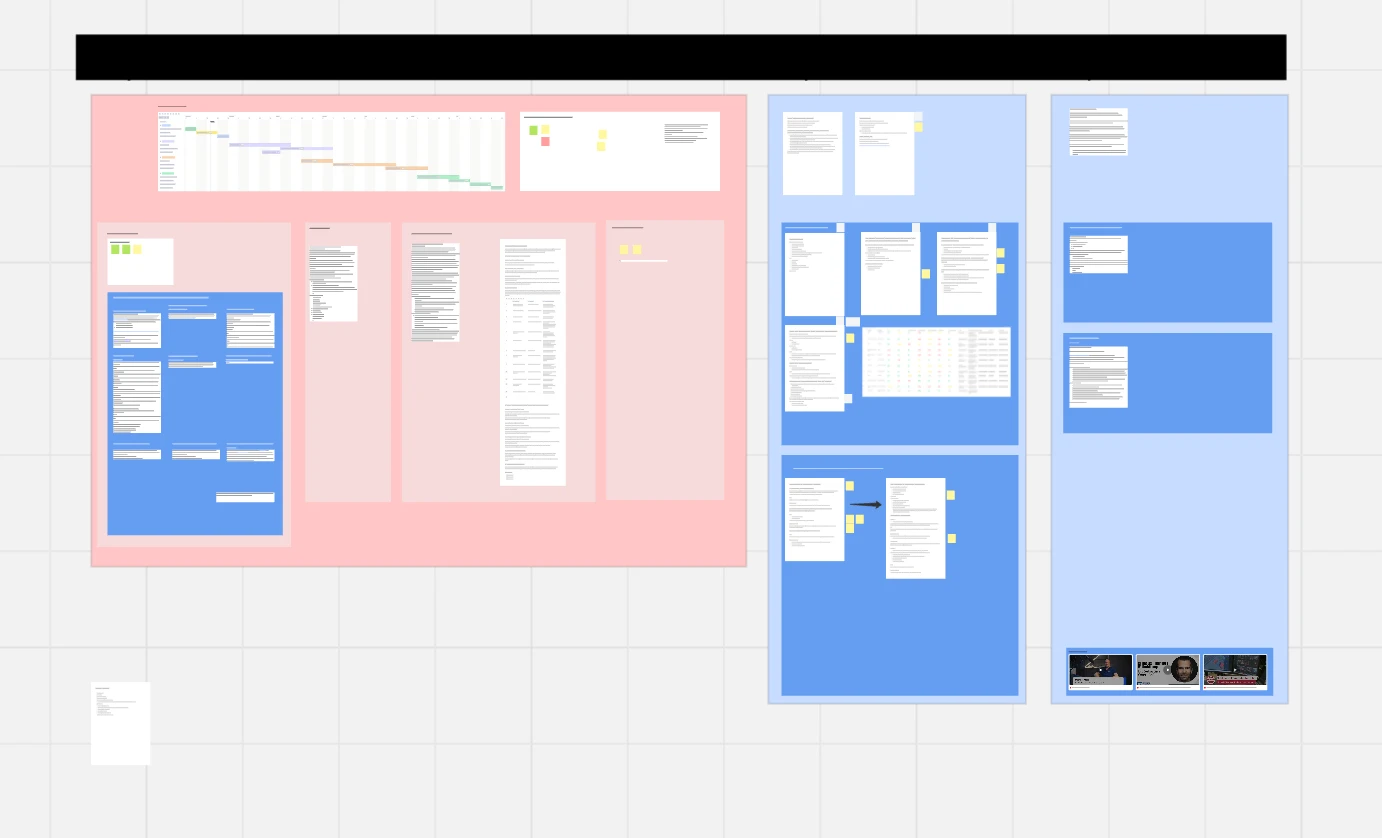
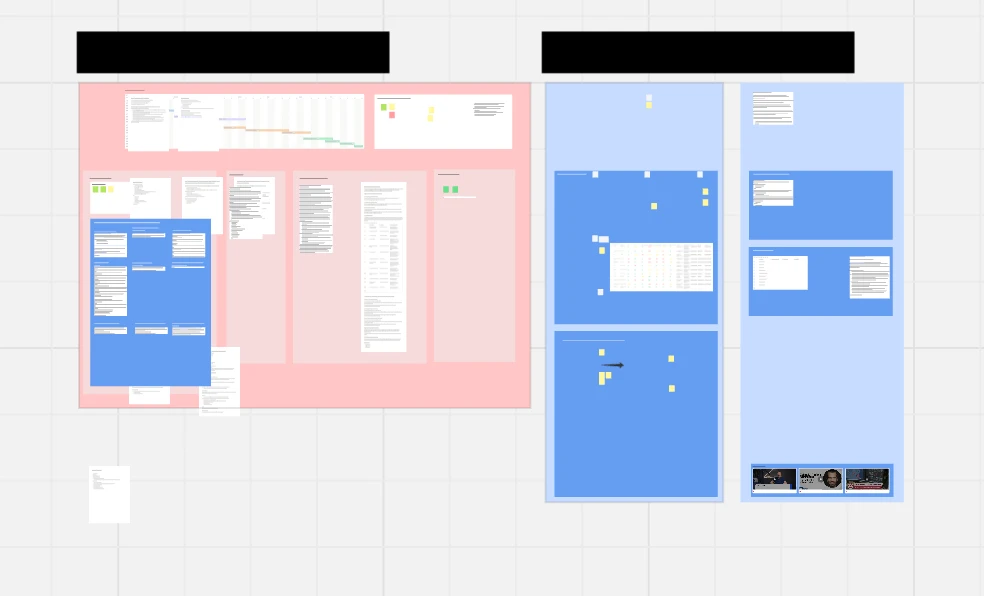
Hey, ive got a very annoying issue. Everytime the board syncs, it moves some Documents into a random place :( Tried already creating a new board, writing everything from scratch… they just wont stay :( 

 

4 replies

Eca
Mironeer
Forum|alt.badge.img+5
  • Mironeer
  • Nov 17, 2026 6:05 PM UTC

HI ​@DennisDennisDennis 

Sorry to hear you're running into this! I'd like to understand the behavior a little better so we can point you in the right direction.

Could you clarify a few things?

  • Do the Documents move to completely different areas of the board, or do they shift slightly from their original positions?

  • Does this happen to all Documents or only certain ones?

  • Are you the only one experiencing this, or have other collaborators noticed the same behavior?

  • Does this happen across different browsers or devices?

If possible, please also share a screeenshot or short screen recording showing the issue, from before the sync to after the Documents move.

 This will help us better understand what's happening.


Hey Eca,

  • They move to a completely different place. 
  • This does not happen to all Documents, but in my opinion randomly. Sometimes around 90% and sometimes around 70% move
  • I work alone in this board for now
  • I used Safari and the Miro App

When it happens again, i will send you a screenshot of before and after.


*Edit: Today i duplicated for testing one document in the board. After syncing again, both, the original and the copied document moved on the x axis to the left.

They also move when they are locked


best

dennis


Eca
Mironeer
Forum|alt.badge.img+5
  • Mironeer
  • Nov 18, 2026 2:30 PM UTC

HI ​@DennisDennisDennis 

Thanks for providing these additional details and for testing this further! Since the Documents are unexpectedly moving to different positions even when duplicated or locked, this may require further technical investigation.

I've converted your case to a Support ticket so our team can look into this further.

When the issue happens again, please feel free to share the screenshots in the ticket showing the Documents before and after syncing. These could help with the investigation.

Please note that our team is currently handling a high volume of tickets, so the response may take a little longer than usual. Thanks for your patience!


before sync
after sync

hey,

Here are the two screenshots