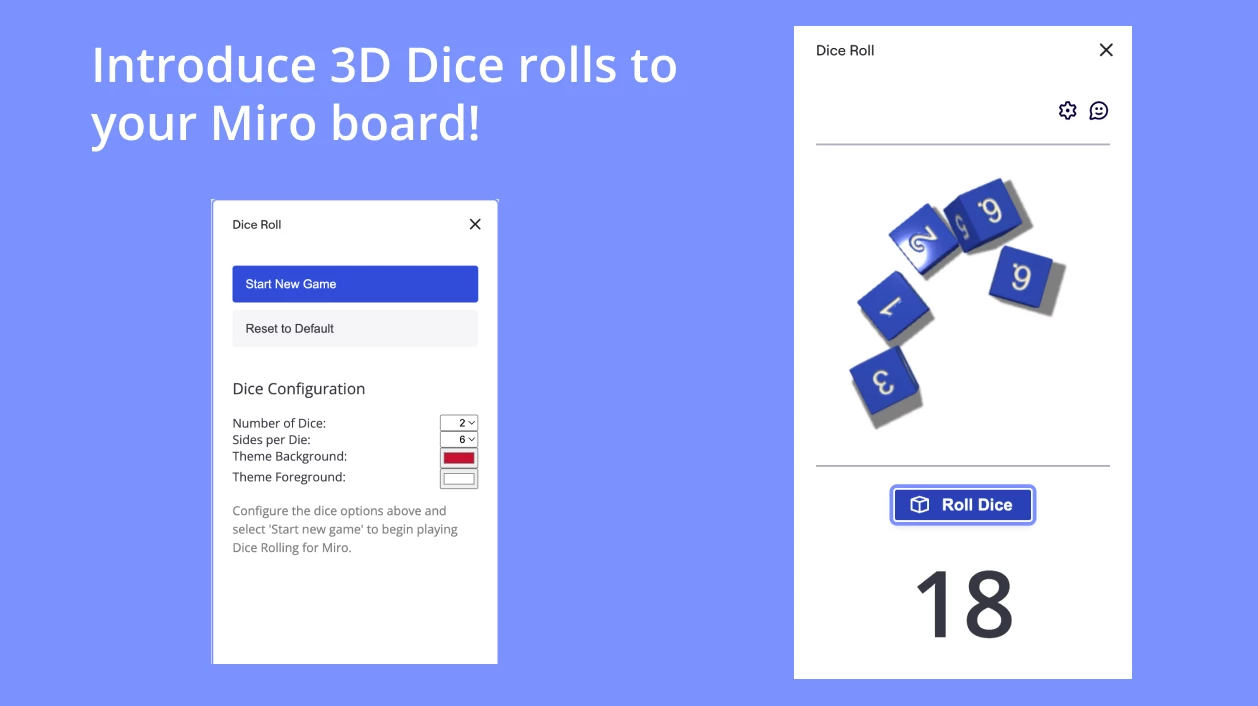
Dice isn't rolling

  • Sep 1, 2023 11:27 AM UTC
  • 3 replies
  • 539 views

Hello there! Could anyone help me to fix the problem with the dice? It appears, but I can’t find the roll button. It just doesn’t work. Thank you in advance!

3 replies

Robert Johnson
Forum|alt.badge.img+13
  • Volunteer Community Moderator
  • Sep 3, 2023 10:33 PM UTC

@Maria Rumynskaya - If you are referring to the Dice app on the Miro Marketplace, there is no roll button. You simply select the number of dice you want and then drag them onto the board, at which point they “roll”, i.e., they random change four times, at which point you have your final numbers.

If you are referring to another app, please share a link or some screenshots.


Forum|alt.badge.img+1
  • Contributor
  • May 14, 2025 9:25 AM UTC

​@Maria Rumynskaya Can you check this app and see if it is helpful?
https://miro.com/marketplace/dice-roll/


Forum|alt.badge.img+1
  • Beginner
  • Sep 11, 2026 1:56 PM UTC

If what you’re looking for is a die that you can just click to roll again, I’ve built a separate Miro app called Skedum Dice.

The die stays on the board, so there’s no need to drag a new one from the app panel for every roll. Just click it again, and the new result stays visible on the board.

You can see how it works here:
https://miro.skedum.com/dice

I’m the developer.