

I am inquiring on how to delete contents from a current board. I usually use my board to collaborate with students and don’t want to “create a new board” every time I want to use a clean slate. I cannot find any feature that would allow a simple “wipe the slide clean” option.

Answered
Deleting all contents of a board
Best answer by Kiron Bondale
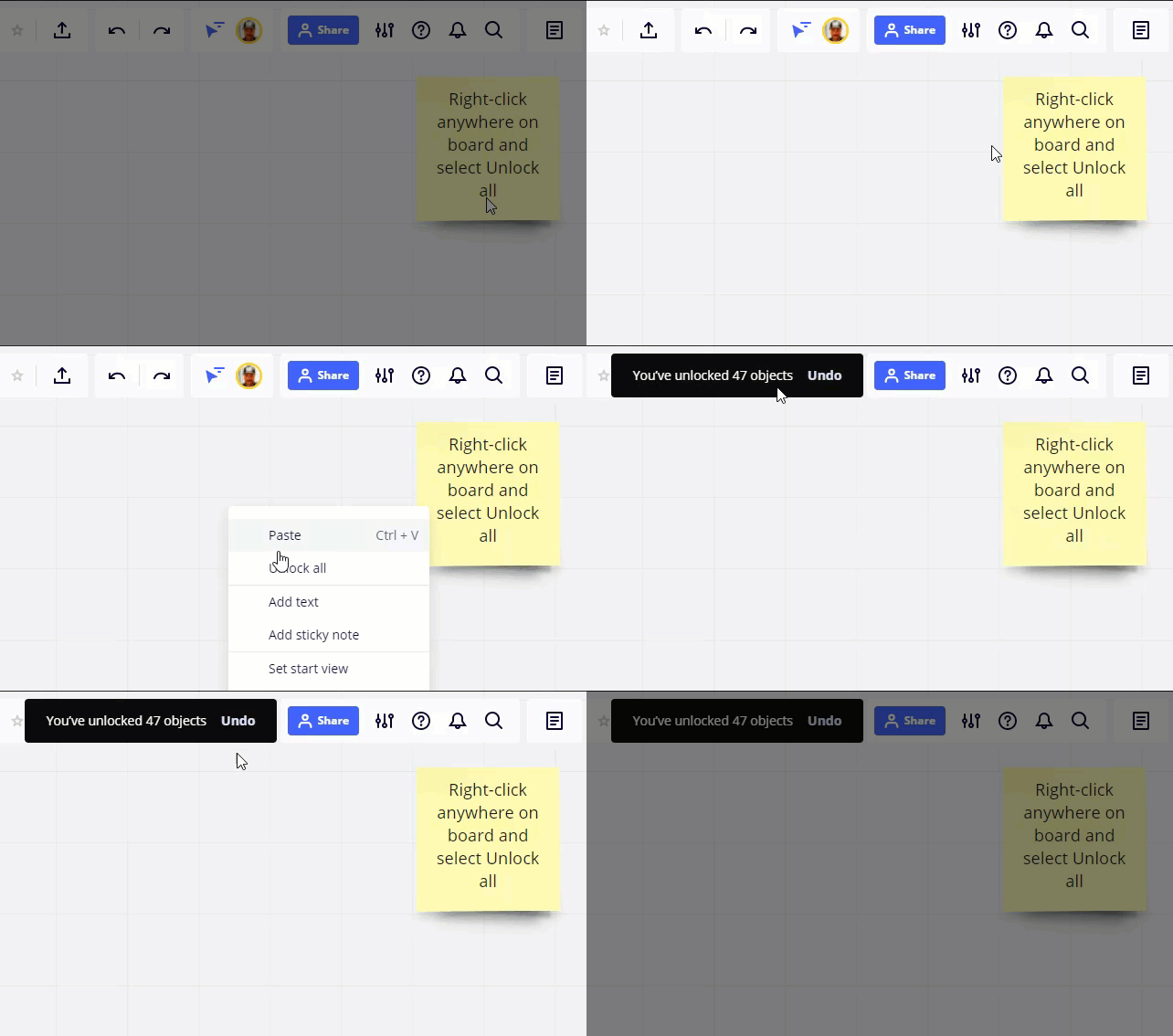
You could use the Unlock All function by bringing up the right-click context menu in any empty space on the board, then do a Select All, and hit delete.
Kiron
This topic has been closed for replies.



Make your 2026 football predictions with Miro + enter to win $400!

Log in to the community
No account yet? Create an account
Log in with your Miro account Login with Token
Enter your E-mail address. We'll send you an e-mail with instructions to reset your password.