
I am getting extremely irritated with the broken functionality of copy and paste in Miro. I am on MacOS primarily using the desktop app.
Every time I need to spend a few hours in Miro I encounter the same issues over and over again, including today.
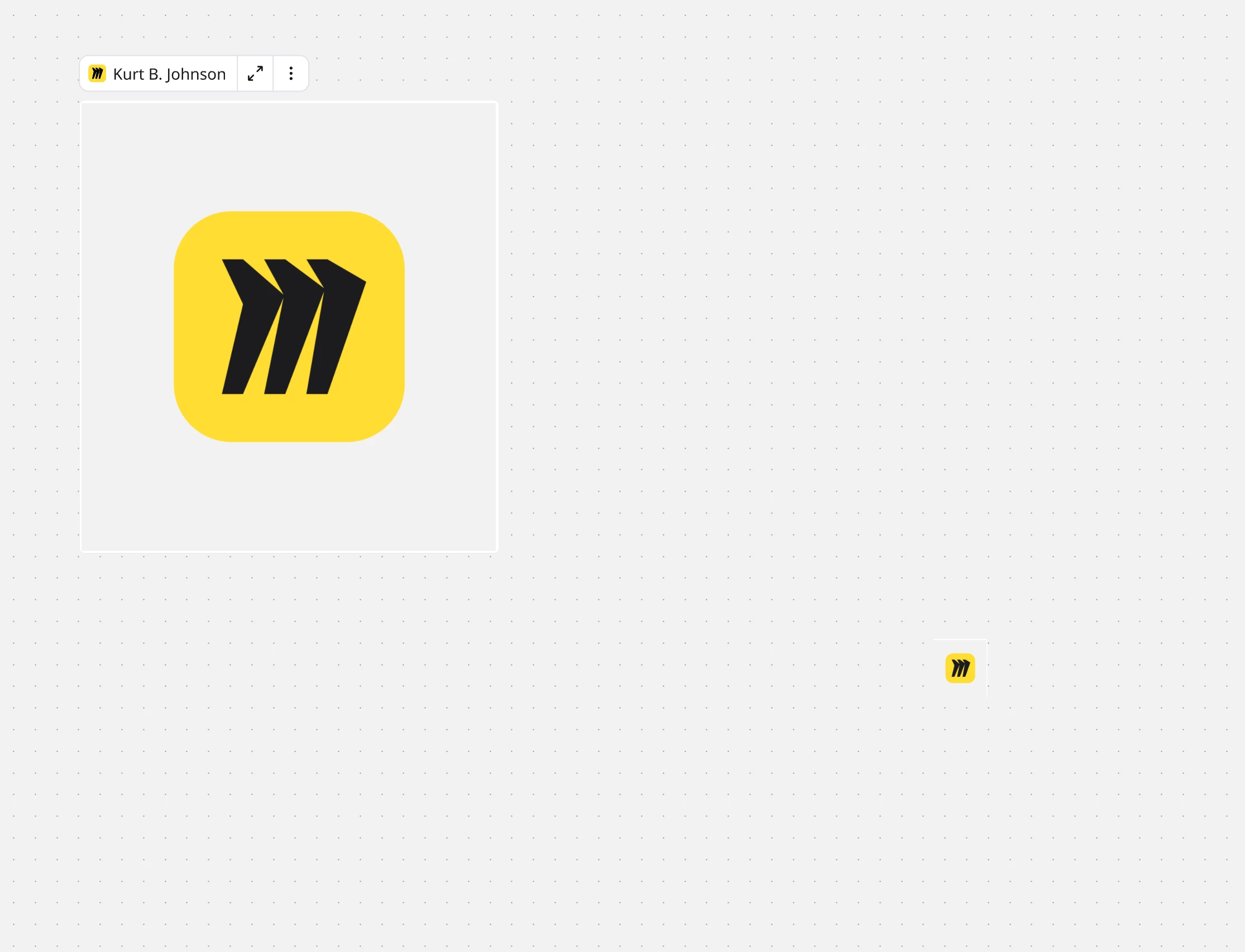
One example is if I try and take a screenshot and then paste it into Miro, it either refuses to paste it completely, or sometimes I end up with some weird frame with the Miro logo at the top corner, and none of the content I actually wanted to paste. Sometimes I need to go and re-capture the screenshot over and over again before it finally pastes onto my board.
This also happens when simply trying to copy and paste any image into my board from the clipboard. Sometimes I have to try it 3 or 4 times before I finally get the image from my clipboard into Miro.
Before you accuse me of trying to paste an image that is too big, I am going to reiterate that it takes me 3 or 4 tries before it works. Eventually it does work.
This nonsense is also happening on the boards themselves. I just tried to copy and paste a box with a dotted outline, that had a couple of lines of text in the top-left corner.
Miro would not paste the thing until I tried copying and pasting it about 3 or 4 times.
This is so absurd, and I have seen threads in here of people complaining about this issue now for FOUR YEARS — so I am 100% convinced I just need to eat this and live with it.
I am getting so sick and tired of software companies shoving features down our throats for marketing purposes, that we do not ask for or even want, and then REFUSING to fix BASIC WORKFLOW BREAKING BUGS for several years.

Copy and Paste seems to be completely broken in this app



Enter your E-mail address. We'll send you an e-mail with instructions to reset your password.