Hi,
I have an existing Miro account that currently has access to a board shared with me by another user.
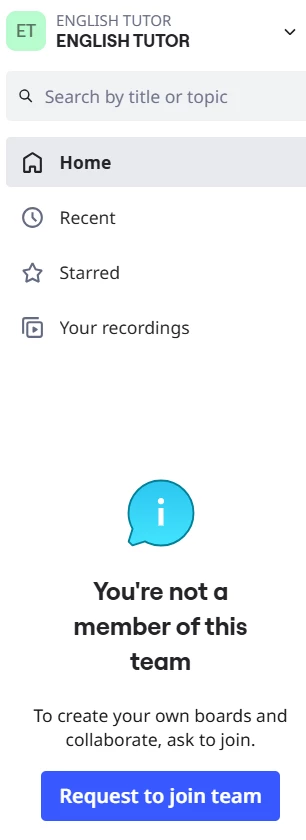
The team shown in my dashboard is called “ENGLISH TUTOR”, but Miro explicitly shows:
“You're not a member of this team.”
I would now like to create my own independent Free team/workspace using this same Miro account.
According to the Miro Free Plan documentation, a user should be able to create their own Free team as long as they are not a member of another Miro team.
However, when I open the team/organization selector, the only available option is “Add organization”, which redirects me to selecting a paid plan. I cannot find any option to create my first Free team.
I do not want to create another Miro account, and I do not want to join the “ENGLISH TUTOR” team. I only want to create my own Free team under my existing account.
Could you please check my account state and either:
- explain how I can create my first Free team with this account, or
- correct the account state if the existing guest access is incorrectly preventing Free team creation?
I have attached a screenshot showing that I am not a member of the existing team.
Thank you.