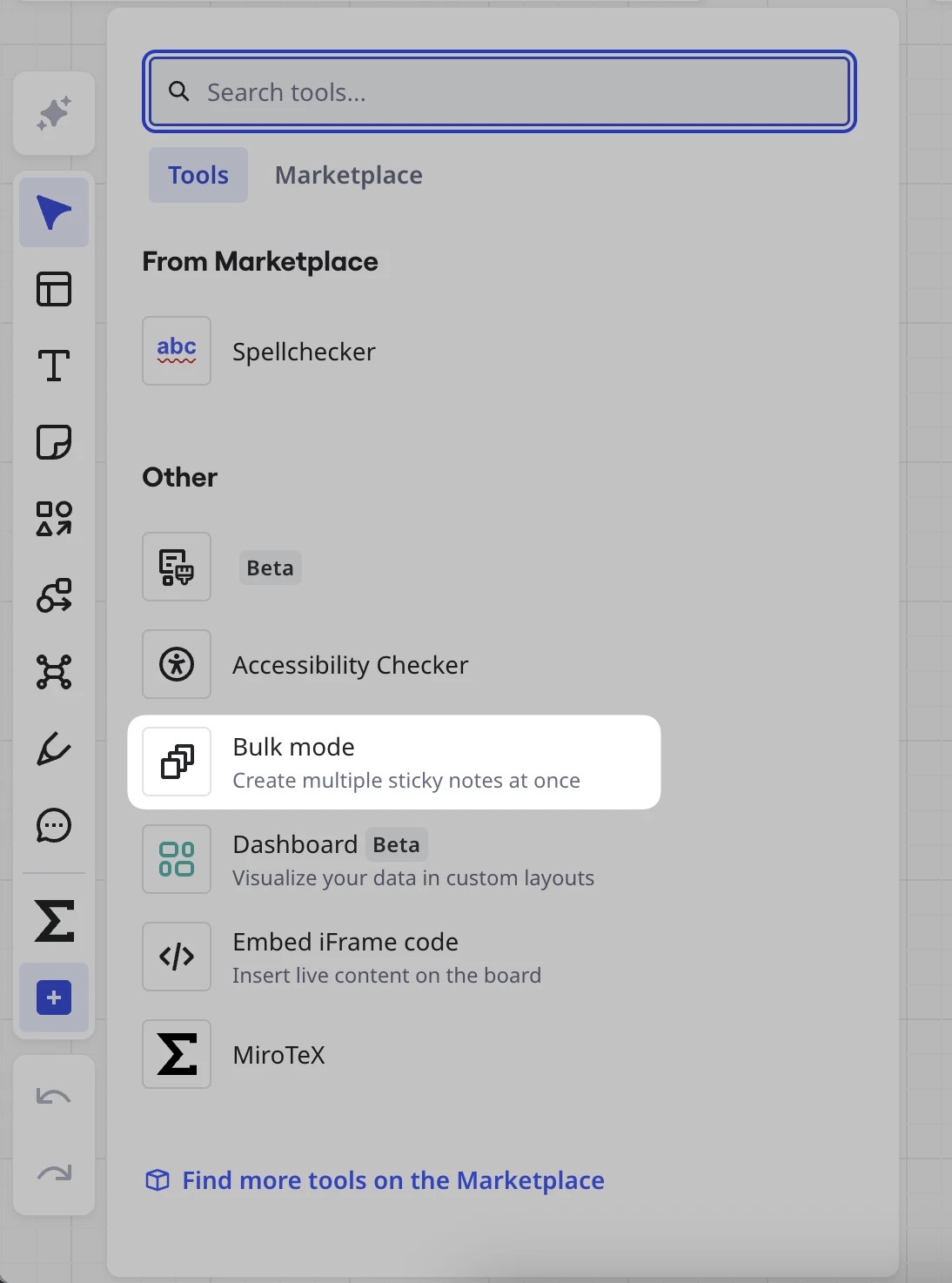
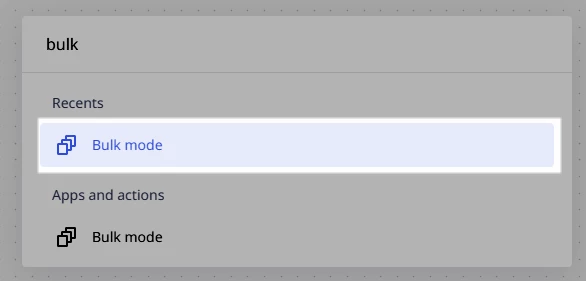
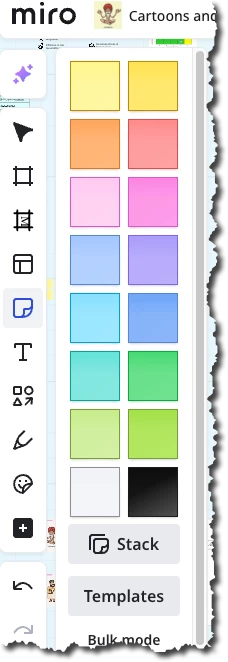
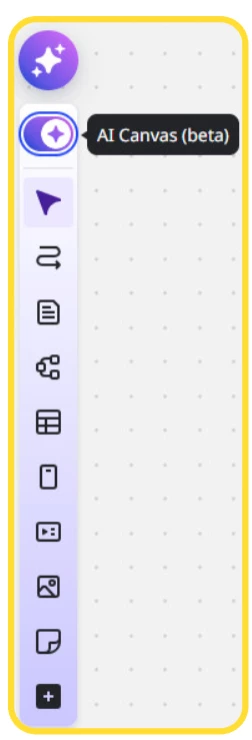
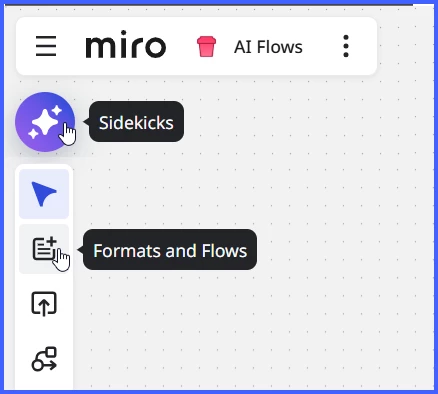
It's normally at the bottom where the AI is now
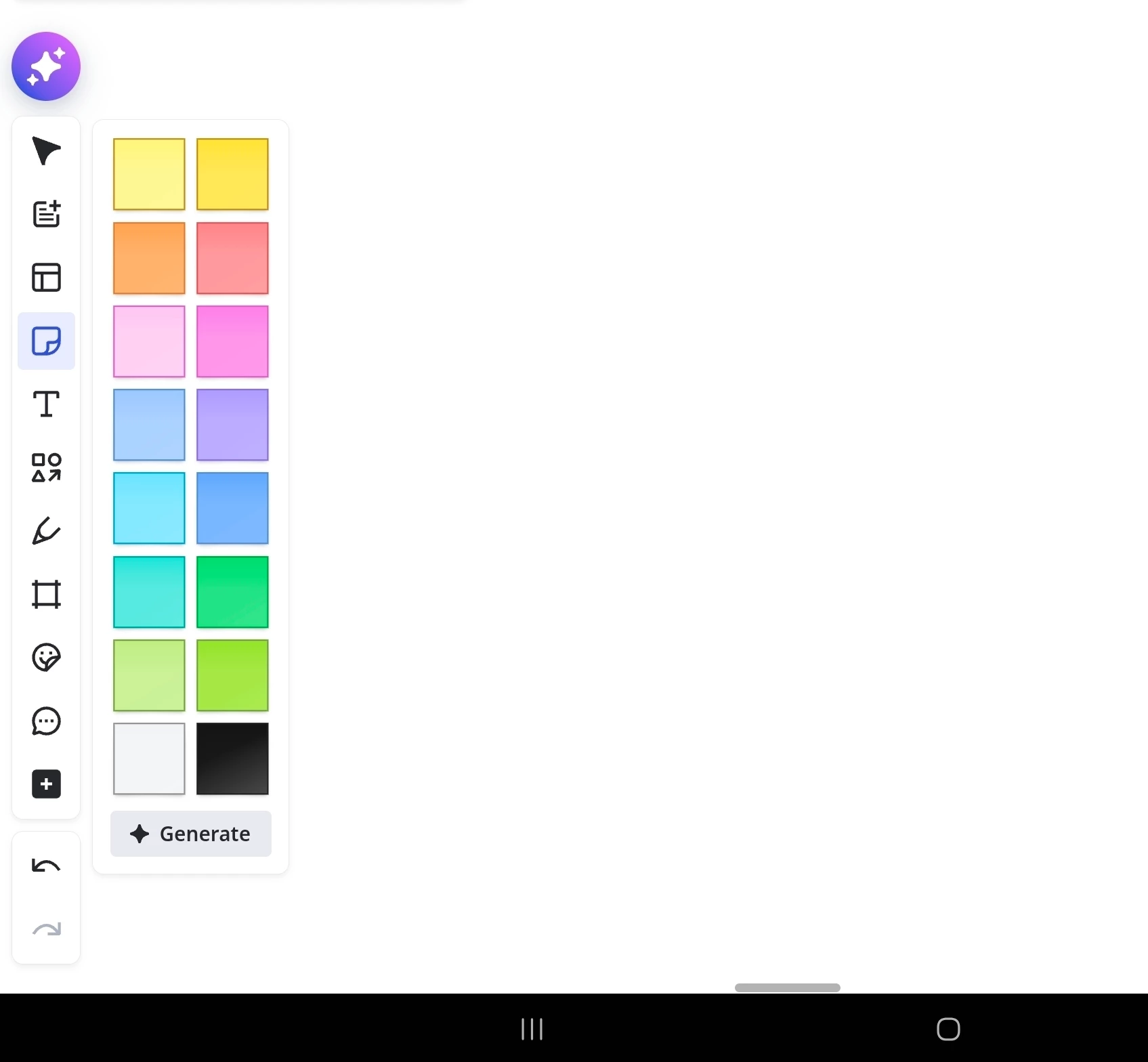
....

It's normally at the bottom where the AI is now

....
Best answer by Robert Johnson
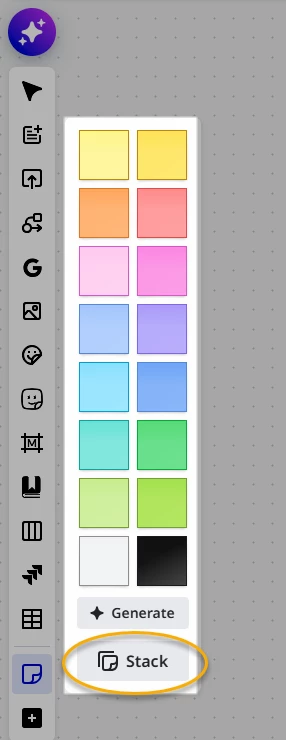
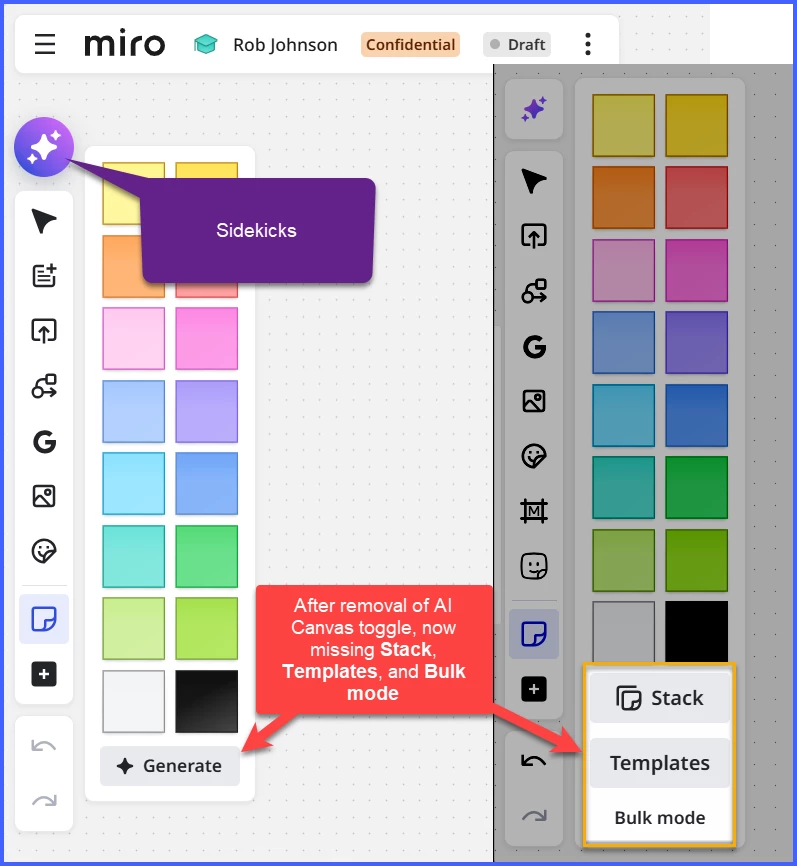
I briefly wanted to follow up with an update I received internally. I confirmed that it's expected behavior not to have Bulk sticky notes available in the Sticky Notes menu. However, we plan to reintroduce the Sticky Stack button to this menu soon, with Miro AI Mode enabled. Thank you for your patience while we make updates and improvements to the UI.
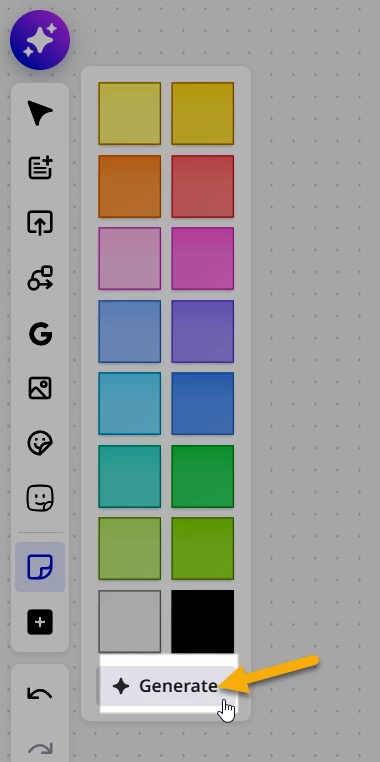
As a workaround, when AI Canvas mode is enabled, we recommend using the Generate button to create a stack or utilizing the Sticky Stack tool.
The mention of “bulk sticky”, but then “sticky stack” confused me, so I asked:
Re:
"I confirmed that it's expected behavior not to have Bulk sticky notes available in the Sticky Notes menu".
To confirm, this feature is no more? https://help.miro.com/hc/en-us/articles/360017572054-Sticky-notes#h_01EWMZS3NDPZ1X6HXQYGCVFJM5
To which support replied:
Correct. Bulk Mode is not available when Miro AI Canvas mode is enabled. Our Product team plans to reintroduce bulk mode and make it available again soon, but we cannot provide a definitive timeline for its availability.
If I am understanding all of this correctly, with the recent UI changes there was collateral damage of which Miro is working to undo.
It sounds like their plan is to:

And then I entered:
Create sticky notes for each of the following lines:
onetwo
three
four
five, test
Result:

Enter your E-mail address. We'll send you an e-mail with instructions to reset your password.