Hi everyone,
I need your help :)
We’re experiencing an issue with one specific Miro board and are wondering if anyone has seen this before.
What happens
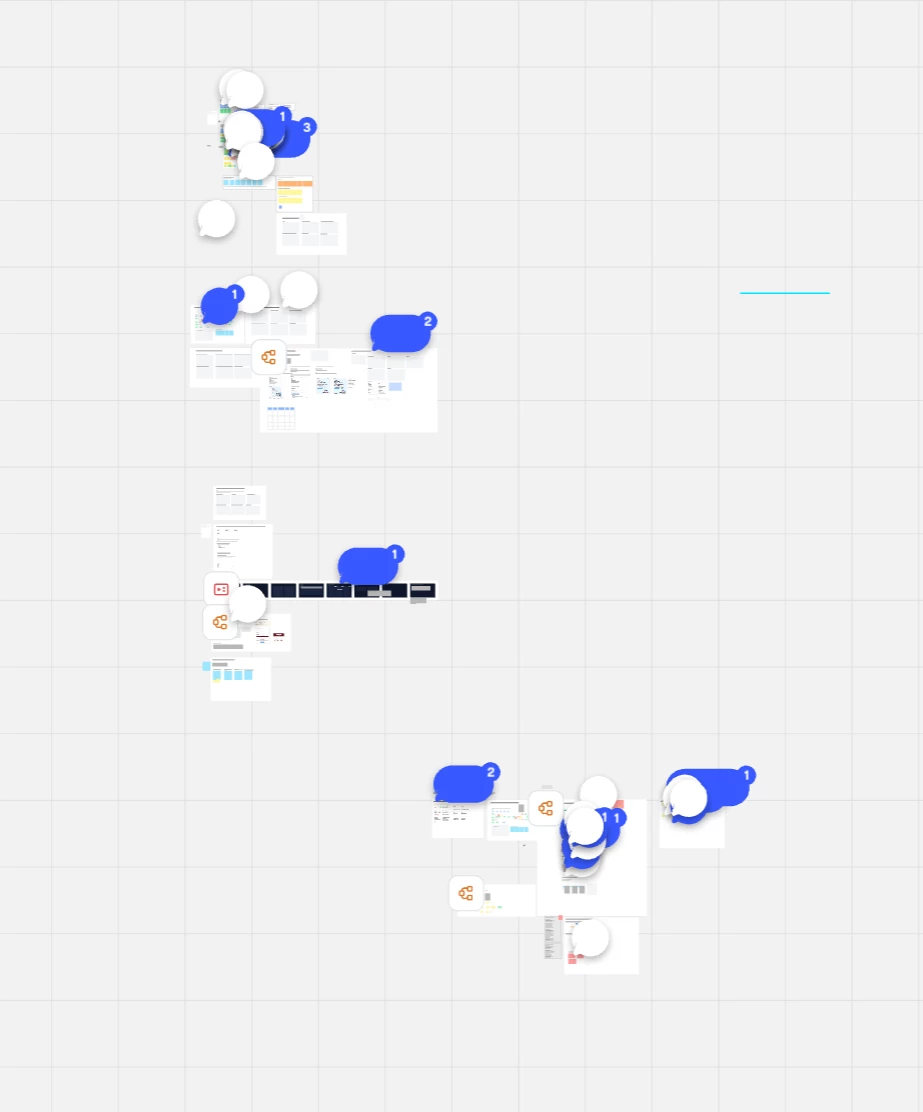
- The board opens but remains stuck around 9–12% zoom.
- No content is visible; we only see an empty grid/background.
- The issue has been occurring for approximately 3 days.
- All other boards in our workspace work normally.
- A colleague who has access to the board experiences exactly the same issue.
It started with no option to zoom out (only stayed on 9 till 12%)
Now it’s not loading anymore as well
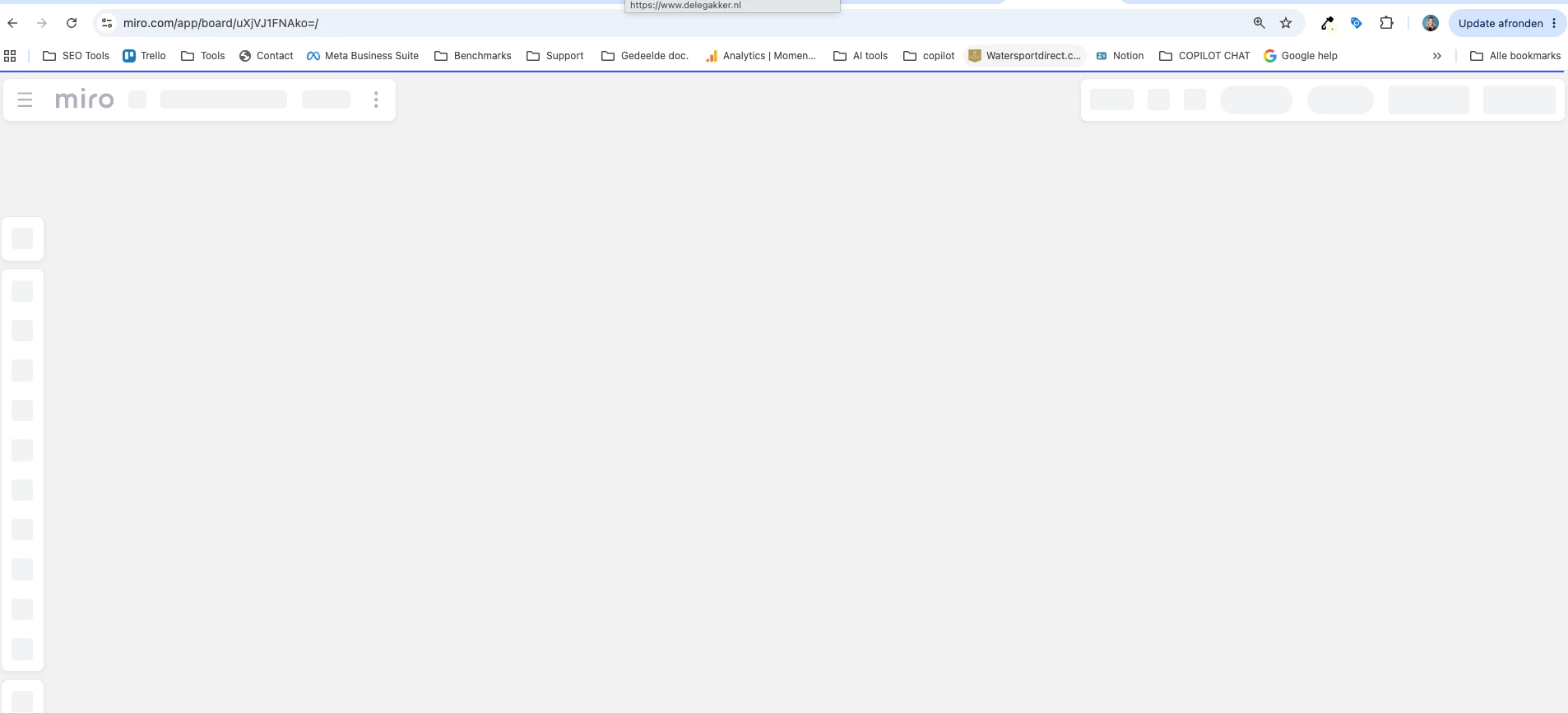
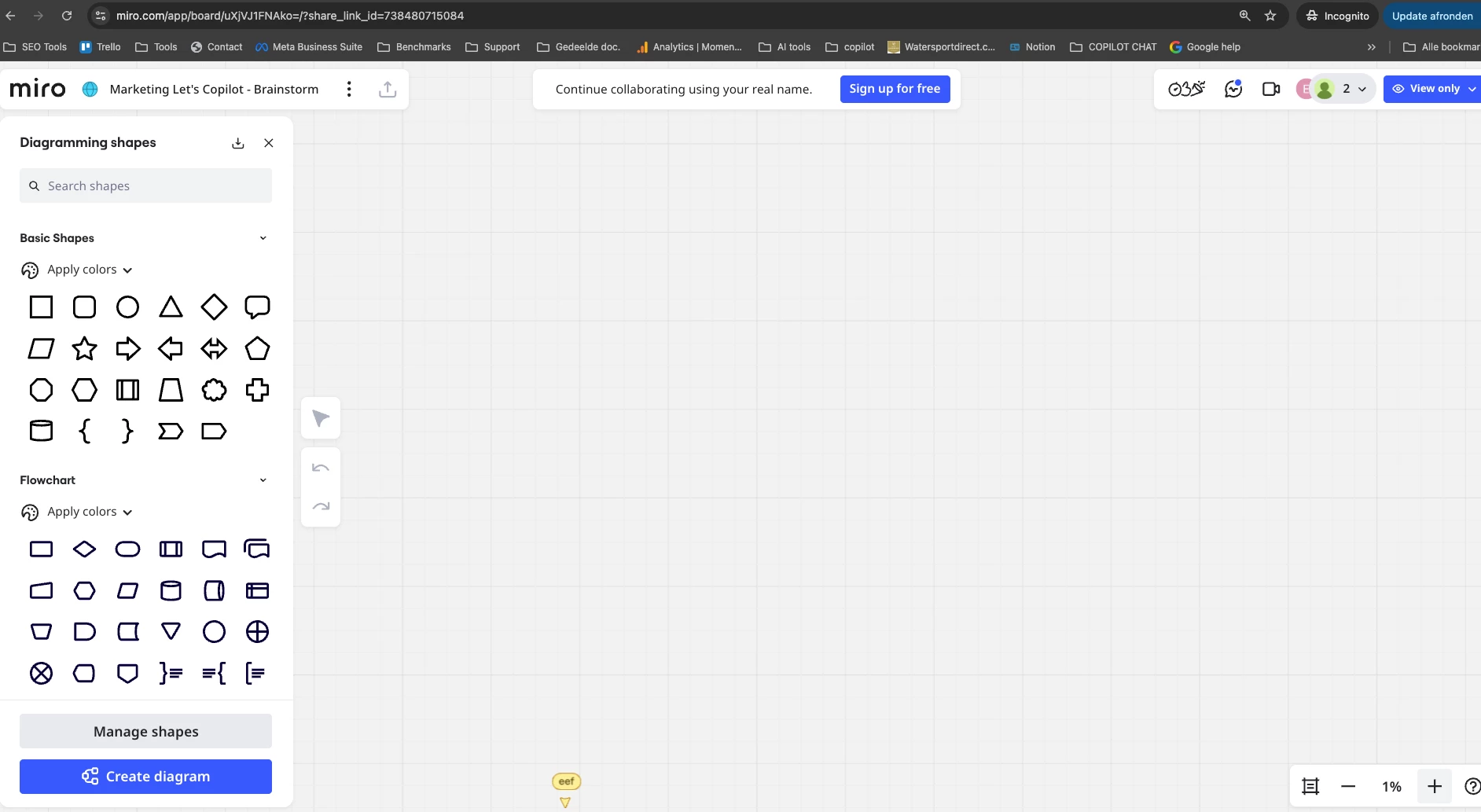
Resresh or incognito doesn’t solve the problem as well
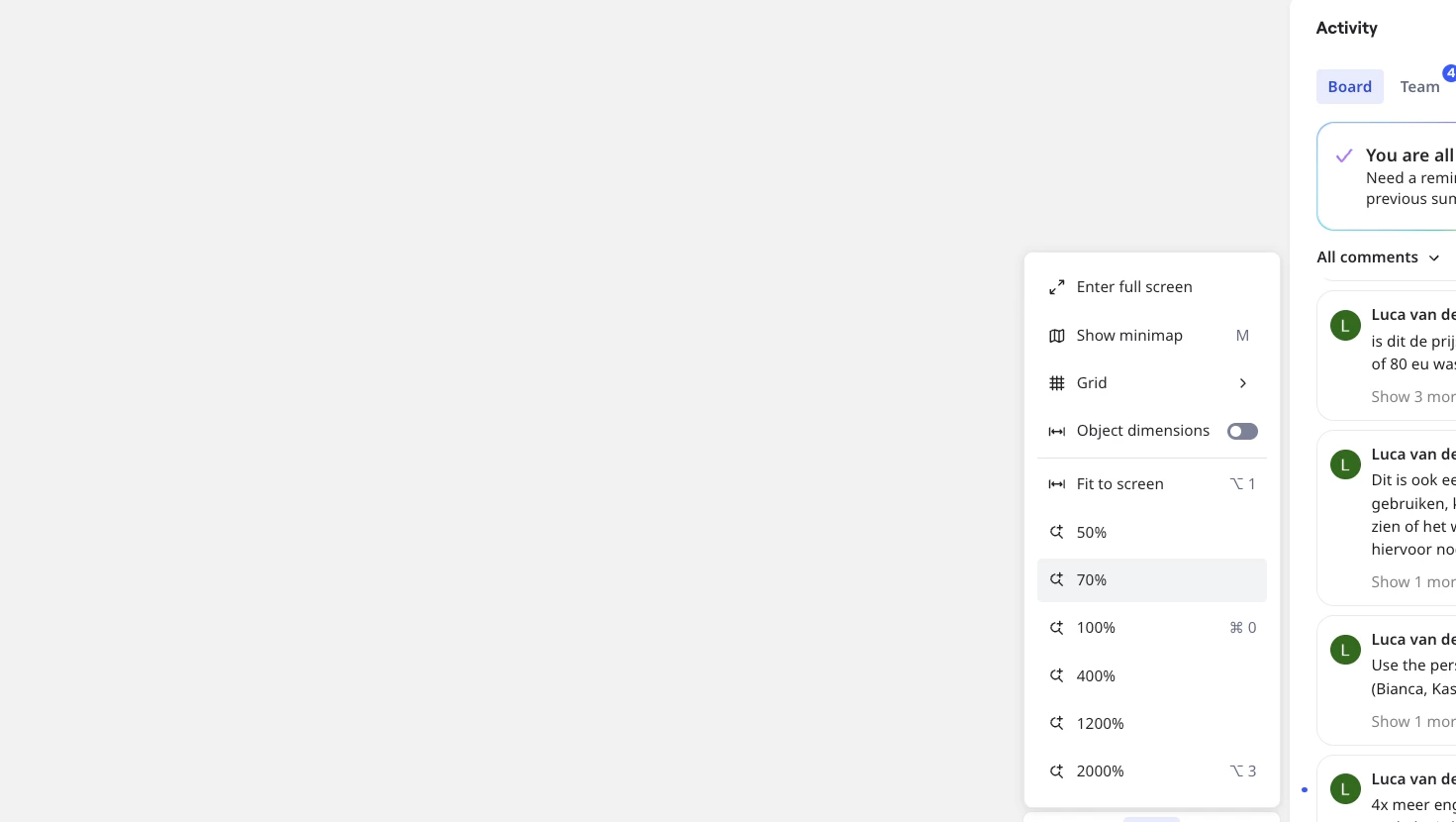
Zoom options doesn’t work
What we’ve already tried
- Refreshing the board
- Different browsers
- Incognito/private mode
- Different computers
- Zoom reset
- Fit to screen
- Cmd + A (select all)
- Keyboard shortcuts to focus on content
- Reopening the board from the dashboard
- Multiple users opening the board
Additional information
- The issue only affects this specific board.
- All other boards load correctly.
- We also tried duplicating the board, but the duplicate shows exactly the same behavior and is also unusable.
Because both the original board and the duplicate fail to display any content, and multiple users are affected, our suspicion is that the board itself may be corrupted rather than this being a browser or viewport issue.
Has anyone experienced this before?
Is there a way to recover the board? There is a lot of work in!
Thanks a lot in advance :) :).