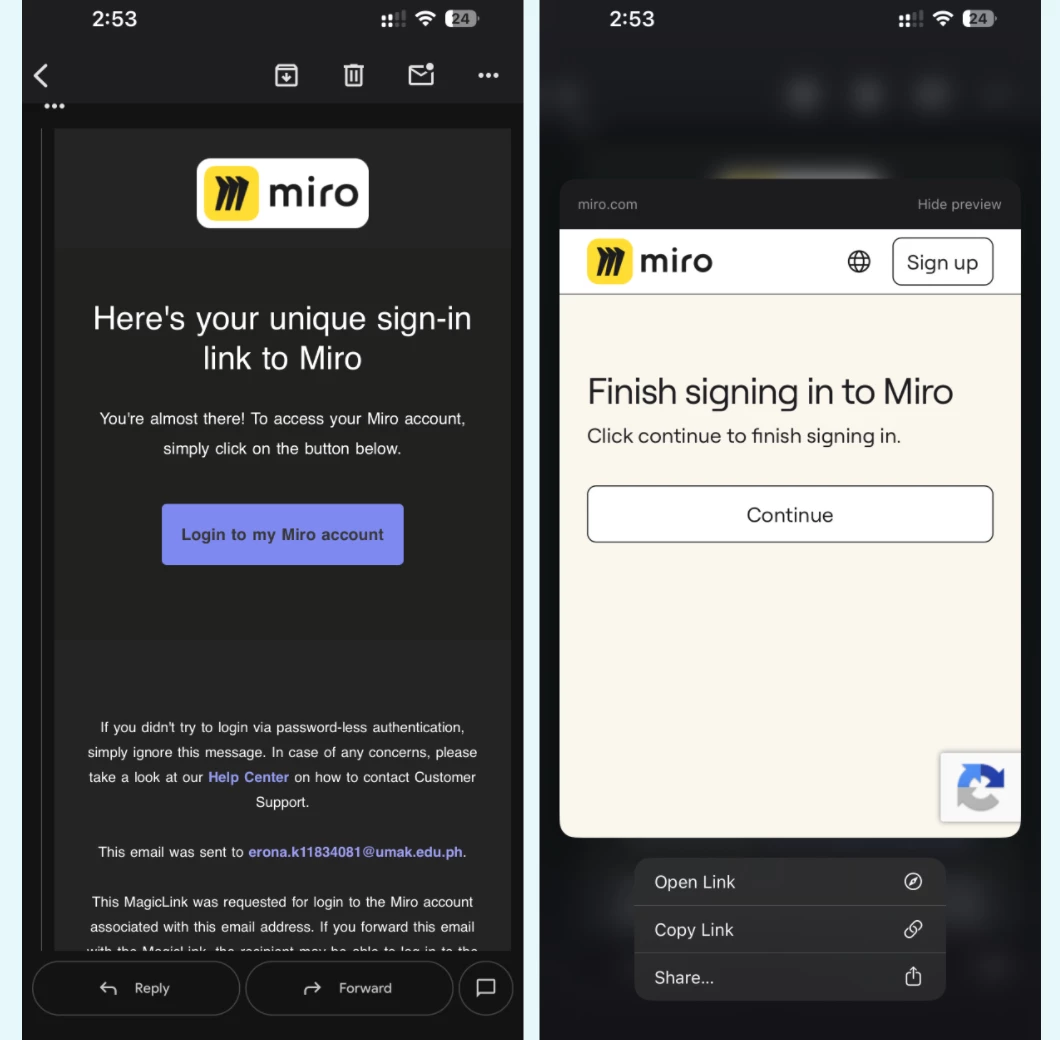
When I go to login in on the app, I press the “Send magic code”. It does appear in my inbox but if I press it in my phone emails, it opens up the web page, the same on desktop. I remain not logged in to my app on my phone no matter how long I wait. Even when using the browser version and press “open the app” it’ll come up with a login page again or the “open your email” page.
There is no option to login with email and password anymore. It is frustrating as I cannot upload images from my phone onto Miro which was a brilliant, easy feature. I also know a few others on my course struggling with this issue.
How can I resolve this.
(For note, I have tried to: reinstall app, clear cache and data, tried on multiple devices and gone through troubleshooting)