Question

Align Objects not available

  • August 19, 2026
  • 6 replies
  • 34 views

I have turned on Align Objects from Preferences however it’s not showing on my Tool Bar ?

6 replies

Robert Johnson
Forum|alt.badge.img+13
  • Volunteer Community Moderator
  • August 19, 2026

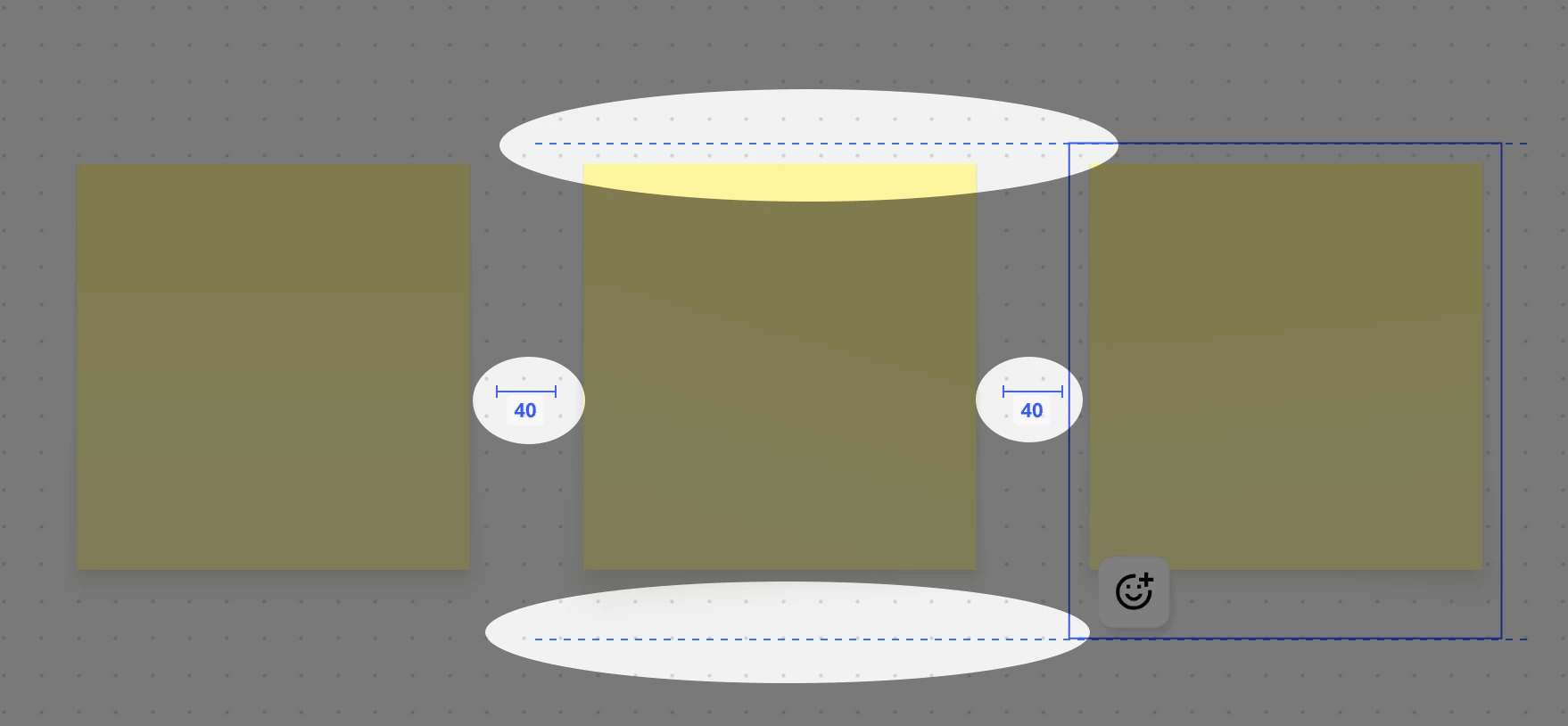
@Moya The board Main menu → Preferences → Align objects is what controls alignment features like the x/y/canvas and spacing indicators:

More on this here:

https://help.miro.com/hc/en-us/articles/360017730553-Toolbars#h_01HB8QAZVNYA0YF6W16FSNWB87

Align objects context menu action

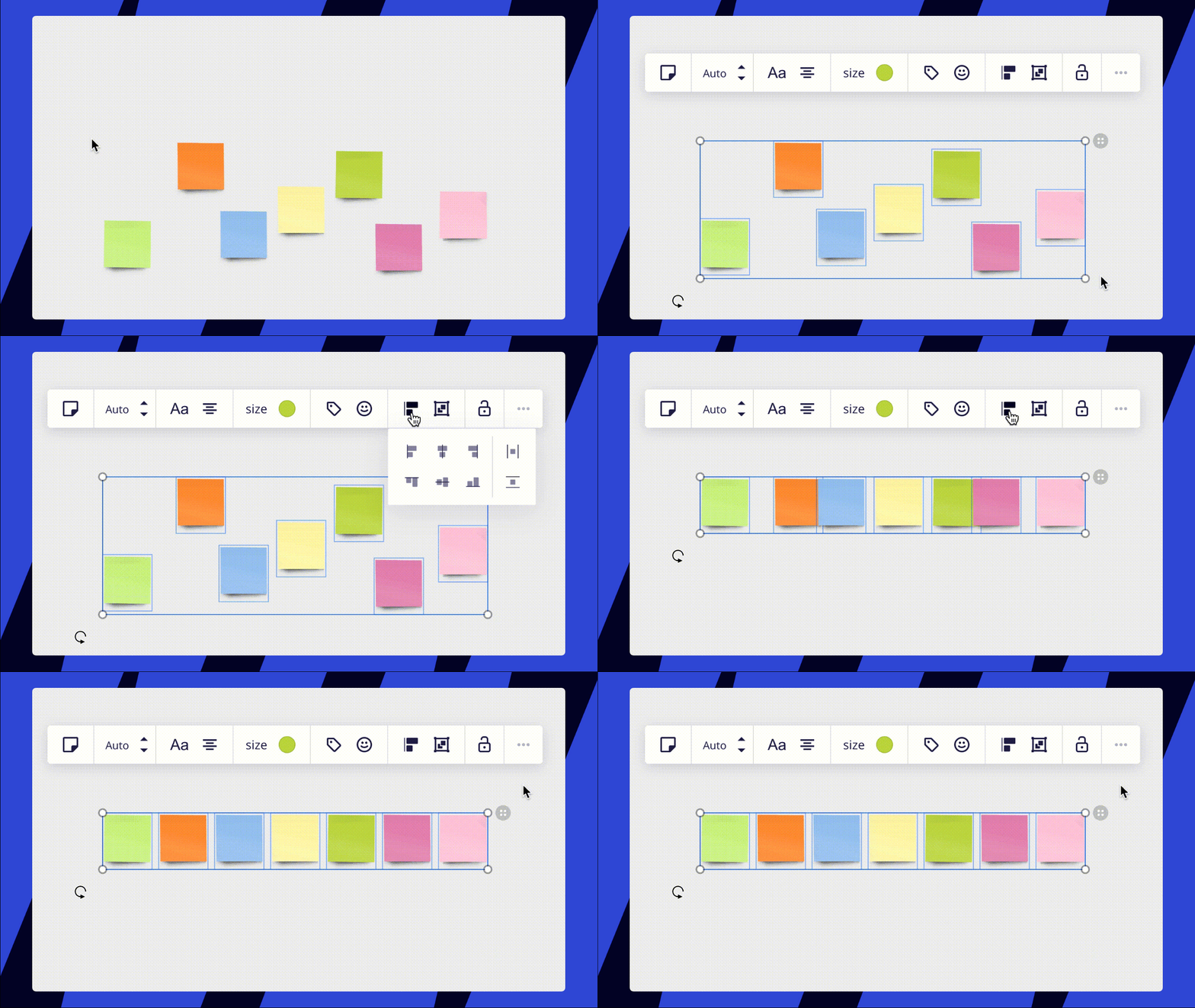
The other Align objects feature (yes, confusing there are two of the same name) is visible on the context menu of two or more selected objects, e.g.:

More on this here:

https://help.miro.com/hc/en-us/articles/360017730973-Structuring-board-content#h_01ENWK1WP24XAY393ZCH94H7ZF


Does this help or was there something else you were expected/looking for?


  • Author
  • Beginner
  • August 19, 2026

@Robert Johnson - thanks so much for taking the time to answer Robert - it’s the ‘Align Context Menu Action’ that isn’t available when I select a number of objects. Cheers Moya


Robert Johnson
Forum|alt.badge.img+13
  • Volunteer Community Moderator
  • August 19, 2026

@Moya A few questions:

  • Which object types?
  • How many?
  • Are they on the canvas or inside/on top of another object? E.g., the Align and Group options will not be available when the objects are inside of a Grid (formerly called Tables).

For example:


  • Author
  • Beginner
  • August 19, 2026

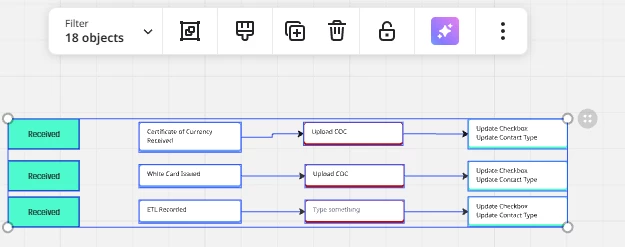
@Robert Johnson -  4 objects selected to horizontally align on the canvas and not grouped or in a grid (screenshot below)


Robert Johnson
Forum|alt.badge.img+13
  • Volunteer Community Moderator
  • August 19, 2026

@Moya From a test on my end, the align action appears to disappear when there is a connection line in the mix (that is also connected on both ends).

I added two cards to a board and as soon as I connected the two cards with a line, the Align action disappeared from the context menu (if the line is disconnected from one of the cards , so it's floating in canvas space, the align action comes back).


  • Author
  • Beginner
  • August 19, 2026

@Robert Johnson - oh my goodness Robert, that’s a trick for new players !!!!

Thank you so much for looking into this for me, you’ve saved my sanity and hours of pain trying to get these aligned freehand.

Greatly appreciate your help 😁

Cheers Moya