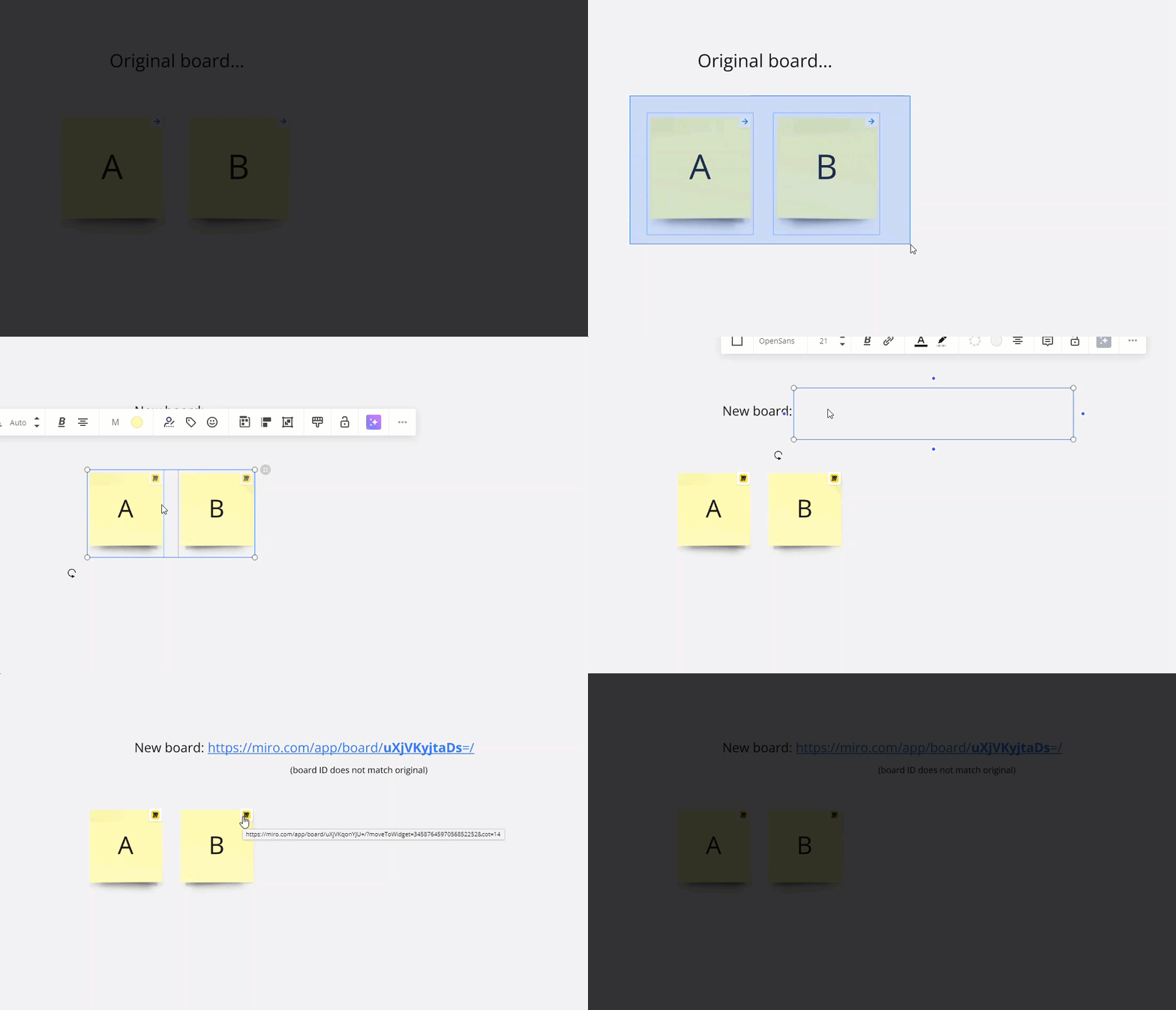

I create multiple exercise templates within a single Miro board, to copy and paste from, when I create my workshops. I looked at updating workflows by adding links inside an exercise to easily go from the description to the board or the work areas.
When I copy the entire exercise to somewhere else on the board or to my working board for the workshop, the links still link back to the original and not to the new copy of the destination for the link.
This would be similar to how the templates actually works.
The reason I don’t use the built-in template function, is that I have about 60 exercises and 30 ice breakers, and that is just too many individual templates to manage. I am thinking I might use the templates for standard workshops though.