Open

Copying image from Windows Snipping Tool to Miro

  • January 15, 2024
  • 1 reply
  • 104 views

Would be great to have the option to paste from the Windows Snipping Tool directly to Miro rather than save an image and upload it to the board

1 reply

Robert Johnson
Forum|alt.badge.img+13
  • Volunteer Community Moderator
  • January 15, 2024

@Victoria Gessler - I assumed you were referring to the Windows Snipping Tool, so I updated the post to reflect this.

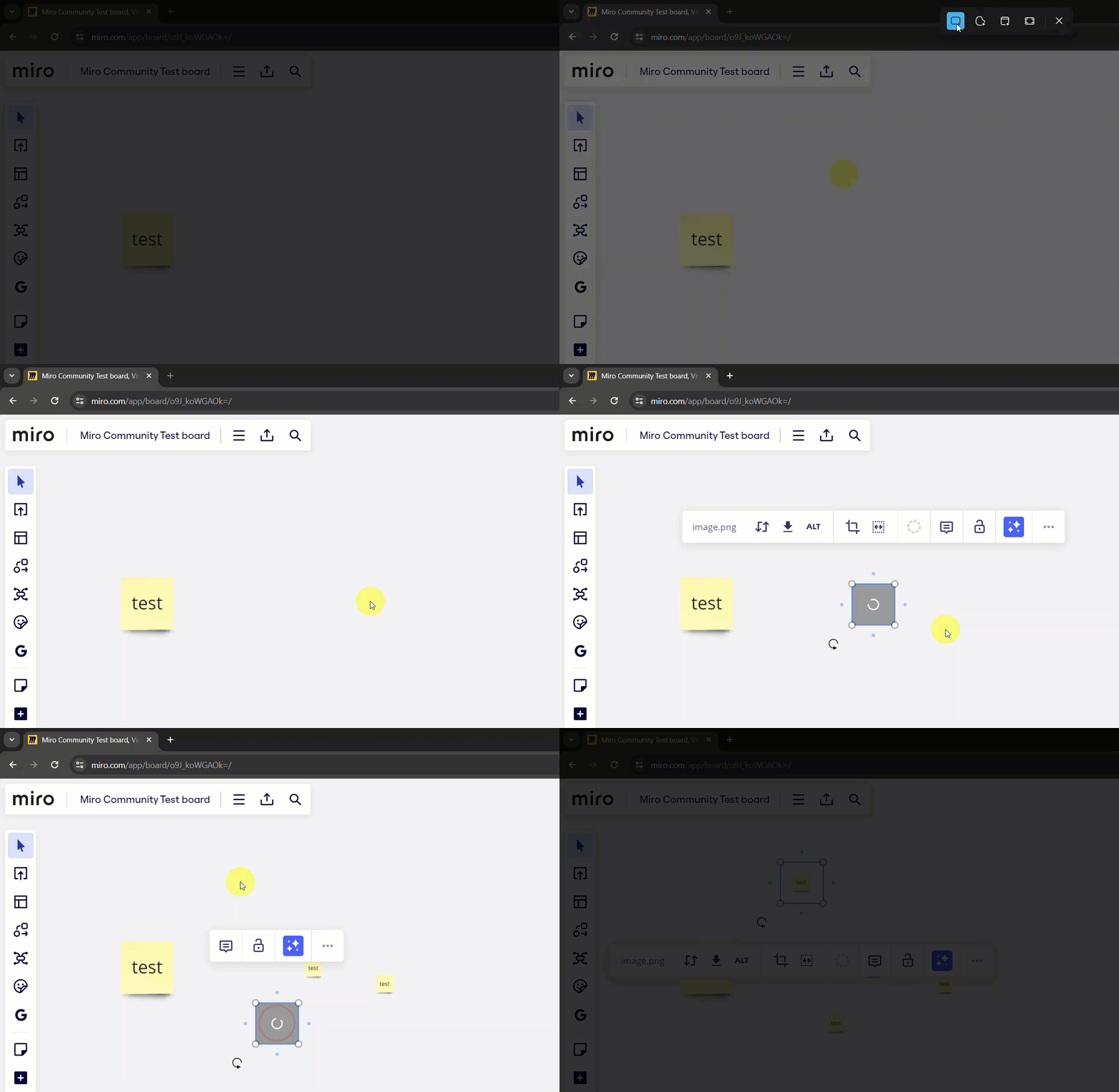
I have been using the Snipping Tool for over a year now on both Windows 10 and 11, and in both cases, as soon as I have taken a screenshot using the Windows key+Shift+S shortcut, it is in my clipboard and I I can paste it onto a Miro board.

For example, in this GIF, as soon as I press Windows key+Shift+S, the Snipping Tool starts (you can see it at the top of the screen, in rectangle mode -- the one I use the most). I then take a screenshot of my browser/part of the Miro board, and then paste it right onto the board.