


Once again, if have missed the memo, please excuse this post and point me in the right direction.
I use Miro to teach. Since I found Miro years ago, I have been using embedded Google Slides presentations (presenting mode, not editing mode) to directly view them from within Miro. About six to eight months ago I cannot do this any longer. Fortunately there is the menu option: Google Docs actions > Go to source URL, which opens the presentation (in presentation mode) in new tab.
The share option in the presentation is set to “Anyone with the link.” I have stopped publishing and re-published the presentation. I have removed and reinstalled the Miro app Google Drive to no avail.
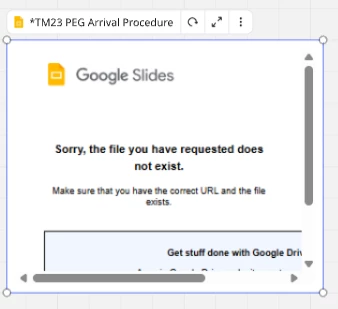
What is strange is the message I get from Miro when I try to embed the presenation: “Sorry. The file you have requested does not exist.”
However, when I copy the link from the Share options in Google Slides and paste it directly in a Miro board, I have access to the file but in editing mode (which I do not need).
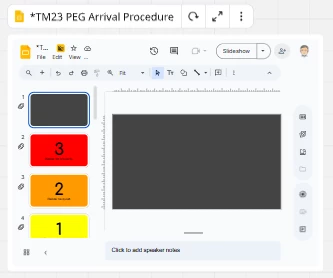
Our school uses Google Workspace. Does this have any impact on this situation? (Earlier this morning, when I directly pasted the link, the error message appear again, but offered the option to connect to Google Workspace and now the pasted link works, but not the desired embedded presentation version.
Since I share content with others, I do not want them to have editing access.
