

Question

[INVESTIGATING] "Resize image" missing when single image selected

  • February 12, 2026
  • 2 replies
  • 0 views

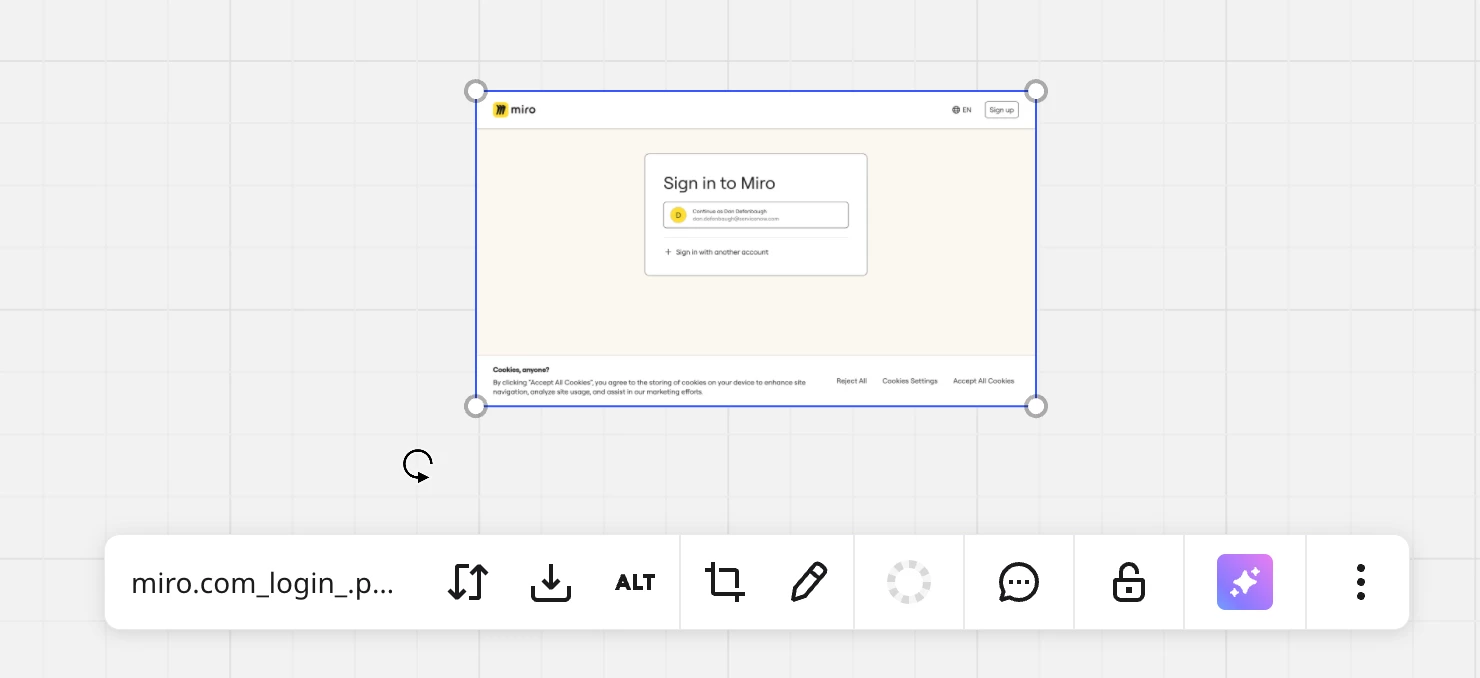
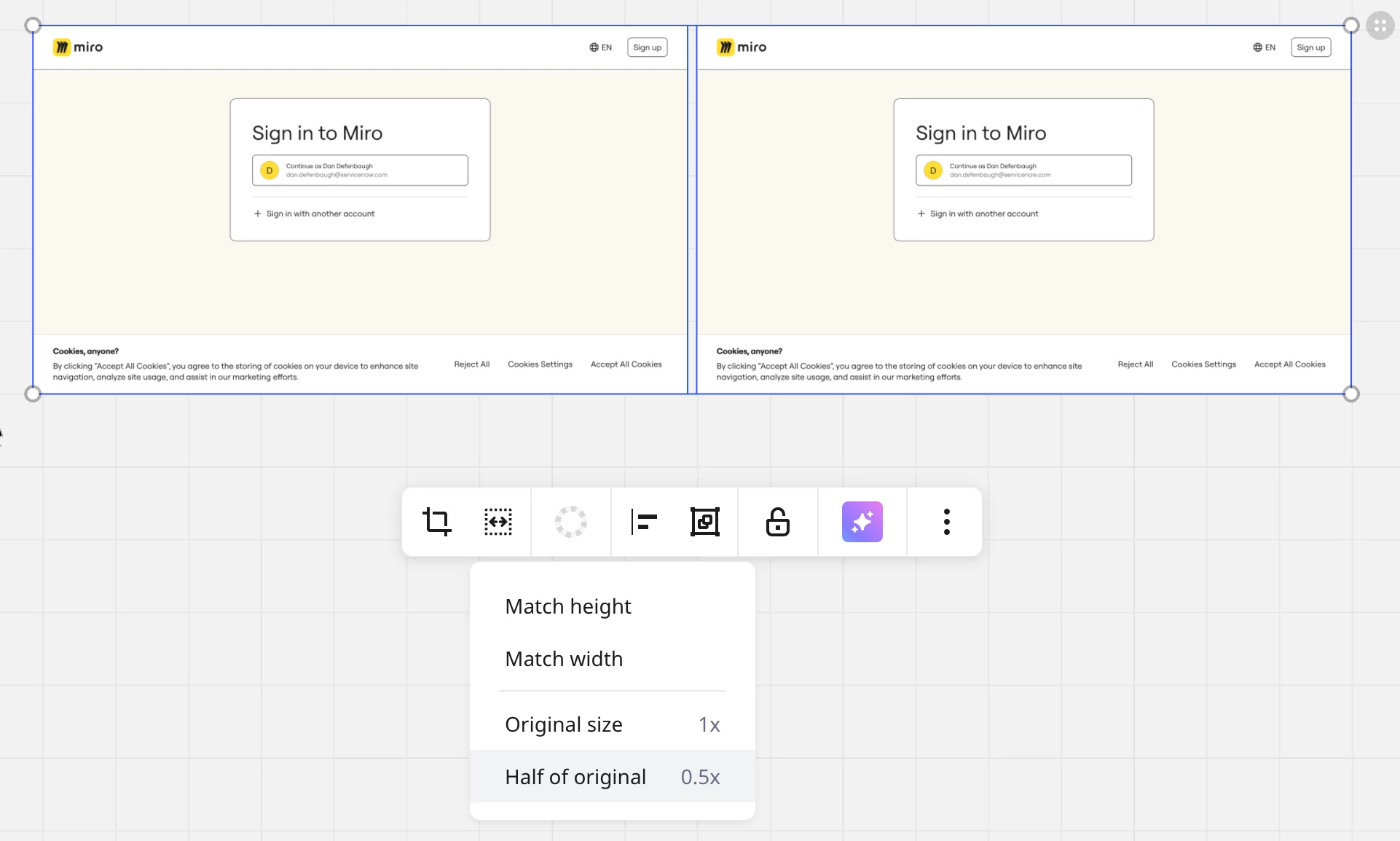
Resizing a single image to half of its original size was a very useful feature (for example a pasted screenshot @2x). This features is now only available when multiple images are selected. This makes sense for resizing by matching height and width, but why not keep it for single images as well? Now I have to duplicate or hunt down another image to select just to resize any image to half its original size (or back to its original size).


2 replies

Robert Johnson
Forum|alt.badge.img+13
  • Volunteer Community Moderator
  • February 12, 2026

@Dan Defenbaugh I’m seeing this too. I’ll open a support ticket.

Reporting issues to Miro Support

BTW, a note to all readers: If you are using a paid Miro subscription, you can open a Miro support ticket by following these instructions:

https://help.miro.com/hc/en-us/articles/360020185799-How-to-contact-Miro-Support#h_01F010RXA0E1S9C0WFQYX75R6C


  • Author
  • Beginner
  • February 12, 2026

Thanks ​@Robert Johnson I also created a support ticket. 🙂

