Question

How to switch back to previous version ?

  • February 28, 2026
  • 3 replies
  • 24 views

After my Miro desktop (Windows) automatically (forced) updated to 0.11.134, it crashes constantly when using table, both on the web and desktop versions.

So is it possible to switch back to previous version ?

3 replies

Robert Johnson
Forum|alt.badge.img+13
  • Volunteer Community Moderator
  • February 28, 2026

@DD.Hieu.San 

is it possible to switch back to previous version?

Unfortunately, users cannot specify which version they can install — I’m not saying it’s not impossible (e.g., modifying registry/config file entries), but I am not aware of a way to accomplish this.


After my Miro desktop (Windows) automatically (forced) updated to 0.11.134, it crashes constantly when using table, both on the web and desktop versions.

Have you tried resetting the desktop app’s app data?


However:

it crashes constantly when using table, both on the web and desktop versions

Are you saying that Miro is crashing for you when using tables in a browser too?


  • Author
  • Beginner
  • February 28, 2026

@Robert Johnson Hi, Robert. Thanks for replying.

I’m currently using the Free Plan, Miro app version 0.11.134.

I tried resetting the desktop app’s data, but it didn’t work. I also tried reinstalling the app, but that didn’t work either. The same problem occurs when using the web version. I did replicate problem on another device (from pc to laptop) with the same account as well. To be more specific about the problem:

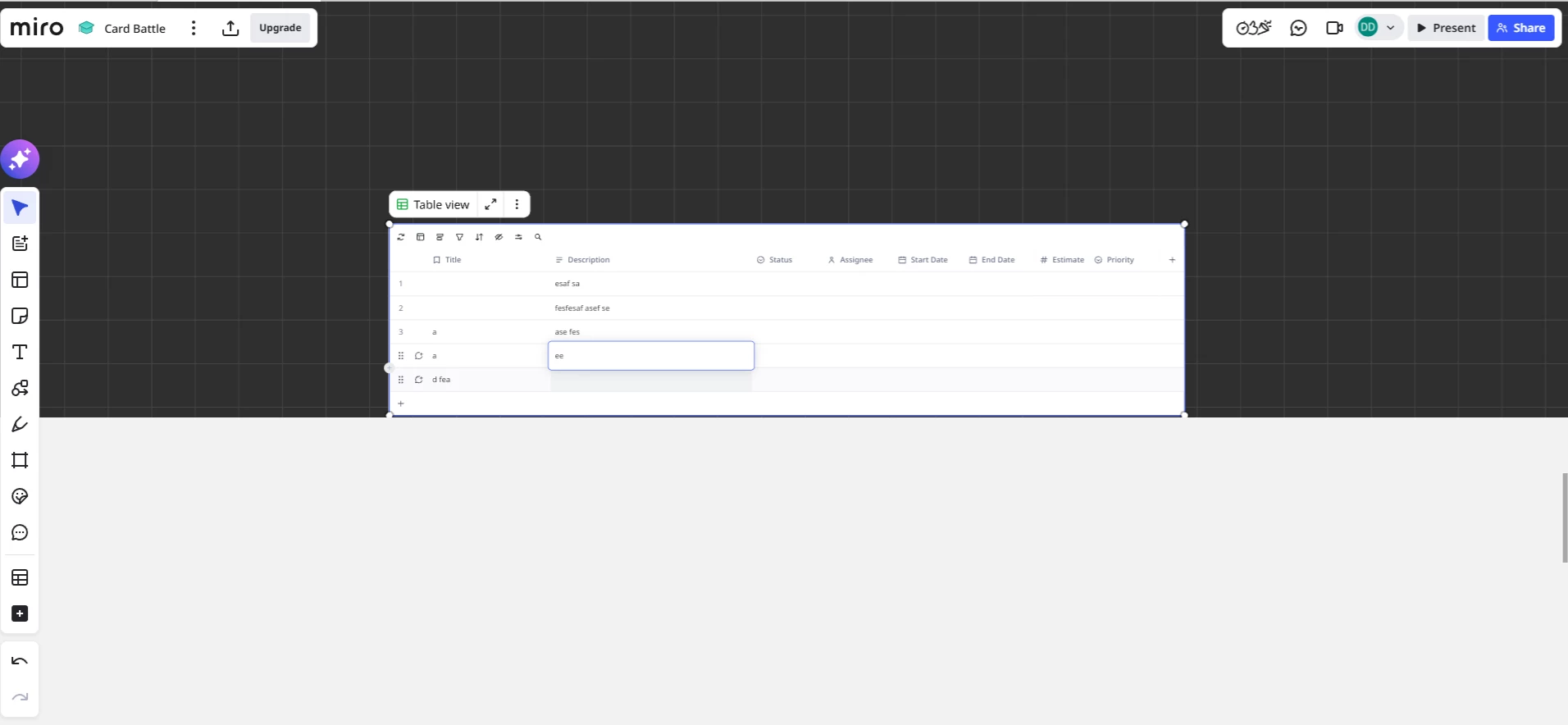
I have about 9 tables that I’m using to write dialogue for scene plays. Everything was working fine until the latest update. Now, whenever I click on a cell and write for a few moment, it freezes my board completely. (This happens to all my other boards as well).

I can’t figure out if this is a memory issue, a potential bug with tables, or if something is wrong on my end. I must stress that this happens to me on both the desktop and web versions.

Is there any way to troubleshoot this issue?

Steps to replicate the issue from my side:

  1. Open Miro.

  2. Open any board.

  3. Create a table.

  4. Double-click on one of the table cells to type.

  5. After a few moments of typing, the board freezes.

I suspect that I might be running low on memory since I also have a bunch of reference images on my board. Is there a way to check how much memory I have left on Miro?


  • Author
  • Beginner
  • February 28, 2026

Here are the screenshots I was able to captured before it froze.

I’ve also noticed the freeze happens when I duplicate an existing board and type on it for a few moments. I did try some troubleshooting:

  • Added another 20 high-resolution images to the board and tried to recreate the freeze by randomly typing on a new table. Nothing happened, so maybe it’s not a low memory issue.

  • Attempt without the images: Restart Miro, duplicated an existing table, and typed on it. It froze after a few moments.

  • Again, without the high-resolution images, I created a new table, typed on it, duplicated it, and typed for some time. It froze.

  • Final attempt: create a new table, typed on it, delete it, create a new table, type on it for a long time and then it still suddenly froze.

I don’t know what’s happening.