Flip cards bug with transparent elements?

  • December 18, 2025
  • 1 reply
  • 20 views

Lord of Dysfunction

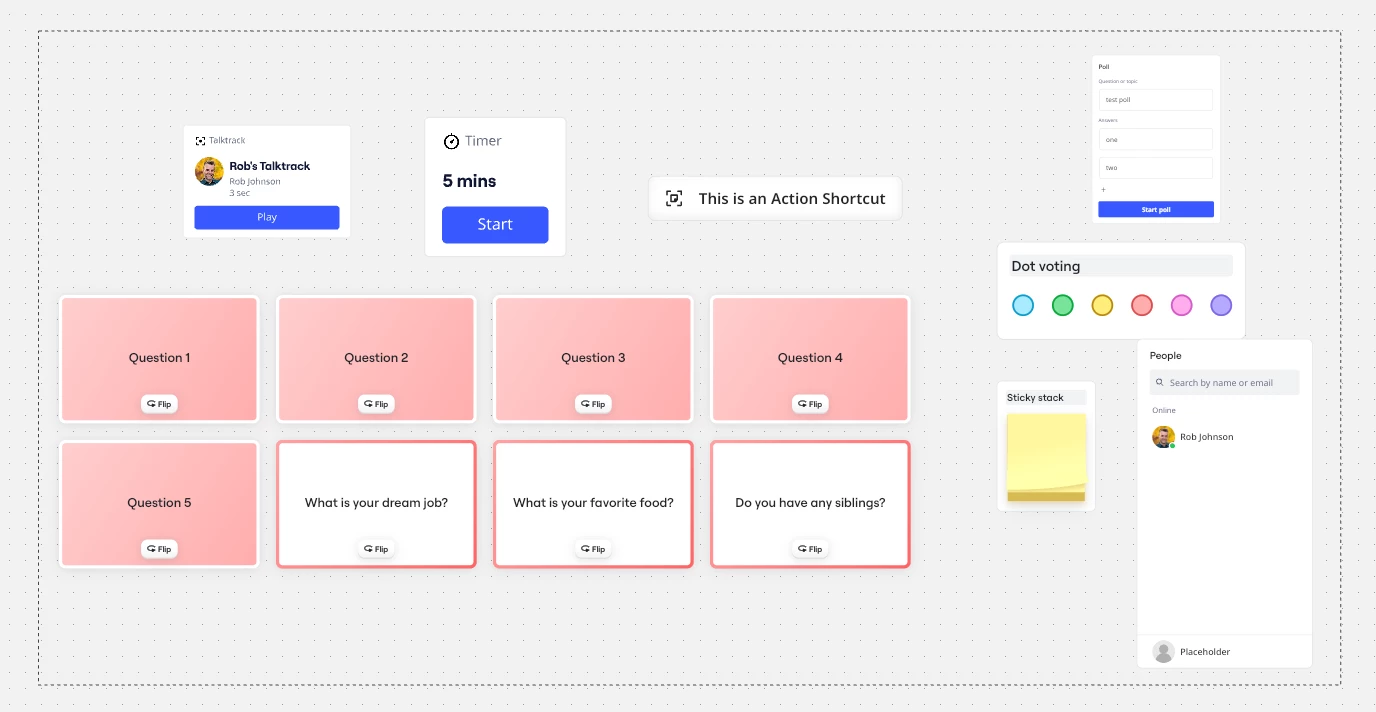
I’ve been designing a new workshop that makes extensive use of the (relatively) new flip cards feature, but am encountering some strange behaviour that might be a bug. 

Essentially, if you use any transparent elements, like an empty box with a dashed outline to contain the cards, the ‘flip’ button won’t respond if the cards are not in the front layer. 
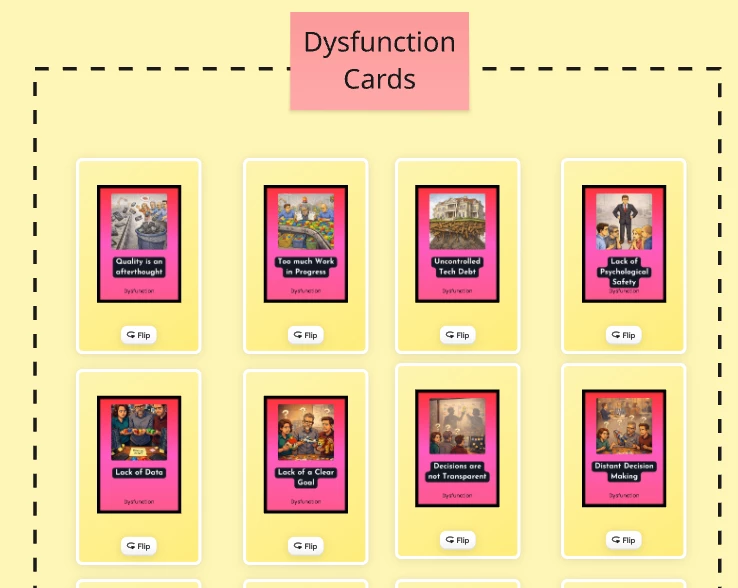


Normally, if you’re using this sorts of transparent elements, they become non-reactive when locked. This means that even if they are technically ‘in front’ of other elements, they are ignored so you can select and move the elements ‘behind’. 

This makes sense to me since a locked element clearly isn’t intended to be selected and moved. 

But I expect this to translate to interactable buttons, which it seems not to. 
So while I can still select and move these cards, I cannot flip them. There is no user feedback to understand why some cards can be flipped and others can’t. 

The solution is to ‘bring to front’, which generally isn’t a major issue if thought of in advance, but I could see this causing issues down the line, and doesn’t feel like correct behaviour. 

Curious what others think, and whether this qualifies as a bug?

1 reply

Robert Johnson
Forum|alt.badge.img+13
  • Volunteer Community Moderator
  • December 19, 2025

@Lord of Dysfunction You make some good points here.

Re:

Normally, if you’re using this sorts of transparent elements, they become non-reactive when locked. This means that even if they are technically ‘in front’ of other elements, they are ignored so you can select and move the elements ‘behind’. 

This makes sense to me since a locked element clearly isn’t intended to be selected and moved. 

The fact that locked Miro elements can be selected the same as any object has caused much grief over the years (unnecessary context menus opening, accidental duplications, etc.).

I just did a quick test and, while all of these objects can be selected when they are behind the rectangle shape — regardless if the shape is unlocked or not — only their context menu is opened and they cannot be interacted with beyond that, or being moved.


Wish List Idea post

I’d recommend adding this as an Idea in the Wish List category by following the guidelines here: Wish List: Everything You Need to Know. I think the idea here might be to allow for click-though interactivity?

If you do create a Wish List Idea post, I would also recommend that you post a link to it back here, so that future readers of this post can quickly get to and vote for your Idea.