[RESOLVED] Upload menu hidden behind Miro logo

  • February 17, 2024
  • 3 replies
  • 57 views

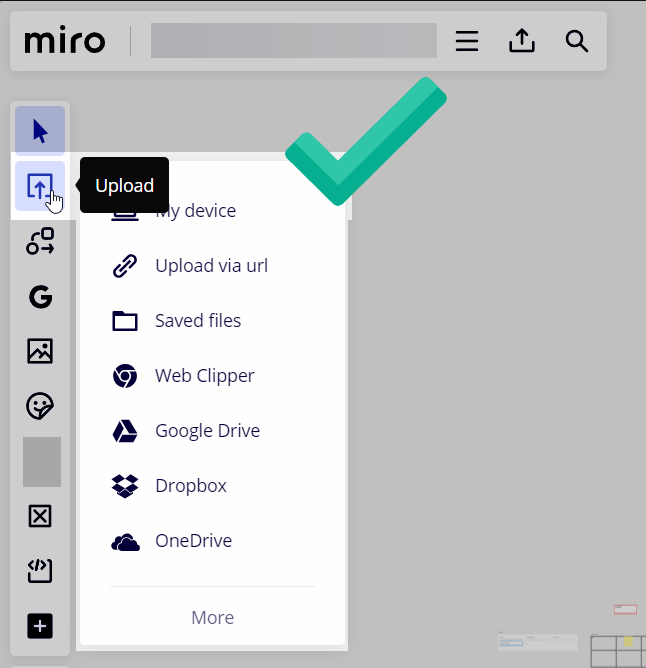
I can drag and drop docs, but there isn’t even an option to “upload from device.”

These are the only options (in pic)
 

February 29, 2024

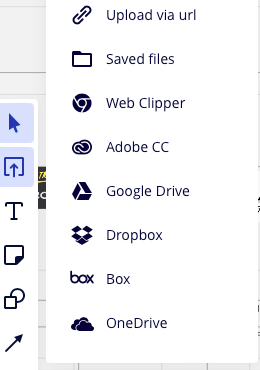
I haven’t officially heard back yet from Miro support, but I am seeing that the upload menu as been fixed/moved down:


3 replies

Robert Johnson
Forum|alt.badge.img+13
  • Volunteer Community Moderator
  • February 17, 2024

@Mmm - I first noticed and reported this to Miro support on Feb 5, 2024. They were able to reproduce the issue and have passed it along for further review.

From Miro support:

Thanks for providing more context on the context menu issue you discovered!
 
I replicated the issue, so after some investigation, I'm escalating it to our Technical Support Engineering team. They can dive deeper and determine the root cause of the issue you're experiencing.
 
Rest assured, they will get back to you with updates soon.

The workarounds are either:

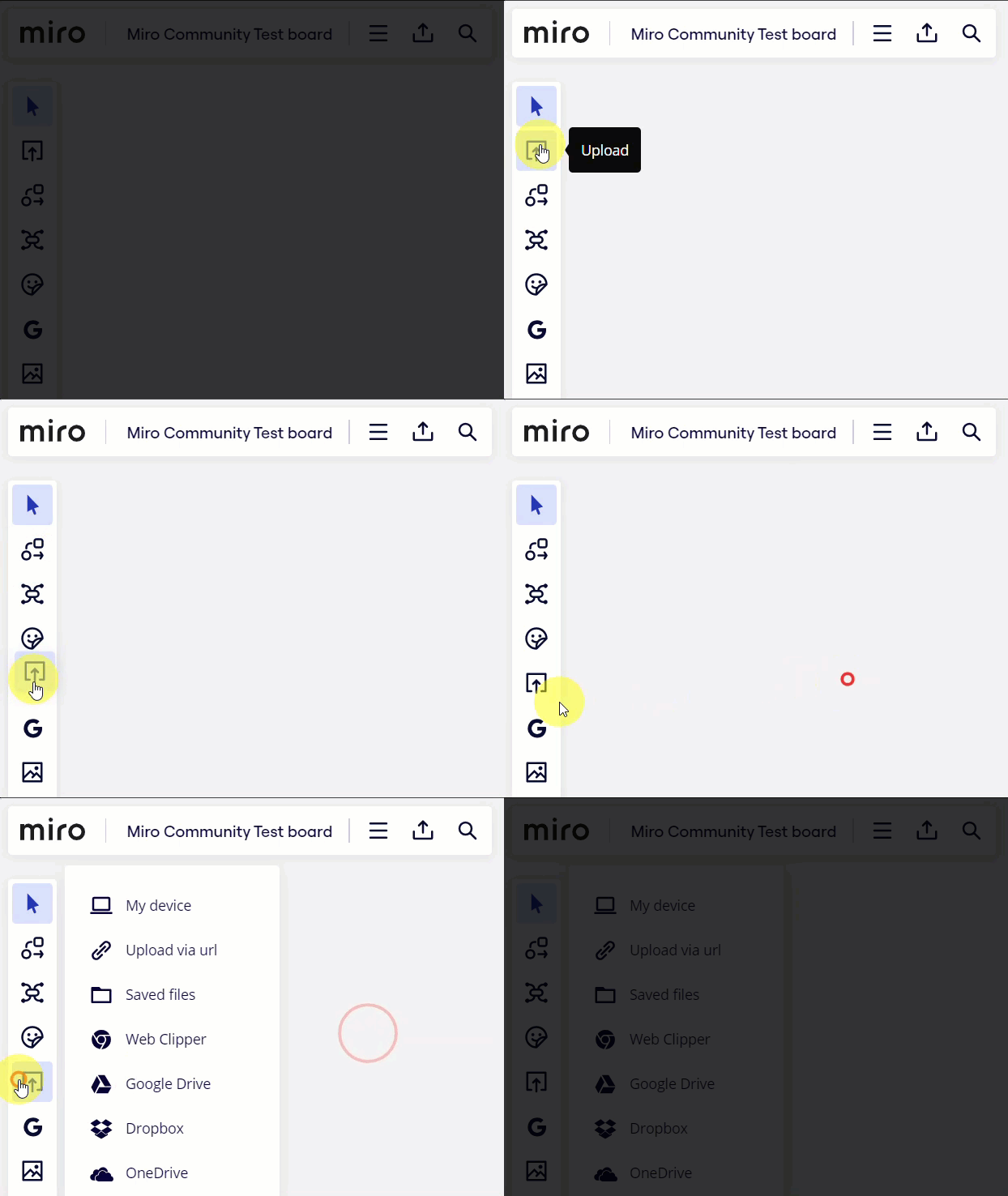
  1. Drag the Upload app further down the content creation bar, or
  2. When you click on Upload and the options panel opens, press the Tab key on your keyboard and while you cannot see it, the My device option will be selected, then press enter. You can Tab/Shift-Tab down/up through the options thanks to Miro’s accessibility navigation.


Forum|alt.badge.img+1
  • Experienced Community Member
  • February 17, 2024

Thanks for the simple workaround.


Robert Johnson
Forum|alt.badge.img+13
  • Volunteer Community Moderator
  • February 29, 2024

I haven’t officially heard back yet from Miro support, but I am seeing that the upload menu as been fixed/moved down: