Grouping and Locking is confusing

  • Nov 10, 2020 6:21 AM UTC
  • 8 replies
  • 4769 views

Forum|alt.badge.img+1
  • Experienced Community Member

I am building a frame that is had a good amount of data. I have 1 frame around 4 frames. Sometimes when I select, it gives me the option to group; sometimes it does not. I can select a group of items in one frame and it gives me the option to group. Then I go to other frame and select elements inside and it only gives me the option to lock…and I have already grouped these elements before. 

8 replies

Marina
Mironeer
Forum|alt.badge.img+5
  • Mironeer
  • Nov 11, 2020 11:41 AM UTC

Hi @jtk,

I’ve converted your message into a support ticket so that the Support team can take a closer look at this case. They will get back to you via email. 


Forum|alt.badge.img+1
  • Author
  • Experienced Community Member
  • Nov 11, 2020 2:18 PM UTC

Hi @jtk,

I’ve converted your message into a support ticket so that the Support team can take a closer look at this case. They will get back to you via email. 

I’m sure it is user error, but confusing. I need to explain Miro to my clients. Thanks. 


  • New Here
  • Nov 11, 2020 3:51 PM UTC

@jtk I just had the same issue. I’ve noticed that if I select multiple items that are inside a grid, I can’t group them. But for items outside of a grid I can. I don’t know if there’s a reason for this. If that’s your issue you could work around it by moving them out of the grid, grouping them and then moving them back.


Robert Johnson
Forum|alt.badge.img+13
  • Volunteer Community Moderator
  • Nov 13, 2020 4:31 AM UTC

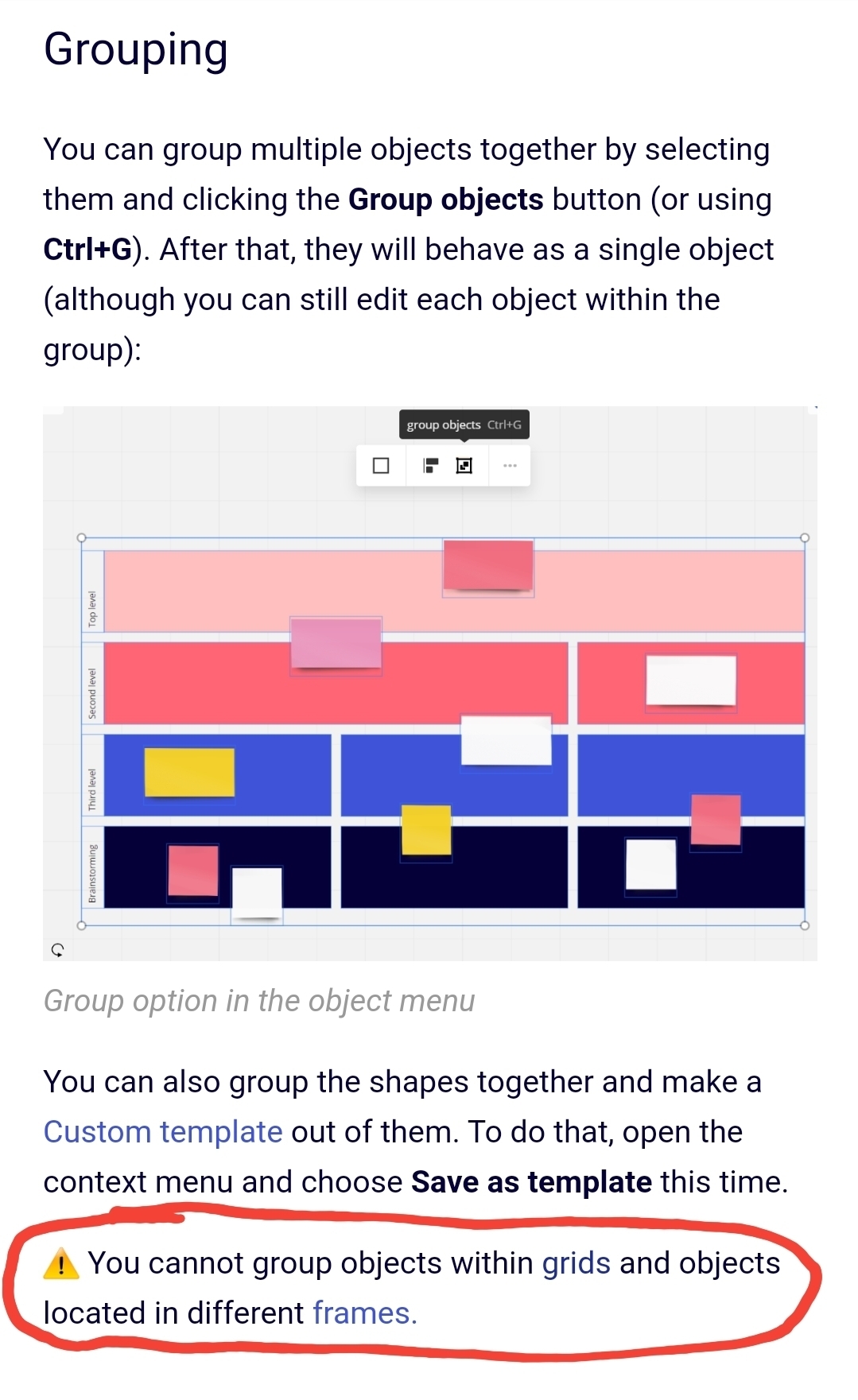
@Prash - The inability to group inside of frames is definitely expected behaviour as per the Structuring Board Content help center article:


Tom Venning
  • Beginner
  • Nov 18, 2020 7:23 AM UTC

It would be great to have a “Regroup” function. 

I use Groups in a similar way to Layers… For example, I’ll add a photo with stickies - group & lock, lay a transparent graphic over the top and group & lock, then work with the participants over the top. 

If I un-group items at a later date, add or change something in the group, then its really difficult grabbing the original items without capturing all the new items. A ‘Re-Group’ function would solve that.  


Forum|alt.badge.img+1
  • Author
  • Experienced Community Member
  • Nov 20, 2020 5:02 PM UTC

It would be great to have a “Regroup” function. 

I use Groups in a similar way to Layers… For example, I’ll add a photo with stickies - group & lock, lay a transparent graphic over the top and group & lock, then work with the participants over the top. 

If I un-group items at a later date, add or change something in the group, then its really difficult grabbing the original items without capturing all the new items. A ‘Re-Group’ function would solve that.  


Layers would be a nice addition. I am new, so most of my issues are user error, but I seem to be spending a good deal of time grouping and ungrouping. :)


Regrouping would be good, as would the possibility of making groups of groups: not ungrouping all objects in a group but defining which ones go together.


Similarly a relock function would be nice.


  • New Here
  • Mar 19, 2021 5:55 PM UTC

Thanks Robert Johnson for clarification.

Unfortunately, that reduces the usability of tables for me by a lot. At the moment I need to move the items away from the table, then group them and then move them back. That is quite annoying. I very much hope grouping of elements used on tables will be possible in the future. (mainly postits and icons)