
Hi Miro team,
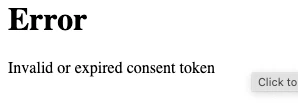
I'm trying to connect the Miro MCP server to Claude (Anthropic's desktop app) and consistently getting an "Invalid or expired consent token" error on the authorization page.
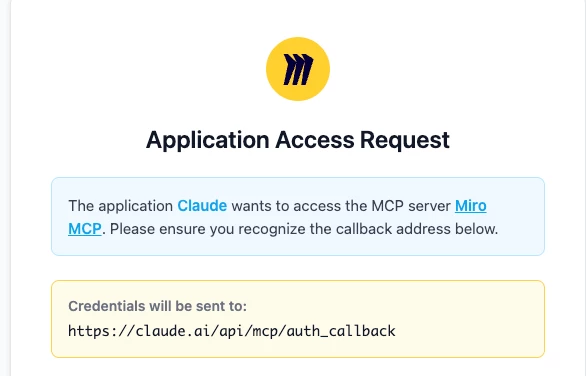
What happens: When I click Connect in Claude's Connectors tab, the Miro authorization page opens showing "The application Claude wants to access the MCP server Miro MCP." However, before I can click "Allow Access," the consent token has already expired. The error appears immediately or within seconds of the page loading.
Callback URL: https://claude.ai/api/mcp/auth_callback
What I've tried:
- Multiple browsers (Chrome, Firefox, etc.)
- Incognito/private browsing mode
- Being logged into Miro before starting the flow
- Clicking "Allow Access" as quickly as possible
- Repeated attempts over multiple sessions
None of these resolve the issue. The token seems to expire before the consent page even fully loads.
Environment:
- Miro MCP URL:
mcp.miro.com - Client: Claude desktop app (Cowork mode)
This appears to be a server-side issue with the consent token lifetime being too short. Is this a known issue, and is there a fix or workaround available?
Thanks!

