All the latest news and announcements, and the best content from the Miro team.
Most replies
Hello Miro Community! With the world slowly returning to pre-pandemic normalcy, many companies are starting to think about back-to-office plans this fall. This brings up the question of ‘How do you use Miro for hybrid collaboration?’ (‘hybrid’ here refers to a mix of remote + in-person participants in a meeting). Using Miro with an interactive displays is a great way to collaborate in a hybrid setup and create an inclusive, engaging environment for all team members. Check out our newest Help Center articles on this topic: Supported Interactive Displays Here, you will find an overview of how Miro works when used with an interactive display, a list of supported vendors, and a step-by-step guide for how to set up Miro on a display.Selecting the Right Interactive Display For Hybrid CollaborationThis article will guide you through the decision-making process of selecting your display for collaboration - what to consider, how to choose, and a list of various vendor options. Hosting a
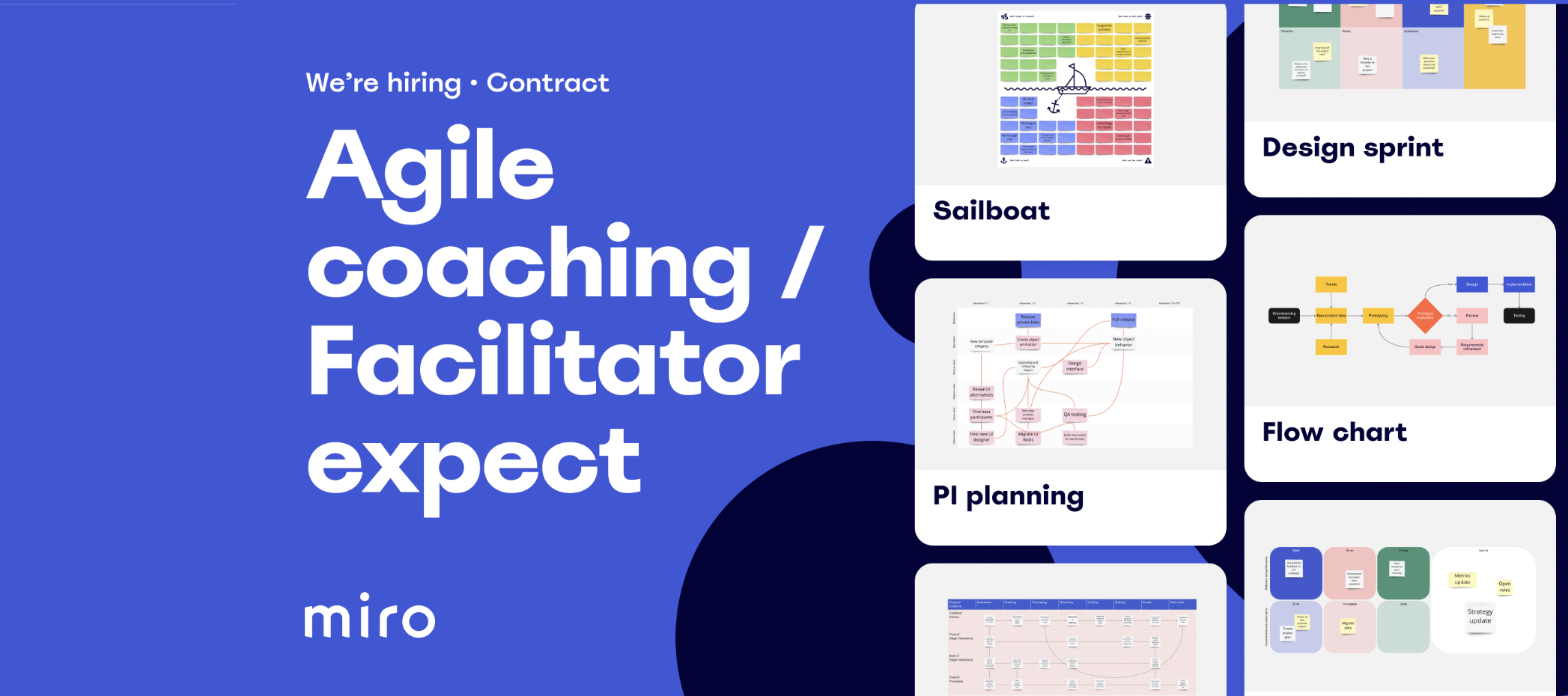
Hi Miro Community! Miro is looking for an Agile / Facilitation expert to improve Miro Templates [contract]Miro is an online collaborative whiteboard platform with 20+ million users worldwide. To help new users adopt the product, we provide them with useful templates. Templates include pre-made examples for a variety of use cases and productivity tips, and are a growth engine that is essential to enable Miro to become the #1 visual collaboration platform.Currently, we have 200+ templates in our Templates library, and it will grow to cover more use cases in the future. Our goal is to bring templates to the next level by holistically improving their instructional quality and the way they represent methodologies.In order to achieve that, we’re looking for an external partner who has:Subject matter knowledge in Agile, Facilitation and other Product development methodologies Experience in creating Templates / Frameworks / Learning materials Miro knowledge (you’re a pro-Miro user) A systemi
Hi there! Our Product team put together this post to highlight some recent trends we’ve seen in how people are using Miro post-lockdown -- and to highlight how we’re evolving our product roadmap in response. https://miro.com/blog/collaboration-trends/ Check it out and let us know what you think! What else are you curious to know? Sarah
Hello community!SwimlanesDividing diagrams into logical areas helps to visualize complex information and improve your Flowcharts, BPMN and UML diagram processes. Vertical and horizontal Lanes and Pools Show interdependencies within diagrams, connections and handoffs Adding Swimlanes to your diagram can improve efficiency of your process and help identify waste and inefficiencies We would love to see some of your creations and get feedback. You can reach me at diagramming@miro.com or post them below in the comments.Visit our help center for more information, plus tips and tricks to improve your diagramming. Happy diagramming,Turner
Hi Miro Community! We’ve got good news for you Oculus Quest users: Miro is now available in virtual reality as one of the first 2D panel apps for the Meta Quest 2. You can read more about our current app and try it out. With this first step into VR, we’re dreaming about all of the future possibilities of immersive collaboration and whiteboarding. ✨What excites you about the potential of Miro in virtual reality? Let us know where your imagination goes in the thread (or see the existing Miro in VR conversation happening in the community). And, if you give our 2D app a whirl with your Meta Quest 2 headset, comment with a 👋 if you’re open to chatting with us about your experience and feedback.
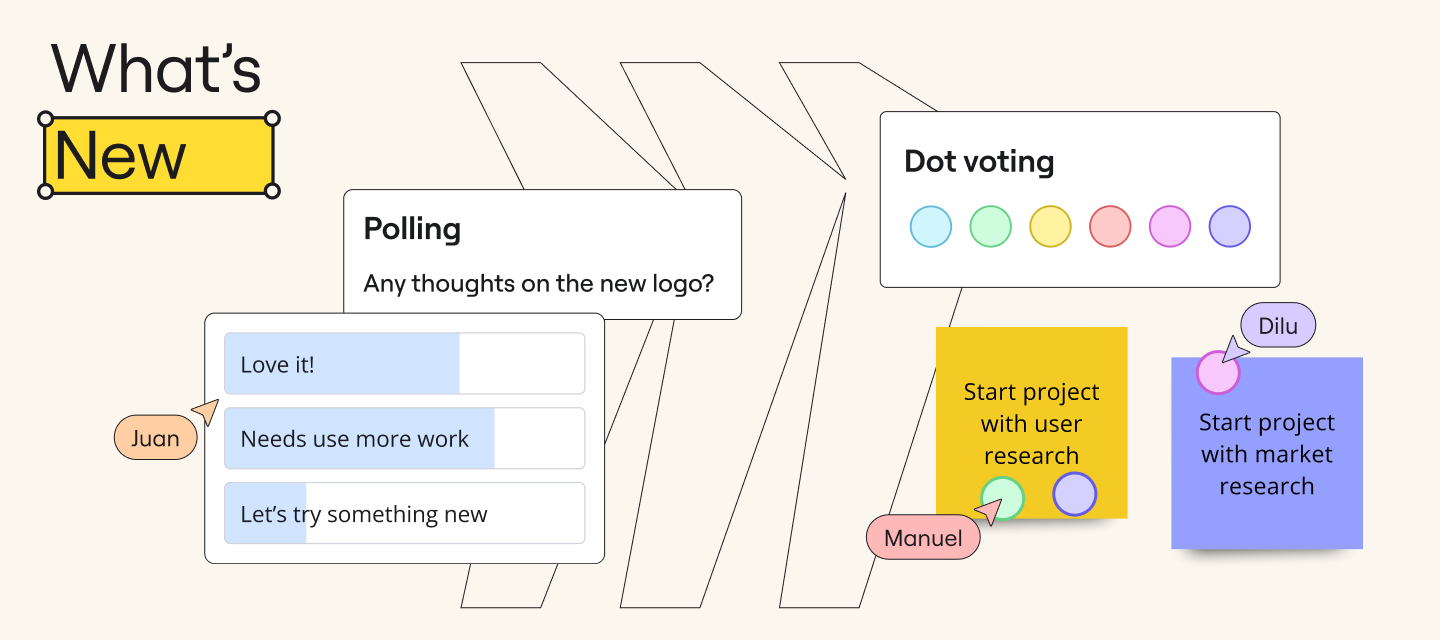
Looking for What’s New in Miro? August is packed with updates you’ll love — AI-powered templates, surveys right on your board, and seamless dot voting, which are all part of our Intelligent Canvas. 🎉✍️✨Take a closer look in our latest blog post for the latest features to upgrade your Miro experience. You’ll read more about...AI-Powered Templates 🤖 Surveys Right on Your Board 📋 Seamless Dot Voting 🔘 And much more! Those templates you’ve wished for? They’re here, with Intelligent templates, designed to speed up workflows and keep the whole team engaged during sprint planning, retros, roadmapping, and more. Gather feedback in real-time to make informed decisions faster. Easily grab and place dots on preferred options to speed up voting exercises with our Dot Voting widget.But before you get into What’s New, be sure to sign up for Canvas ’24. Trust us, you won’t want to miss what’s in store! Save your spot here! 🚀 Until next month!
I'm thrilled to announce that Miroverse profiles are now adorned with your prestigious Miro Academy Badges, showcasing your latest skills and accomplishments! 🏆💪The Miro Academy team takes great pride in providing top-quality courses that empower our customers with the knowledge and skills they need to get work done more efficiently and effectively in Miro. From creative collaboration techniques to advanced workflows, our courses support teams with creating the next big thing! 🚀🌌We extend our heartfelt congratulations to all Miroverse users who have earned these impressive badges. Your dedication to continuous learning and growth inspires us every day. 🌟💪 If you haven't explored the Miro Academy yet, now is the perfect time to dive in and join our vibrant community of learners! A special shout out for our creators who have attained all 5 badges! I know this isn’t a full list but I’m looking at you @Adrien Painturier, @Alejandro De Blasi, @Alrex Agui, @AnnikaR, @Christiane Schmitz
Hi there, As usual, our weekly product update is here Even better meetings with Protected Lock Available for Team, Business, Consultant, Education, and Enterprise Plan.Now board owners can designate whether items they lock can be unlocked by anyone or only by them. Protected Lock is ideal for those who design and facilitate interactive meetings and workshops in Miro. Share boards anywhere with new Live Embed codeWith Miro’s new Live Embed code you can embed your boards into other websites or applications and collaborate with your partners, colleagues, and clients right within any interface that supports iFrames. Exciting new Mind Map featuresHave you ever wanted to visualize an org chart using Miro? Or wanted to explain complex concepts using our mind map tool?Now you can create a horizontal or vertical mind map and change its style using the toolbar – you decide what works better for you. And use nodes linking functionality to show dependencies between ideas in your mind map
Hey there,A small, but important update of the day Now you can hold CMD or CTRL button to stop auto-reassign of mind map nodes if you want to have more precise control over your mind map. Just a reminder that you can find all product updates and bug fixes in the Changelog.
Have you ever found yourself lost in a sea of Miro objects during a presentation? Fear not, we have some exciting news! 🔎 Click to zoom Presenters can now zoom in on any frame with just a click, making it easy to spotlight content and keep the audience focused. What’s more, Miro also automatically identifies clusters of objects and allows you to zoom in on them, helping you highlight activities or content on the board outside of slides. 💡 Lightbox effect For those of you who are looking for a more polished presentation experience without distractions, we’re also introducing the new lightbox effect, which creates a black border around frames in presentation mode, blocking out any objects that lie outside of a presented frame. The lightbox effect can also be easily toggled off from the presenters toolbar. We want to make it easy for you to seamlessly transition between a slide-like and canvas-like presentation, so you can deliver a more engaging and immersive audience experience. Tr
Join us for our Q2 What’s New webinar to be the first to hear about our latest product updates and announcements This is no regular webinar, we keep it lightweight and fun while showcasing how you can get the most out of Miro’s newest features. You’ll also be the first to hear about new product announcements and releases that you won't want to miss! If you’ve joined us before, you know the drill. Save your spot today! Need more convincing? Here’s feedback from our last What’s New webinar: “OMG! Are you kidding me?! This is going to save me so much time!!!!!!!!” “I’m practically foaming at the mouth right now” “Some can’t even DREAM of this high, let alone make it happen. Thank you Miro” 🙈 Can’t make it? Register anyway, and we’ll email you a recording! Got feedback for the team? Let us know what you think and how we can make this content even more valuable for you down below 👇
Now you can create or update a Miro board directly within an Airtable base. Get the integration to combine the benefits of both tools and help your team manage shared projects from idea to implementation in a single place. If you want to build your custom integration or embed Miro into your software - check out Miro API. Also, come back here to the Developer Forum to discuss your projects with your peers
Hey Miro community! Check out the latest addition to our sticker pack lineup -- Task Tacklers! 💪 (Designed in the style of Miro’s new visual identity 😉) Task Tackler stickers in actionElevate your project and tasks with a sleek collection featuring all the essential labels and statuses for seamless workflow domination. 🚀✨ Let us know what you think about these newly branded stickers in the thread ⬇️ Happy collaborating!
New apps & integrations in MiroIntroducing our new series highlighting new apps and integrations in the Miro Marketplace, where you can learn more about the Miro partners and developers building awesome things for the Miro community.Try the newest apps & integrations on Miro Marketplace: Glowbl: Share any of your Miro boards or create a new one in Glowbl. Smartsheet: Export stickies from Miro to rows in Smartsheet. GtmHub: Draft OKRs in Miro, then convert them to cards synced with GtmHub. Airtable: Export Miro data (e.g. stickies) and organize it in Airtable. ClickUp: Bring ClickUp tasks directly into Miro as cards, and convert back to ClickUp. Unito: Connect Miro cards with tasks in Asana, Trello, Jira or others in a 2 way sync. PowerPack: Power tool combinations in Miro. Visit the Miro Marketplace to explore all apps and integrations. Not seeing an app or integration you want? Feel free to submit it to our app wishlist. Want to build your own app? Get started on t
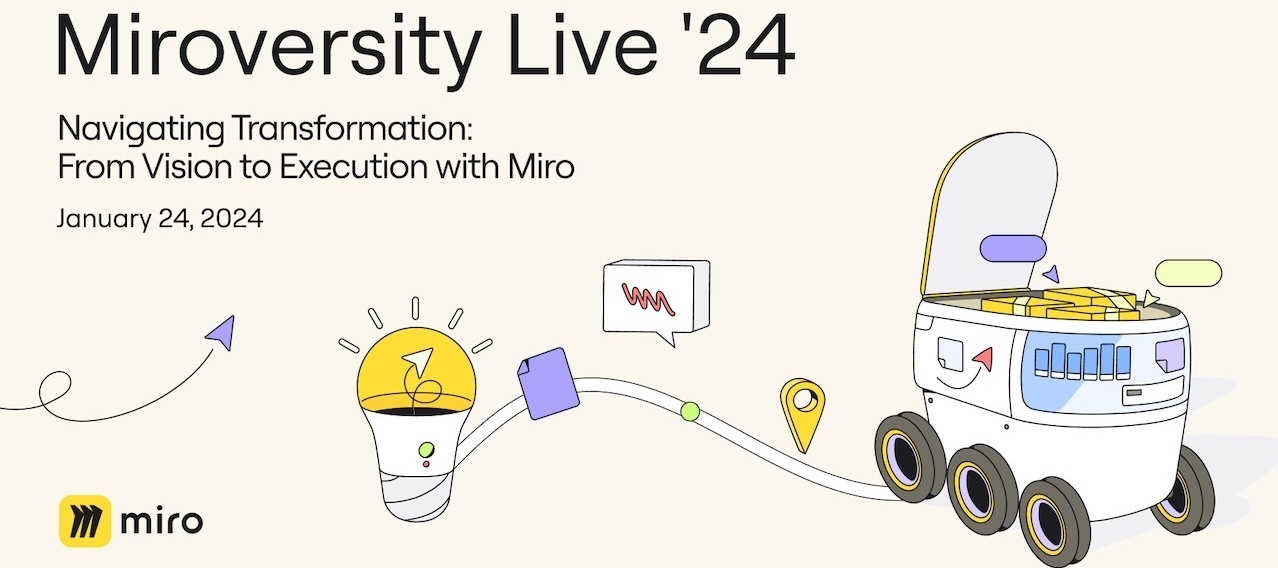
Miro Community, Join the Miroversity Live ‘24 conversation and enter for a chance to win! Join us today for a full day of enlightening sessions during Miroversity Live ‘24, where you'll gain invaluable insights and practical skills to harness the full power of Miro. Whether you're a seasoned Miro user or just getting started, Miroversity Live '24 has something for everyone and we can’t wait to hear what you think!. Answer the below question in the comments by January 31st for a chance to win a free Miro tote bag and stickers! Q: Which Miroversity Live ‘24 session or speaker has been the most impactful in helping you harness the power of Miro? Be sure to also share any ideas on how we can improve the overall experience too! Our team will be watching the comments to learn more about you and can’t wait to give all who participate this free gift! It's time to chart your course from vision to execution with Miro as your compass and we hope you enjoy Miroversity Live ‘24!
Hello Miro Community, I’m excited to let you know that we just released the Value Stream Mapping shape pack. Do you remember the days of drawing value stream maps by hand, or using specific software that only a handful of Lean experts know how to use? Reducing waste and creating value for your customers should be a company-wide mindset. With this tool, teams can easily create and collaborate on value stream maps in real-time, allowing for more efficient and effective continuous improvement efforts. An easy-to-use and inclusive value stream mapping tool Bring it to the Gemba, map out the process from anywhere, and use value stream mapping on your tablet when walking through the supply chain Effectively visualize and communicate the change to your organization using an industry standard shape pack The value stream mapping shape pack is part of Miro’s Smart Diagramming offer and is available for Enterprise, Business, Consultant, and Education plans. Visit our Help Center for more
Today, Miro released our new report, “A Year of Remote Work,” in which we surveyed 1,000 remote workers to see how remote work has affected their personal lives, professional lives, and mental health. Among our findings: Nearly half (49%) of people who are married or in live-in partnerships say that working from home has improved their relationship with their spouse or partner. 62% of parents with children under 18 say that working from home has improved their relationships with their kids. 57% of remote workers say they are more likely to multitask during virtual meetings than they were before the pandemic. One-third of knowledge workers (33%) are awake for less than 20 minutes before they begin work in the morning.I’m interested in hearing from Miro users whether these (or any other findings in the report) resonate. Any thoughts?
We’re kicking the year off strong with exciting new updates that will transform the way you work. From new tool integrations to major Miro Docs updates, check out the highlights below and head to the blog to dive into all the features. Catch up in seconds Catch-up helps you save time and prioritize quickly with AI-powered visual summaries of board changes and comment threads. Do even more with Miro Docs Make collaborating in Docs easier than ever with improved image controls, drag-and-drop functionality, a new PDF export feature, Custom AI Inline Prompts, and more. Synced copies keep everything up-to-date Seamlessly embed board content from one Miro board to another, and keep content up-to-date in both places by syncing the copy so that changes to the original are automatically reflected in the copy. New integrations to improve your workflowFigma, Looker, Power BI, Google, and Microsoft 365 can now be integrated directly into Miro. There’s even more to discover so head to the blog to
Hey Miro Fam 👋,We have a cool new update for all you who cluster your Sticky Notes. Introducing Cluster by Keyword, which identifies and groups Sticky Notes together based on similar content, supported by an AI-algorithm. And what’s more? You can easily move Sticky Notes between clusters or move entire clusters in one shot. How it works: The AI-model identifies similarities in the text of Sticky Notes and groups them together in containers, generating keyword titles for each cluster. To move a Sticky Note, simply drag-and-drop it under the cluster of your choice. Cluster by Keyword Go ahead and speed up your analysis process! Head to your Miro board and try it out, and don't forget to share your feedback with us here on Miro Communities. Enjoy clustering!Shubangi
Running a successful workshop starts with good design In this course, we’ll walk you through each step of the design process with strategies and real examples from the field by expert facilitators: @Annie, @Isman Tanuri, @razburciu & Ana JustMad. Learn how to: develop action-oriented outcomes, create engaging activities to make the most of your workshop, meet the needs of your participants and maximize results. Take the course!
This year the Atlassian Summit is remote, so we prepared an online content hub you can visit to find out how you can use our online collaborative whiteboard platform with Jira, Confluence, and Trello to help your team execute faster One more thing Miro team will be holding live interactive demos during the summit on April 1 & 2 at 11 am PDT. Go to the content hub landing page if you want to add a reminder about the demo on either of the days to your calendar. If you are unable to attend – don’t worry, will post recordings of both demos here late next week
Hey Miro Community,We’re thrilled to share the exciting highlights from our latest event, "What's Next with Miro." The event was packed with groundbreaking updates and features that will be a siginficant evolution for you and your teams. Here's a glimpse into the future of Miro — and don’t miss your chance to join the waitlist for these new releases! Our Chief Product and Technology Officer on Miro’s Mission 🌟Starting in 2011, Miro changed how people work together to build the next big thing by building our own big thing: The canvas. Today, as Jeff Chow, our CPTO, shared there are 70 million users and 230,000 businesses on Miro — and Miro is critical to moving through the phases of discovery, definition, and delivery in solving some of the world’s greatest challenges. Introducing the Intelligent Canvas 🧠The big reveal today was the launch of Miro’s Intelligent Canvas. This is an AI-powered platform designed to help teams ideate, iterate, and deliver faster. Imagine a workspace that
Introducing Attention Management – a powerful facilitation functionality that ensures your remote workshop participants never get lost and are constantly engaged in collaboration. Attention Management is a powerful facilitation feature for remote meetings and workshops. It allows meeting organizers and workshop facilitators to guide participants and ensure everyone is following and engaged. This feature is especially important for facilitating massive workshops with dozens of participants because it helps direct their attention to the area of the board where collaboration is happening at a particular moment. It’s very intuitive and easy to use – simply navigate to the cursors tracking panel in the top right corner and Click on your own avatar to bring all or individual collaborators to the area of the board you want them to focus on Click on the avatar of a particular collaborator to start following them Learn more about this feature and its availability across plans in
Hi Miro Community,This week we created a standalone video about Miro sticky notes! It includes everything you (or maybe a client of yours) would want to know about this handy brainstorming tool. My favorite tip is that you can copy cells from a spreadsheet and paste them on a Miro board to create individual sticky notes. Such a time saver! Check out the 4-min video in the standalone section at Miro Academy: https://academy.miro.com/What’s your favorite tip about sticky notes? Share with us below!
Hi Miro Fam 👋, We've got a very exciting update, something that is going to make your Jira bulk uploads a whole lot easier. You can now bulk convert sticky notes into Jira cards!Until now you could only do this only one at a time, but now you can convert up to 50 stickies in one go. And what’s more, any changes you make in Miro or Jira will be reflected on both platforms. Say what?! 🙃. Simply select the stickies you want to convert, click on the Jira icon, and indicate the prioritizations required. Once you hit ‘Convert,’ the stickies will automatically convert to Jira cards. Here's a 1-minute screen recording of how it works.Head to your Miro boards and try it out! And don't forget to share your feedback with us, here on Miro Communities. Happy bulk converting!Steven
Already have an account? Login
Enter your E-mail address. We'll send you an e-mail with instructions to reset your password.