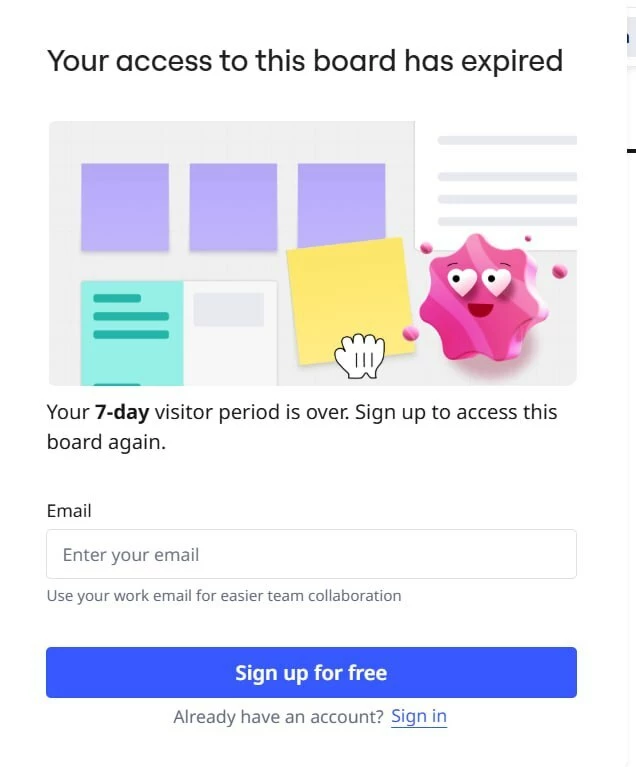
The access to the board has expired

  • May 15, 2026
  • 6 replies
  • 93 views

Hello
Today I’ve faced with the problem that people cannot open the board through the link. So as i understood the access for guests and visitors is limited, but everything always was ok before. Has something changed? Have I missed some updates or is it a bug? I cannot understand what the problem is.
I’m looking forward to responses. Thanks ahead!

6 replies

Robert Johnson
Forum|alt.badge.img+13
  • Volunteer Community Moderator
  • May 15, 2026

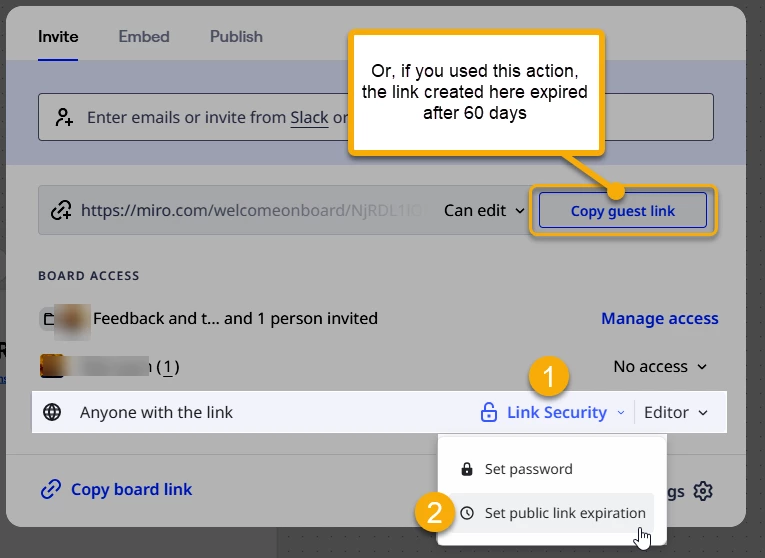
@Yulya Ivaschuk There could be an explanation for both the Guest and Visitor sharing method:


More on the different sharing methods here:

https://help.miro.com/hc/en-us/articles/7045408248594-Visitors-guests-and-members


I’ve been using Miro board for a few years and faced with this problem first time. But from your screenshot I see that there is a function “set public link expiration”, so you can change it?

because I don’t have it.


moreover, checked with other people and now I don’t understand why some people cannot open the link, others can easily… some people just see that


Robert Johnson
Forum|alt.badge.img+13
  • Volunteer Community Moderator
  • May 15, 2026

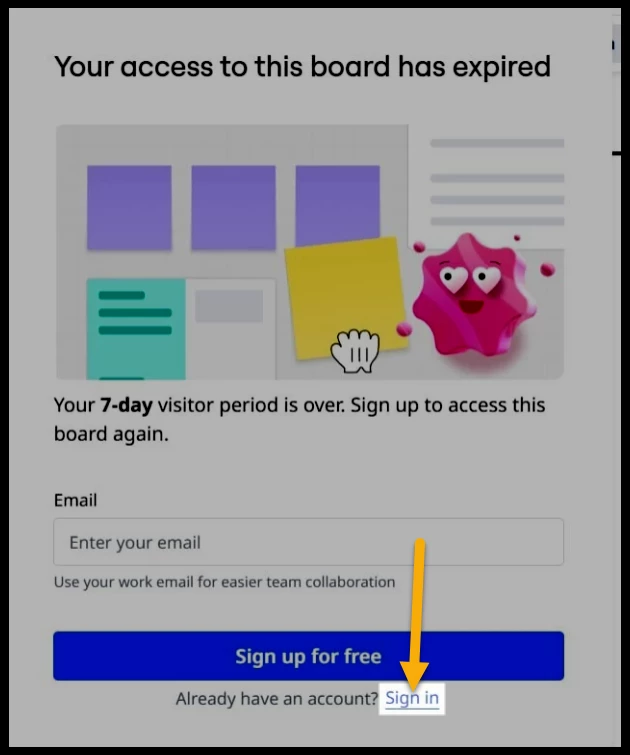
@Yulya Ivaschuk Are you the board owner and you’re not signed in? I ask this because of the “sign in” prompt:


If you are not the owner of the board, you will need to contact the owner to request access.

What you are seeing could be related to the setting I showed (where the owner can set an expiry date/time), a few feature, or perhaps an experiment Miro is running.​​​​​​


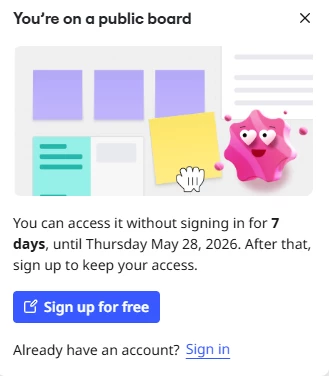
Hey, we encountered a similar problem in the last week. We are on a starter plan, so no access to the public board expiration date for us, but it’s like the 7 day expiration for the public board is now set by default everywhere with no option to change it. I didn’t find any mention about such a large change, so I hope this is some kind of bug or mistake. 


  • Contributor
  • May 23, 2026

I’m also on the startup plan, and have just started seeing that same popup when boards are accessed via link.  This going to cause huge problems for the students of my tutoring business.

Can somebody who knows what’s going on please tell the rest of us?  (I never got a warning about this change in policy.)


Robert Johnson
Forum|alt.badge.img+13
  • Volunteer Community Moderator
  • May 23, 2026

@barncrow I would suggest that you open a ticket with the Miro support team to see if something has changed or if this is perhaps a bug.

Paid subscribers can open a Miro support ticket by following these instructions:

https://help.miro.com/hc/en-us/articles/360020185799-How-to-contact-Miro-Support#h_01F010RXA0E1S9C0WFQYX75R6C